
Practical overview
When it fits
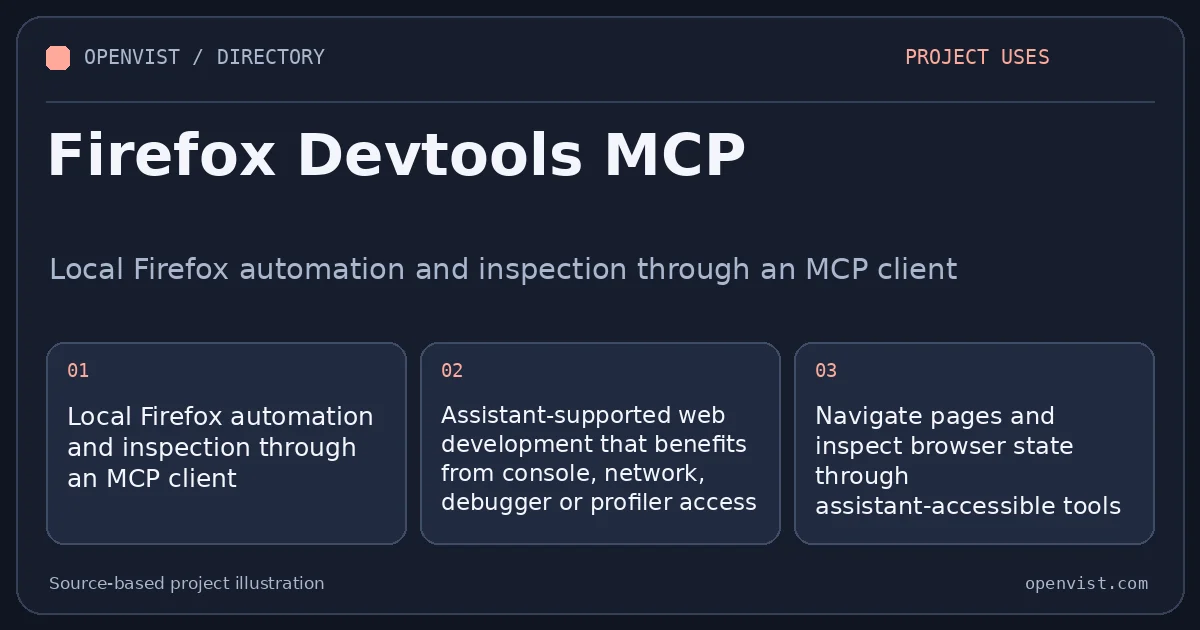
Use it when an MCP-compatible assistant needs to work with a locally installed Firefox browser, either to carry out browser workflows or to inspect a page during development.
Who it is for
- Developers who want an AI assistant to inspect pages they are building using Firefox developer tools.
- People connecting an MCP-compatible assistant to Firefox for page reading, form filling or multi-step website tasks.
Documented uses
- Navigate pages and inspect browser state through assistant-accessible tools.
- Read web pages, fill forms and progress through multi-step website flows.
- Inspect console messages, network requests, debugger and profiler information while developing a site.
- Capture screenshots and snapshots, and manage browser downloads.
Requirements & limits
The server requires Node.js 20.19.0 or later and Firefox 100 or later installed locally. The README documents npx and Docker startup options and identifies Claude Code, Claude Desktop, Cursor, Cline and other MCP clients.
- This is a locally run server that controls Firefox; it is not a hosted browser service.
- The README lists MCP clients and provides setup examples for Claude Code and Codex.
- Tool presets control which groups of capabilities are enabled; the basic preset includes script evaluation, while higher presets expose additional tools.
- The project recommends a dedicated Firefox profile because browser access can include cookies and saved sessions.
Check current requirements in the official documentation. Source-based guidance does not mean OpenViST has run or independently tested this project.
Connect Firefox Devtools MCP to Claude Code
Add the local Firefox Devtools MCP server to Claude Code using the documented npx command.
Before you start
- Node.js 20.19.0 or later
- Firefox 100 or later installed
- Claude Code
Steps
Run
claude mcp add firefox-devtools npx @mozilla/firefox-devtools-mcp@latest.For headless use with a 1280×720 viewport, use the documented variant:
claude mcp add firefox-devtools npx @mozilla/firefox-devtools-mcp@latest -- --headless --viewport 1280x720.
Expected outcome
Claude Code is configured with the Firefox Devtools MCP server command.
Guide limitations
- The server requires a local Firefox installation and is not intended to run on cloud hosting services such as glama.ai.
- Use a dedicated Firefox profile; the connected assistant can access browser-reachable content, including cookies and saved sessions.
Sources & review
Source record details
- Source availability
- Active
- Sources checked
- 11 November 2026
- Original website title
- mozilla/firefox-devtools-mcp · Official homepage title · retained in its source language