
Practical overview
When it fits
Use it when an MCP-compatible assistant needs API-backed access to an Anytype workspace for search or knowledge-base management.
Who it is for
- Anytype users who want to search and manage their knowledge base through an MCP-compatible AI assistant.
- Developers configuring an MCP client to work with Anytype’s API.
Documented uses
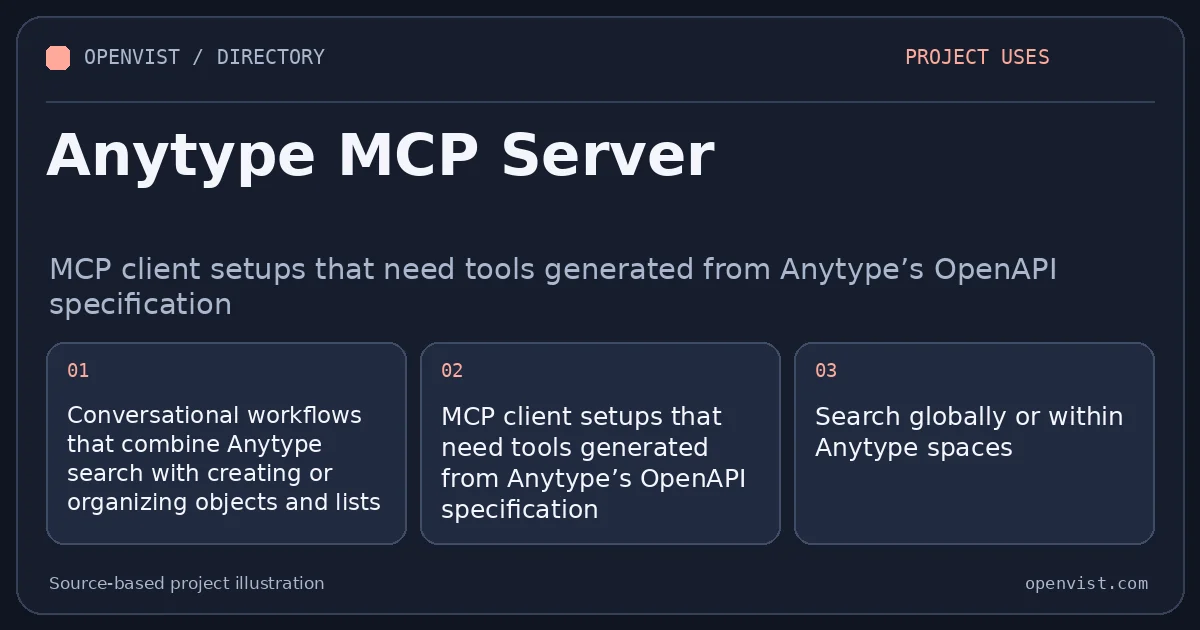
- Search globally or within Anytype spaces.
- Create and manage objects and lists through natural-language requests.
- Work with spaces, members, properties, tags, types and templates using assistant tools.
Requirements & limits
The server requires an Anytype API key. The repository is public and lists an MIT license.
- An MCP-compatible client is needed; the README provides examples for Claude Desktop, Cursor, Windsurf, Raycast and Claude Code.
- The default API endpoint is http://127.0.0.1:31009; anytype-cli uses port 31012 in the documented example, and other endpoints can be set with ANYTYPE_API_BASE_URL.
- The server selects an OpenAPI document at startup and does not rediscover it during that MCP process; restart it after Anytype updates to pick up a newly available API version.
Check current requirements in the official documentation. Source-based guidance does not mean OpenViST has run or independently tested this project.
Connect an MCP client to Anytype
Configure the server in an MCP client so an AI assistant can access Anytype tools.
Before you start
- Anytype with an API key created in App Settings under API Keys.
- An MCP-compatible client and the npx command used in the repository’s configuration example.
Steps
In Anytype, open App Settings, go to API Keys and create a new key.
Add the server configuration to the MCP client, using command npx and argument -y @anyproto/anytype-mcp.
Set OPENAPI_MCP_HEADERS with the API key as a Bearer token and the documented Anytype-Version value.
Expected outcome
The MCP client is configured to start Anytype MCP Server and provide the assistant with Anytype API tools.
Guide limitations
- The configuration requires a valid Anytype API key.
- The default API base URL is http://127.0.0.1:31009; a different endpoint requires setting ANYTYPE_API_BASE_URL.
- The server discovers the OpenAPI specification at startup; restart it after an Anytype update to discover a newly available API version.
Sources & review
Source record details
- Source availability
- Active
- Sources checked
- 11 November 2026
- Original website title
- anyproto/anytype-mcp · Official homepage title · retained in its source language