
Practical overview
When it fits
Use it when working with Butterbase through Claude Code and you want plugin-provided guidance for its MCP tools and backend workflows.
Who it is for
- Developers building or maintaining applications with Butterbase who use Claude Code.
- Teams that want Claude Code guidance for Butterbase backend tasks such as schema design, authentication, security rules and deployment.
Documented uses
- Install the Butterbase plugin and configure its MCP connection for Claude Code.
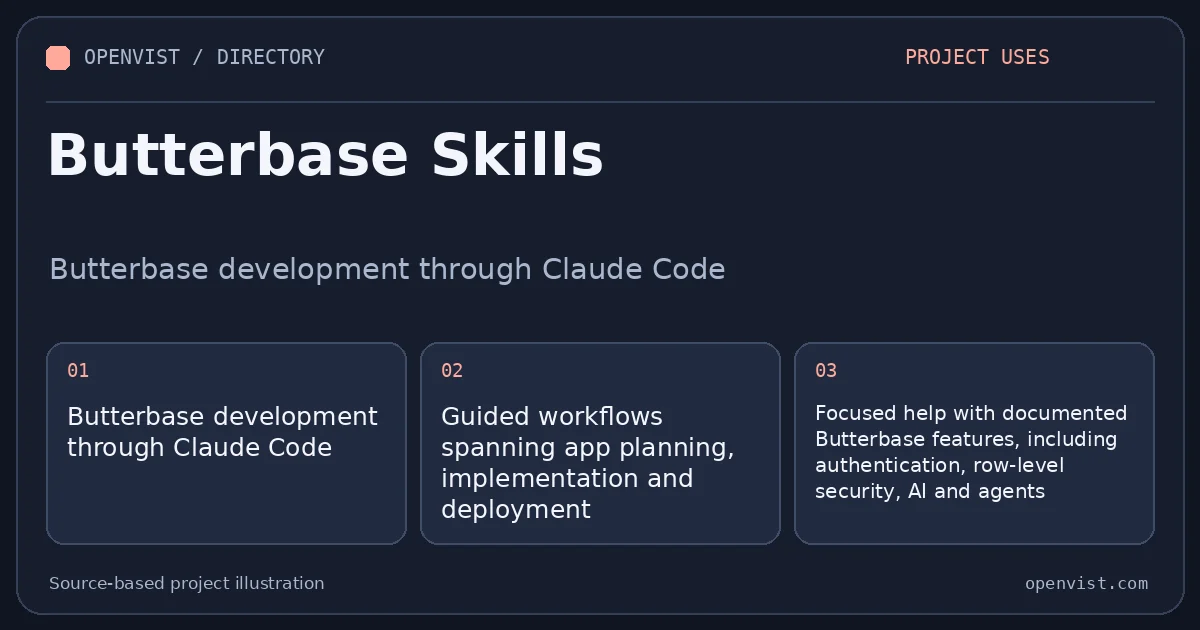
- Ask Claude Code for guided help with Butterbase app building, schema design, authentication, storage, functions and deployment.
- Use focused workflows for Butterbase features such as realtime, AI, agents, RAG, integrations and payments.
Requirements & limits
The README describes plugin installation through the Claude CLI, Butterbase account sign-up, MCP server setup and OAuth consent for each client. It states that sign-in does not require copying an API key. The repository declares an MIT license.
- The plugin’s main role is guidance and MCP connection setup; Butterbase remains the backend service.
- Claude Code workflows are the plugin’s central use, while the MCP installation instructions also cover other detected clients.
- The README lists 39 skills and 34 slash commands, spanning individual tasks and a staged app-building journey.
- The repository is public and declares an MIT license.
Check current requirements in the official documentation. Source-based guidance does not mean OpenViST has run or independently tested this project.
Install and connect the Claude Code plugin
Install Butterbase Skills and complete the documented Butterbase MCP connection setup for Claude Code.
Before you start
- Claude CLI
- A Butterbase account
- Node.js/npm available for the documented npx command
Steps
Add the plugin marketplace with
claude plugin marketplace add https://github.com/butterbase-ai/butterbase-skills.Install it with
claude plugin install butterbase-skills@butterbase-skills.Run the command below to install MCP server configuration across detected clients.
npx @butterbase/cli mcp installRestart Claude Code and initiate OAuth with
/mcporclaude mcp login butterbase.
Expected outcome
The plugin's skills and context load in Claude Code, and Butterbase tools are available after OAuth consent.
Guide limitations
- The setup requires a Butterbase sign-up and OAuth consent for each client.
- The instructions describe setup but do not establish compatibility with every local environment.
Sources & review
Source record details
- Source availability
- Active
- Sources checked
- 11 November 2026
- Original website title
- butterbase-ai/butterbase-skills · Official homepage title · retained in its source language