
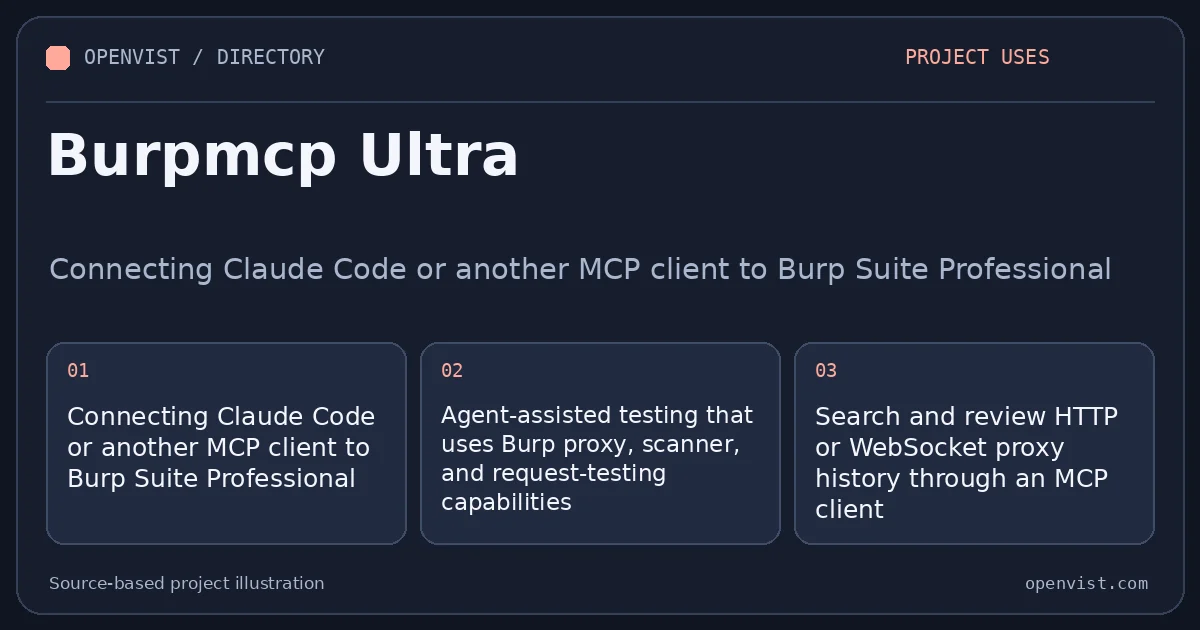
Practical overview
When it fits
Use it when Burp Suite Professional is already part of a security-testing workflow and you want an MCP client to call its capabilities programmatically.
Who it is for
- Security testers who use Burp Suite Professional and want an MCP-compatible AI client to interact with its tools.
- Developers building or configuring agent-assisted web application testing workflows.
Documented uses
- Search and review HTTP or WebSocket proxy history through an MCP client.
- Send or chain HTTP requests and invoke fuzzing or scanning workflows.
- Use Burp capabilities for race-condition and out-of-band testing from a compatible client.
Requirements & limits
The extension runs inside Burp Suite Professional and exposes a local SSE endpoint protected by a token. The README specifies Burp Suite Professional 2025.x or later for use.
- This is a Burp extension and MCP bridge; it relies on Burp Suite Professional rather than replacing it.
- The documented connection is local SSE with a required token, and client configuration must match the endpoint and authentication format.
- Running the extension and building it have different Java requirements: Burp’s bundled Java 17+ can run it, while source builds require a JDK 17–21.
- The README lists 150 tools across 37 categories, including proxy history, HTTP requests, fuzzing, scans and race-condition testing.
Check current requirements in the official documentation. Source-based guidance does not mean OpenViST has run or independently tested this project.
Build and connect Burpmcp Ultra to an MCP client
Build the extension, load it into Burp Suite Professional, and configure an MCP client to connect through the local SSE server.
Before you start
- Burp Suite Professional 2025.x or later to run the extension.
- A JDK 17–21 and the included Gradle wrapper to build from source.
- An MCP client; the README provides a Claude Code configuration example.
Steps
Clone the repository, enter its directory, and run ./gradlew shadowJar on Linux or macOS, or gradlew.bat shadowJar on Windows.
In Burp Suite Professional, open Extensions, choose Add, and select the generated JAR.
Copy the connection token from the extension’s Server tab.
Configure the MCP client to use the local SSE root endpoint and provide the token in an Authorization header; the README also documents a token-in-path form for clients that cannot set headers.
Expected outcome
The extension runs in Burp and the configured MCP client can connect to its local server.
Guide limitations
- The build requires a JDK 17–21; the repository warns that Java 22 or later is incompatible with its build toolchain.
- The endpoint uses the root path, not /sse. The token is required, and the token-in-path URL must retain its trailing slash.
Sources & review
Source record details
- Source availability
- Active
- Sources checked
- 21 November 2026
- Original website title
- Cy-S3c/BurpMCP-Ultra · Official homepage title · retained in its source language