
Practical overview
When it fits
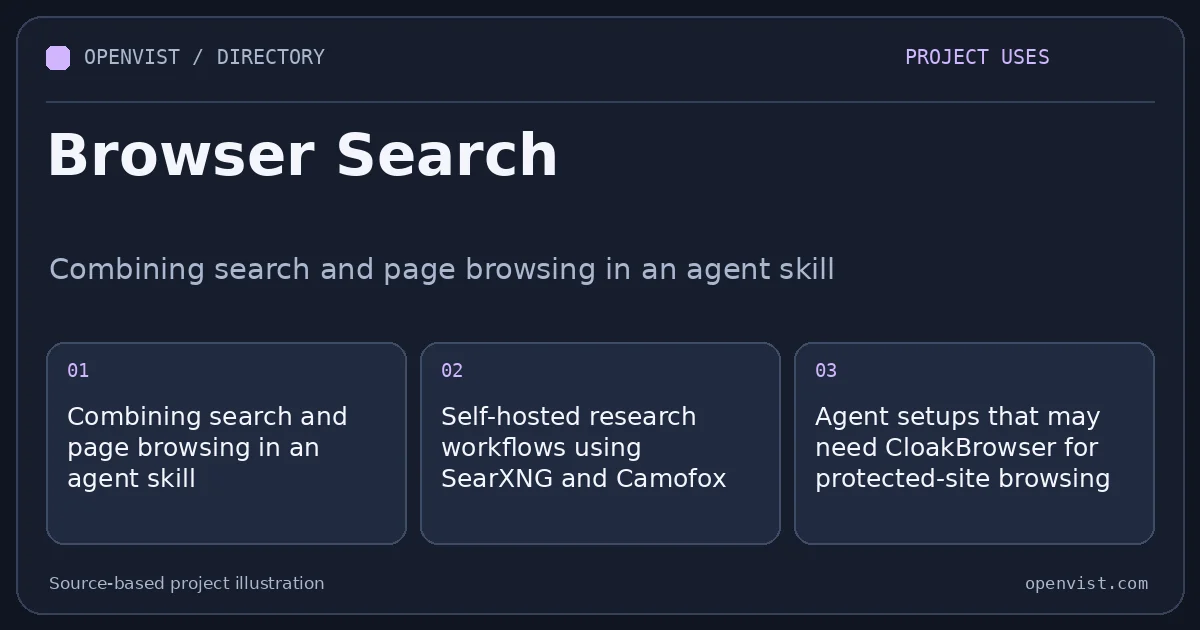
Use it when an AI-agent workflow needs search followed by browser-based inspection of sources, with a separate browser path for protected pages.
Who it is for
- People configuring AI coding agents for web research.
- Developers who want an agent to search for sources and then inspect web pages.
- Self-hosters willing to configure the skill’s supporting services.
Documented uses
- Search the web through SearXNG as the first stage of research.
- Browse standard sites through Camofox after finding search results.
- Use CloakBrowser as a browser option for sites presenting anti-bot protections.
- Structure research so the agent checks and cross-references sources before answering.
Requirements & limits
The repository is public and MIT-licensed. The README requires Node.js 20.19 or later; SearXNG and Camofox need separate Docker containers, while CloakBrowser requires npm dependency installation and binary setup. The project describes the stack as self-hosted and free.
- SearXNG handles search, while Camofox and CloakBrowser handle browser access; these supporting services have separate setup requirements.
- The README specifies an additional npm installation and binary setup for CloakBrowser after installing the skill.
- The repository does not include platform-specific Docker Compose files or install scripts.
- The README lists OpenCode, Claude Code, Cursor and OpenClaw as agent environments.
Check current requirements in the official documentation. Source-based guidance does not mean OpenViST has run or independently tested this project.
Install the browser-search skill and its CloakBrowser dependency
Add the skill to an AI agent and install the npm dependency required for CloakBrowser features.
Before you start
- Node.js 20.19 or later.
- An AI agent supported by the skills installer.
- For the manual-clone route: Git.
Steps
Install the skill with the command below, or clone
https://github.com/Johell1NS/browser-searchand enter the cloned directory.npx skills add Johell1NS/browser-searchFor the skills-installer route, change to the installed skill directory. The README gives OpenCode examples:
~/.config/opencode/skills/browser-searchor the project-local.agents/skills/browser-search. For the clone route, the directory isbrowser-search.Run the command below in the skill directory.
npm installRun the command below to download the CloakBrowser binary.
node -e "import('cloakbrowser').then(c => c.ensureBinary())"Run the command below to verify the installation.
bash scripts/check.sh
Expected outcome
The skill and its CloakBrowser npm dependency and binary are installed, and the documented verification script has been run.
Guide limitations
- The skills installer copies files but does not run
npm installautomatically. - Without installing the CloakBrowser dependency,
smart-extractCloakBrowser fallback or full-auto escalation fails withERR_MODULE_NOT_FOUND. - SearXNG and Camofox need separate Docker containers; the README says they must be running before using the skill.
- The project does not provide platform-specific Docker Compose files or install scripts.
Sources & review
Source record details
- Source availability
- Active
- Sources checked
- 11 November 2026
- Original website title
- Johell1NS/browser-search · Official homepage title · retained in its source language