
Practical overview
When it fits
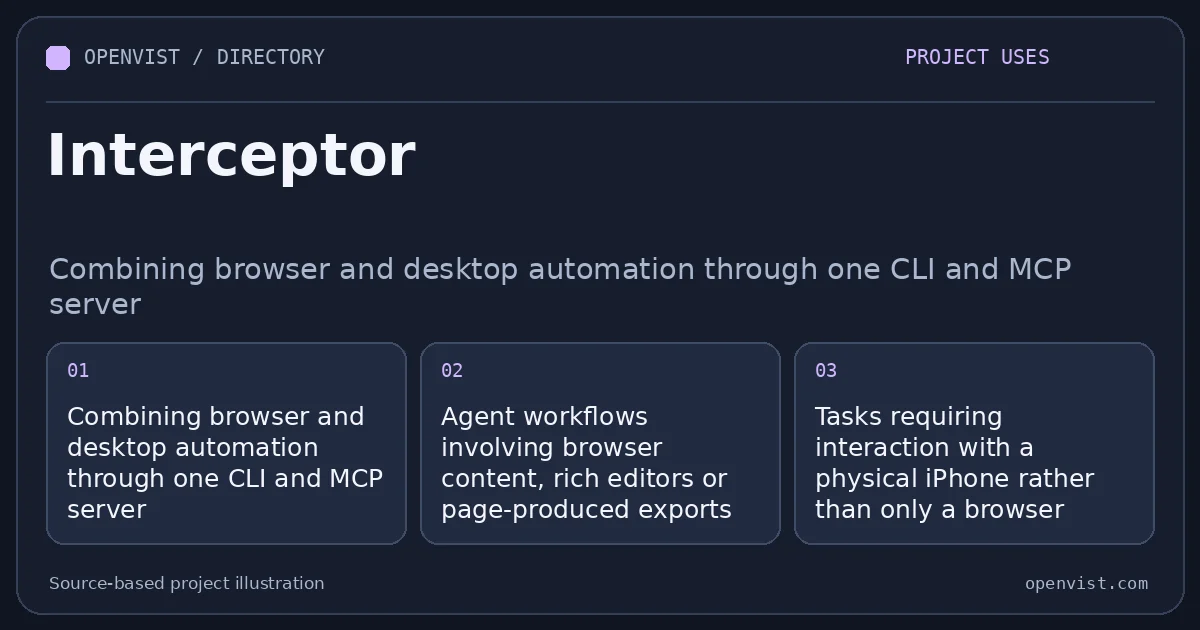
Use it when an agent that can run shell commands needs a documented path to browser, native desktop or physical iPhone controls, especially where work depends on an existing signed-in session.
Who it is for
- Developers connecting shell-capable agents to browser or computer-use actions.
- People automating work in a signed-in browser session.
- Teams or individual users whose agent tasks involve native desktop apps or physical iPhones.
Documented uses
- Read browser page text, tables and links, then act within an existing browser session.
- Inspect browser traffic and work with supported rich editors and exported files.
- Control native desktop interfaces using accessibility controls and background input.
- Operate iPhone apps using device elements, taps, text entry and screenshots.
- Record browser or Mac workflows and export replay plans.
Requirements & limits
The project says a model API key is not required by Interceptor itself; the selected agent or model may have separate subscription or API costs. The README lists Elastic License 2.0.
- Browser automation requires both the local runtime and browser extension.
- The README distinguishes Full installation, which includes desktop capabilities, from Browser-only installation.
- macOS native controls require permissions appropriate to the task; Safari extension and website access must be approved.
- The project lists Chrome, Brave, Edge and Safari browser contexts, and describes Windows, Linux, macOS and iPhone use.
- iPhone automation is described for a physical device connected by USB, Wi-Fi or Tailscale.
Check current requirements in the official documentation. Source-based guidance does not mean OpenViST has run or independently tested this project.
Install Interceptor on macOS
Set up the local runtime and browser extension, then grant permissions for the macOS features you plan to use.
Before you start
- A Mac running macOS; the one-command installer is documented for Apple silicon.
- A browser for browser automation. The local runtime and browser extension are both required.
- For native macOS control, permission access relevant to the task.
Steps
Run the documented macOS installer, or install the Browser or Full package.
Install the Interceptor extension in Chrome or Brave if it was not added during setup; for Safari, install the Safari package, open the app once, then enable Interceptor and website access in Safari settings.
For Full installation, grant the permissions required for the intended task using the documented trust walkthrough.
Expected outcome
The local runtime and browser extension are installed; the permissions granted determine which documented macOS capabilities can be used.
Guide limitations
- Safari requires user approval for extension and website access.
- The documented one-command installer is specified for Apple silicon; package installation is also described.
- The steps establish setup only and do not demonstrate a completed automation task.
Sources & review
Source record details
- Source availability
- Active
- Sources checked
- 10 November 2026
- Original website title
- Hacker-Valley-Media/Interceptor · Official homepage title · retained in its source language