
Practical overview
When it fits
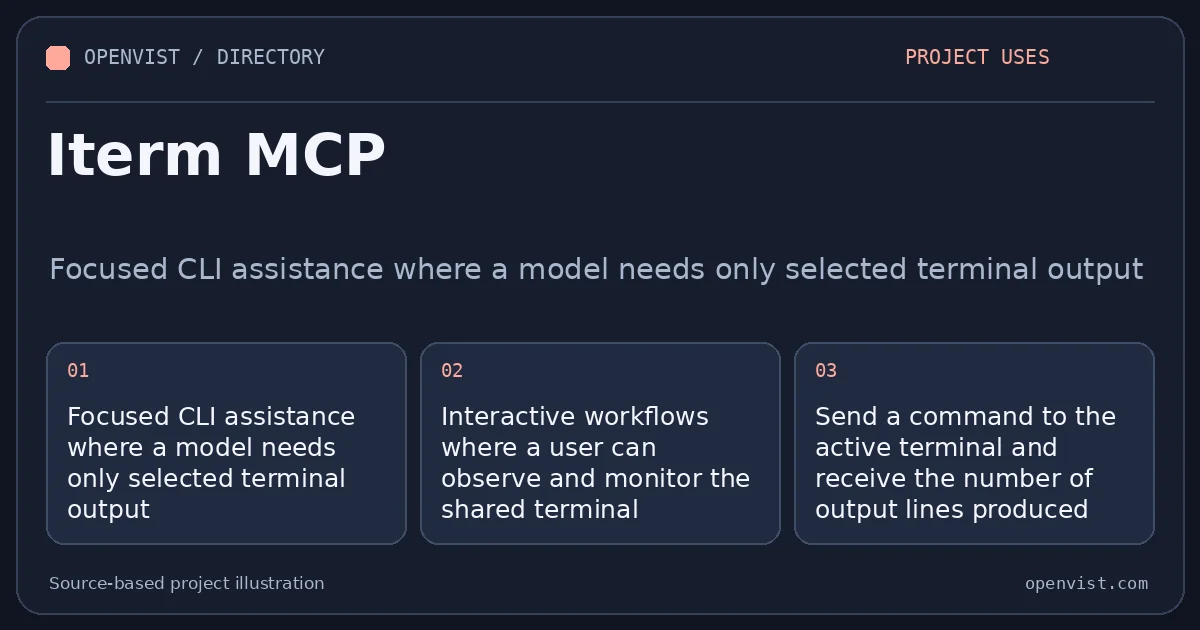
Use it when an MCP-connected assistant needs to inspect terminal output or interact with commands and REPLs in an active iTerm session.
Who it is for
- Developers who want an MCP-compatible assistant to work with an active iTerm session.
- Users who need model assistance with command-line output or interactive REPLs.
Documented uses
- Send a command to the active terminal and receive the number of output lines produced.
- Read a requested number of lines from terminal output.
- Send terminal control characters, including interrupt or suspend actions.
- Start or interact with REPLs through the shared terminal.
Requirements & limits
The project is open source under the MIT license. The documented Claude Desktop configuration uses Node.js 18 or later and requires iTerm2 to be running.
- The terminal tools provide command writing, line-based output reading, and control-character sending.
- The server communicates with MCP clients over stdio and can be launched with npx.
- There are no built-in restrictions that evaluate command safety; users are responsible for monitoring model activity.
Check current requirements in the official documentation. Source-based guidance does not mean OpenViST has run or independently tested this project.
Configure Iterm MCP for Claude Desktop
Add the Iterm MCP server entry to Claude Desktop's MCP configuration.
Before you start
- Node.js 18 or later
- iTerm2 running
- Claude Desktop
Steps
Open Claude Desktop's configuration file: ~/Library/Application Support/Claude/claude_desktop_config.json on macOS, or %APPDATA%/Claude/claude_desktop_config.json on Windows.
Add an mcpServers entry named iterm-mcp with command npx and args ["-y", "iterm-mcp"].
Expected outcome
The configuration specifies Iterm MCP as a server for Claude Desktop.
Guide limitations
- The setup requires iTerm2 to be running and Node.js 18 or later.
- The project provides terminal access without built-in command-safety restrictions; monitor activity and interrupt when appropriate.
Sources & review
Source record details
- Source availability
- Active
- Sources checked
- 10 November 2026
- Original website title
- ferrislucas/iterm-mcp · Official homepage title · retained in its source language