
Practical overview
When it fits
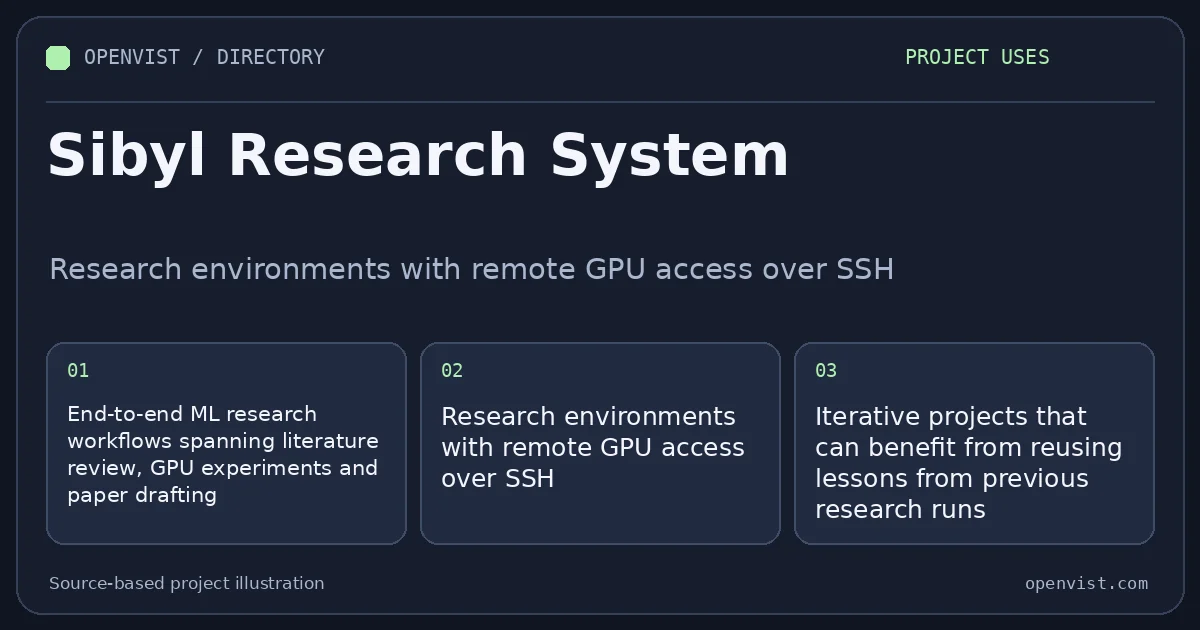
Use it when you have an ML research specification and the Claude Code, API-key, GPU and SSH prerequisites to support a multi-stage agent workflow, or when you want to use a documented research stage as a standalone aid.
Who it is for
- ML researchers seeking to coordinate literature review, experiment planning and GPU runs in one agent workflow.
- Research teams with a GPU server and SSH access that want to use Claude Code agents for project-level research tasks.
- Researchers who want to use individual stages such as literature search, idea debate or experiment planning as aids.
Documented uses
- Review scientific literature and develop research hypotheses.
- Coordinate agents to debate ideas and plan experiments.
- Run research experiments in parallel on GPU infrastructure.
- Iterate on research and papers based on experiment results and review.
- Write and review research papers, including a LaTeX compilation workflow.
Requirements & limits
- The system is built around Claude Code rather than presented as a standalone web service.
- Manual setup requires Python 3.12+, Node.js 18+, an Anthropic API key, Claude Code, a GPU server with SSH access and two MCP servers.
- The README describes more than 20 specialized agents and a 19-stage pipeline.
- tmux is strongly recommended for persistent sessions during long-running experiments.
- The recommended permission-skipping option grants Claude Code unrestricted execution; the project advises using it only on dedicated research machines.
Check current requirements in the official documentation. Source-based guidance does not mean OpenViST has run or independently tested this project.
Set up Sibyl and initialize a workspace
Install the documented dependencies and prepare Sibyl for a research project.
Before you start
- Python 3.12 or later and Node.js 18 or later
- Claude Code CLI and an ANTHROPIC_API_KEY
- CLAUDE_CODE_EXPERIMENTAL_AGENT_TEAMS=1
- GPU server with SSH access
- tmux is strongly recommended
Steps
Clone the Sibyl repository and enter its directory.
Run chmod +x setup.sh && ./setup.sh to create the virtual environment, install dependencies and configure MCP interactively.
Launch Claude Code with the repository plugin and run /sibyl-research:init to verify installation and prepare the first workspace.
Expected outcome
Sibyl's documented initialization stage prepares the installation and first workspace; project execution is a separate next step.
Guide limitations
- The setup documentation describes a permission-skipping Claude Code launch option as recommended for autonomous workflows, but warns it grants unrestricted execution and should be used only on dedicated research machines.
- A GPU server and SSH access are prerequisites; this setup guide does not establish that a research run will complete successfully.
Start or resume a workspace research run
Use Sibyl's documented Claude Code commands to start a project from a specification or continue a workspace.
Before you start
- Sibyl setup and initialization completed
- A project workspace under workspaces/
- A specification file for a new project
Steps
Launch Claude Code from the target project workspace root, not the repository root or the workspace's current subdirectory.
For a new project, run /sibyl-research:start spec.md inside Claude Code.
To resume that workspace, run /sibyl-research:continue .
Expected outcome
The documented commands start a new project from its specification or continue the current workspace.
Guide limitations
- The repository recommends tmux because experiments can run for hours and sessions may need to persist through terminal disconnections.
- The README documents the commands and workflow but does not guarantee experiment outcomes or paper quality.
Compare options for Agent orchestration
These projects document a common task and share a project role. This is a source-based comparison, not an execution benchmark or a guarantee of interchangeability.
| Project | Documented purpose | Platform | Access and requirements |
|---|---|---|---|
| Sibyl Research System | Review scientific literature and develop research hypotheses. | CLI | |
| SP-Mind | Turn a natural-language analysis request into a multi-stage spatial proteomics workflow. | Linux, Self-hosted | The repository is public and licensed under Apache-2.0. Running the agent requires an Anthropic API key, along with the documented local software and container setup. |
| Local RAG Researcher with DeepSeek R1 & LangGraph | Turn a user instruction into research questions and retrieve relevant local documents. | Self-hosted | The documented application is run from the Python repository on a self-hosted setup. The README lists Python 3.9 or later and Ollama as prerequisites; it describes a Tavily API key as optional for web search. |
Sources & review
Source record details
- Source availability
- Active
- Sources checked
- 23 October 2026
- Original website title
- Sibyl-Research-Team/AutoResearch-SibylSystem · Official homepage title · retained in its source language