
Practical overview
When it fits
Use Late from a project directory when you want a command-line agent to coordinate extended coding work through a lead orchestrator and isolated workers.
Who it is for
- Developers coordinating multi-step coding tasks through a CLI.
- Developers who want to run coding workflows with a cloud provider or a local model.
Documented uses
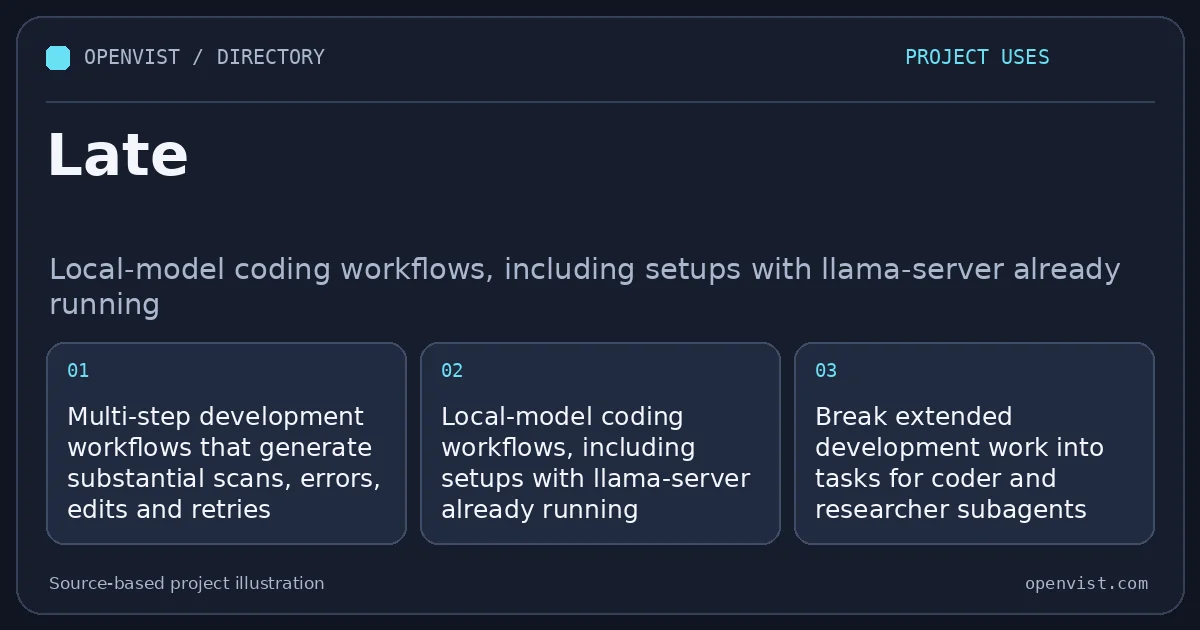
- Break extended development work into tasks for coder and researcher subagents.
- Keep the lead agent focused on plans and verifiable results instead of execution traces.
- Use logit biasing with llama.cpp or llama-server to suppress some redundant reasoning tokens, with effects varying by model.
Requirements & limits
Late is distributed as a command-line binary. The README documents installation routes for Linux, macOS, Windows Subsystem for Linux and manual binaries for native Windows.
- The project’s central design is isolated, temporary coder and researcher contexts, with structured diagnostics returned to the lead.
- Late supports cloud providers and local models; its README specifically notes automatic discovery of an already-running llama-server.
- The README describes a single statically compiled binary with no Python virtual environment or Node.js dependency.
- Logit biasing is described for llama.cpp and llama-server, and its effect varies by model.
Check current requirements in the official documentation. Source-based guidance does not mean OpenViST has run or independently tested this project.
Install Late and launch it in a project
Install Late on a supported platform and start its interactive interface from a project directory.
Before you start
- Linux or macOS for the documented Homebrew installation, or Linux, macOS, or Windows WSL for the installer script.
- A project directory to enter before launching Late.
Steps
On Linux or macOS, install with
brew tap mlhher/late && brew install late, or use the universal installer with the command below.curl -sfL https://raw.githubusercontent.com/mlhher/late-cli/main/install.sh | bashChange into your project directory with
cd your-project.Run
lateto launch interactively.
Expected outcome
Late is installed and launched interactively from the project directory.
Guide limitations
- The listed installer script supports Linux, macOS, and Windows WSL; the Homebrew instructions are for Linux and macOS.
- The README also links to manual binaries for Linux, macOS, and native Windows, but does not document their installation steps here.
- The README states Late finds an already-running
llama-serverautomatically; it does not provide steps to configure or start one.
Compare options for AI coding assistance
These projects document a common task and share a project role. This is a source-based comparison, not an execution benchmark or a guarantee of interchangeability.
| Project | Documented purpose | Platform | Access and requirements |
|---|---|---|---|
| Late | Break extended development work into tasks for coder and researcher subagents. | CLI | Late is distributed as a command-line binary. The README documents installation routes for Linux, macOS, Windows Subsystem for Linux and manual binaries for native Windows. |
| Ouijit | Run multiple coding-agent tasks in separate repository worktrees and terminals. | macOS, Linux, Desktop, Self-hosted | The project describes Ouijit as free and open source, and its about page says no account or sign-in is needed. The documented desktop platforms are macOS 13 or later and Linux x64. |
| Sortie AI | Select tracker issues for agent work using a configured workflow. | macOS, Linux, Windows, Docker, Self-hosted, Server | The project describes Sortie as free and open-source under Apache-2.0, with no registration for using Sortie itself. Configured trackers and agents may require their own credentials. |
Sources & review
Source record details
- Source availability
- Active
- Sources checked
- 23 October 2026
- Original website title
- mlhher/late-cli · Official homepage title · retained in its source language