
Practical overview
When it fits
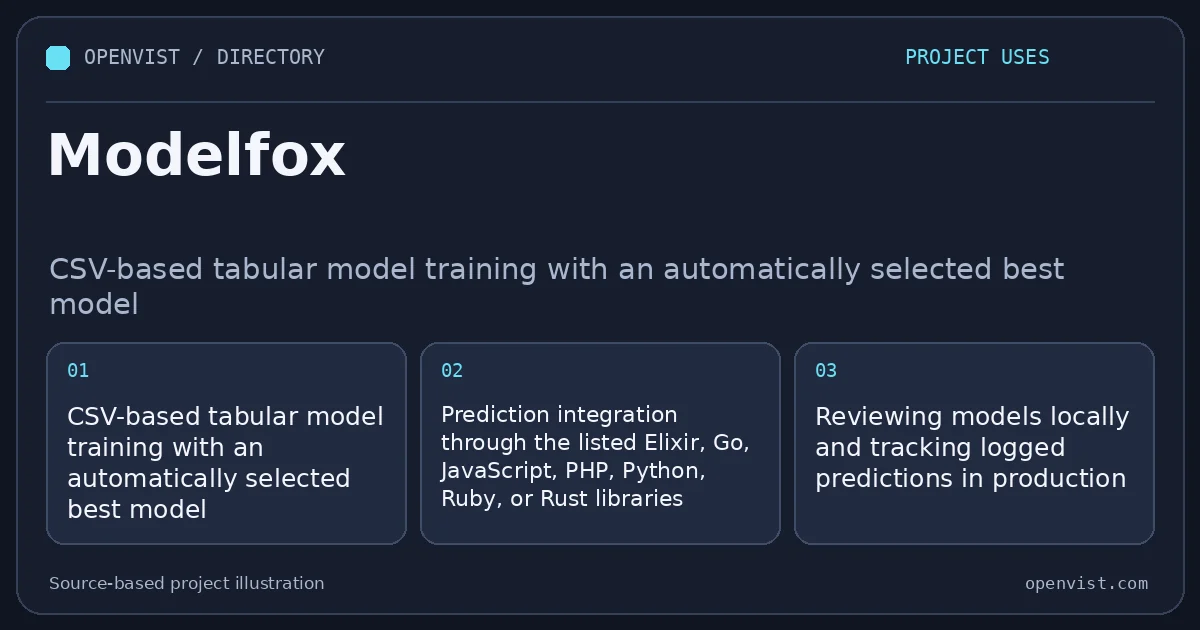
Use ModelFox when the work starts with tabular CSV data and needs a path from command-line model training to application predictions and browser-based inspection. Its monitoring workflow is relevant when an application can log predictions and later supply their true values.
Who it is for
- Developers training tabular machine-learning models from CSV data.
- Application teams adding model predictions in one of ModelFox's seven documented languages.
- Teams that want to inspect model metrics or log predictions and later record their true values for production monitoring.
Documented uses
- Train candidate models to predict a specified CSV column and save the best model.
- Load a saved model in an application and make predictions through a language-specific library.
- Review model statistics, metrics, tuning options, and explained example predictions in a browser.
- Log production predictions and later add true values to track performance and investigate drift.
Requirements & limits
The CLI can be installed from a GitHub release binary or built from source. Building from source requires the nightly Rust toolchain. The `crates/app` directory is free to use for testing but requires a paid license for production use.
- The training input is a CSV file and the prediction target is a named column.
- The automatic workflow trains linear and gradient-boosted decision-tree models; a config file provides more control.
- The browser workflow runs through
modelfox appathttp://localhost:8080and requires a model upload. - Production monitoring is opt-in: applications log predictions and can later log their true values.
- The app's production license differs from the MIT license covering the rest of the repository.
Check current requirements in the official documentation. Source-based guidance does not mean OpenViST has run or independently tested this project.
Train a model from a CSV file
Create a ModelFox model file by training against a named target column.
Before you start
- The ModelFox CLI, installed from a GitHub release binary or built from source.
- A CSV file and the name of the column to predict.
Steps
Run
modelfox trainwith the CSV path, target column, and output path.Allow the CLI to transform the data into features and train candidate models.
Use the generated
.modelfoxfile in a prediction library.
Expected outcome
The CLI writes its best trained model to the specified `.modelfox` file.
Guide limitations
- The documented automatic workflow trains linear and gradient-boosted decision-tree models.
- A configuration file is available for users who need more training control.
Inspect a trained model in the browser
Open a trained model in ModelFox's browser interface to review its metrics and example predictions.
Before you start
- The ModelFox CLI.
- A trained model file.
Steps
Run
modelfox app.Open
http://localhost:8080in a browser.Upload the trained model to view statistics, metrics, tuning options, and example predictions with explanations.
Expected outcome
The browser interface displays model information and supports model tuning and example predictions.
Guide limitations
- The documented workflow is local and requires uploading the model to the running app.
- The app's
crates/appdirectory requires a paid license for production use; it is free to use for testing.
Sources & review
Source record details
- Source availability
- Active
- Sources checked
- 22 October 2026
- Original website title
- modelfoxdotdev/modelfox · Official homepage title · retained in its source language