
Practical overview
When it fits
Use it when you have a YouTube video with an accessible subtitle track and want to produce short, captioned vertical clips on Windows.
Who it is for
- Creators making short vertical clips from longer YouTube videos.
- Developers preparing the Windows desktop app from its MIT-licensed repository.
Documented uses
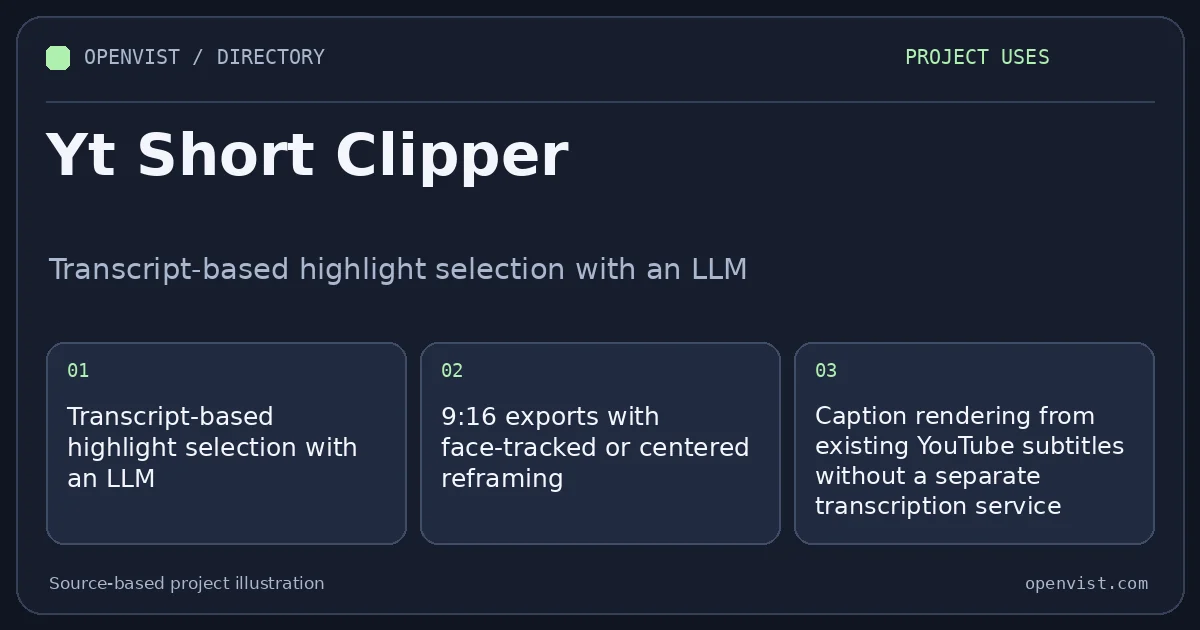
- Find candidate highlight segments from a video's subtitle transcript.
- Guide highlight selection with a time range, topic or exclusion instruction.
- Reframe footage to portrait using face tracking or centered layouts.
- Burn word-by-word captions from the original YouTube subtitle track into an MP4.
- Optionally add hook text or watermarks, then upload and schedule through Repliz.
Requirements & limits
The documented application is Windows-only and in beta. The README describes an in-app AI wallet or a user-supplied OpenAI-compatible provider key. Using the clipping workflow requires supplying your own YouTube cookies file.
- Highlight selection relies on the video's subtitle transcript; the app retrieves the original subtitle track with yt-dlp.
- Face-tracking reframing uses MediaPipe; centered black-bar and blurred-fill modes skip per-frame face detection and are described as faster.
- The app renders word-by-word captions from the original subtitle track rather than using a transcription API or local Whisper model.
- Build prerequisites include Windows 10 or 11, PowerShell, Node.js 18 or later, stable Rust and Python 3.13 or later.
- The README warns that exported cookies grant access to the user's Google account and should be kept private.
Check current requirements in the official documentation. Source-based guidance does not mean OpenViST has run or independently tested this project.
Prepare the Windows development build
Install the documented dependencies and build the Python sidecar used by the desktop app.
Before you start
- Windows 10 or 11 with PowerShell
- Node.js v18 or later
- Stable Rust
- Python 3.13 or later
Steps
Install the Node dependencies with npm install.
Install Python dependencies with py -m pip install -r requirements.txt.
Fetch FFmpeg and Deno using scripts/fetch-deps.ps1.
Build the Python sidecar with npm run build:sidecar.
Expected outcome
The documented setup sequence installs project dependencies, downloads runtime binaries and builds the Python sidecar executable.
Guide limitations
- FFmpeg must be a GnuTLS build; the README says Schannel builds hang on byte-range requests.
- The project is Windows-only and in beta; the README warns of rough edges and breaking changes between releases.
Sources & review
Source record details
- Source availability
- Active
- Sources checked
- 4 November 2026
- Original website title
- jipraks/yt-short-clipper · Official homepage title · retained in its source language