
Practical overview
When it fits
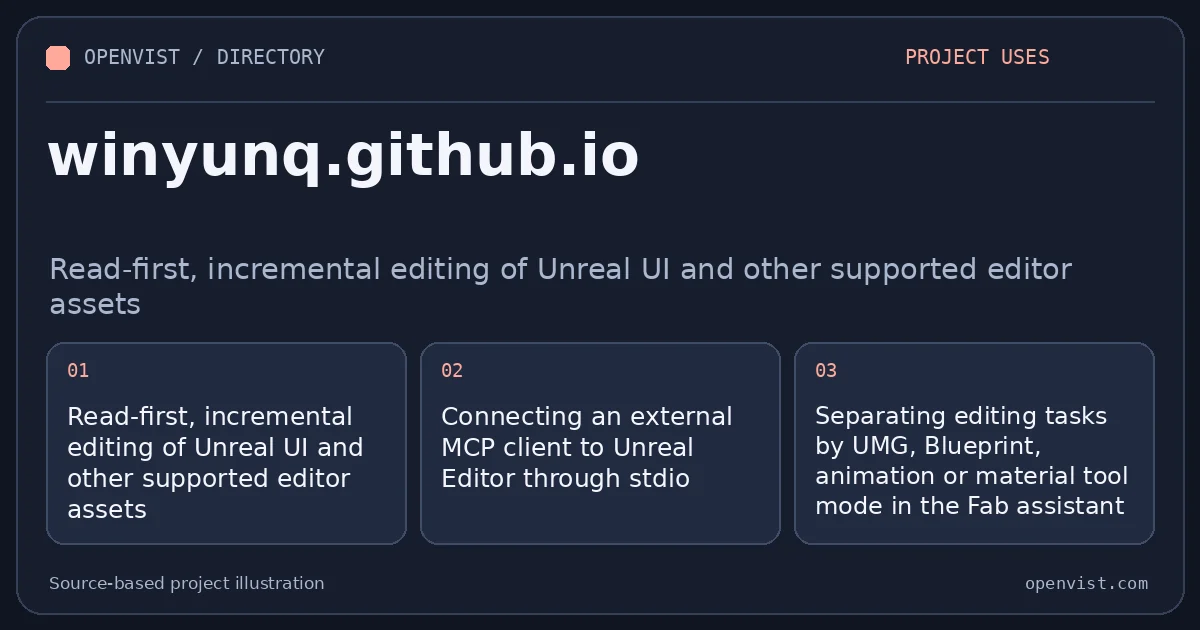
Use it when an Unreal Editor task benefits from an AI client inspecting structured project content or making targeted edits through MCP tools. Choose the open-source route for an external client, or the Fab route for the documented in-editor assistant.
Who it is for
- Unreal Engine developers who want an MCP-capable AI client to inspect and edit project assets.
- Teams or individuals working on UI widgets, Blueprints, animations, materials or editor asset workflows.
- Developers who want an in-editor assistant with selectable tool modes, using the Fab distribution.
Documented uses
- Read a widget tree and inspect the target UI asset before editing.
- Make AI-assisted changes to UMG widgets, Blueprints, Sequencer content, materials or editor assets.
- Discover Unreal Editor instances and connect to the intended project.
- Compile or review diagnostics after applicable Blueprint or material writes, then read the result back.
Requirements & limits
The documented open-source setup requires Windows 64-bit, UE 5.8, Git, a C++ build environment, uv and an MCP-stdio client. The Fab instructions list Windows 64-bit builds for UE 5.6, 5.7 and 5.8; its in-editor route does not require Python.
- The open-source and Fab versions have different workflows: external MCP client versus an additional in-editor assistant.
- The documented open-source source baseline is UE 5.8 / Win64, while the Fab package instructions cover UE 5.6–5.8 / Win64.
- External clients use the Python/uv stdio server; the Fab in-editor path does not require Python.
- The setup guidance emphasizes selecting the correct editor instance and asset, inspecting before writing, and reading back after changes.
Check current requirements in the official documentation. Source-based guidance does not mean OpenViST has run or independently tested this project.
Set up the open-source MCP route on Windows
Prepare the plugin and configure an external MCP-stdio client to connect to Unreal Editor.
Before you start
- UE 5.8 and Windows 64-bit
- Git, a usable C++ build environment and uv
- An AI client that supports MCP stdio
Steps
Clone the repository into the project’s Plugins directory and keep the plugin folder name UmgMcp.
Open the project in UE 5.8, enable the plugin, allow Unreal Build Tool to compile the Editor module, then restart the editor.
Use uv to start UmgMcpServer.py from the plugin’s Resources/Python directory as a standalone diagnostic; the MCP client normally starts the server.
Add the documented uv command and Resources/Python directory to the client’s MCP server configuration.
Connect, select the intended target asset and read its widget tree before attempting a write.
Expected outcome
The external MCP client is configured to connect to the Unreal Editor plugin and inspect a selected widget asset.
Guide limitations
- The public source baseline in the instructions is UE 5.8 / Win64.
- Windows paths in JSON configuration must escape backslashes.
- The standalone server command is described as a diagnostic, not the normal client launch path.
Set up the Fab version’s in-editor assistant
Install a matching Fab plugin build, enable its assistant and choose a documented AI provider route.
Before you start
- Fab / Epic Launcher and a matching UE 5.6, 5.7 or 5.8 Windows 64-bit plugin build
- A provider option such as Gemini, Zhipu AI, a custom compatible endpoint, Codex CLI or LiteRT-LM
Steps
Install the Fab plugin build that matches the Unreal Engine version; do not substitute a package built for another version.
Enable UmgMcp and restart Unreal Editor.
In Editor Preferences under Plugins → UmgMcp, configure only the provider route you plan to use.
Open UMG AI Assistant and select the relevant UMG, Blueprint, Animation or Material tool mode.
Start with a read-only inspection of a specific asset, then request an incremental change after confirming the target and structure.
Expected outcome
The in-editor assistant is configured for a selected provider and tool mode, ready to inspect a target asset before editing.
Guide limitations
- The documented Fab package line covers UE 5.6, 5.7 and 5.8 on Windows 64-bit.
- External Codex or Claude control of the Fab package uses the separate Python/uv MCP route.
- The guide recommends a full editor restart after first enabling the plugin or switching versions.
Sources & review
Source record details
- Source availability
- Active
- Sources checked
- 17 November 2026
- Original website title
- UMG MCP — 功能、版本差异与完整阅读指南 · Official homepage title · retained in its source language