
Practical overview
When it fits
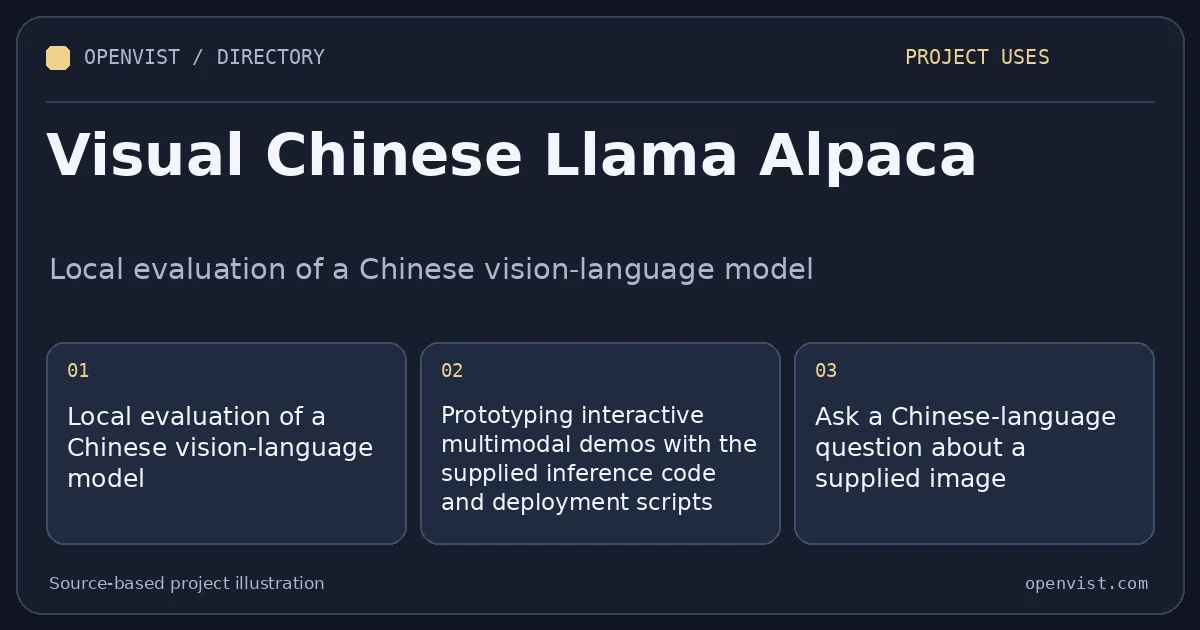
Use VisualCLA when you want to experiment with Chinese image-and-text prompting and can assemble its required base models and incremental weights.
Who it is for
- Researchers and developers exploring Chinese vision-language models.
- People prototyping image-question answering, visual reasoning or OCR-related workflows.
- Users evaluating multimodal inference through the repository's Gradio or Text Generation WebUI deployment scripts.
Documented uses
- Ask a Chinese-language question about a supplied image.
- Test image-and-text instruction-following dialogue.
- Explore visual question answering, visual reasoning, image captioning and OCR-related tasks.
Requirements & limits
The repository lists Apache-2.0. Its downloadable release is incremental weights, not a standalone complete model; use requires Chinese-Alpaca-Plus 7B and CLIP-ViT-L/14 base models.
- The documented release is VisualCLA-7B-v0.1, described as a preview test version that remains under development.
- The model combines a ViT-based vision encoder, a six-layer resampler and a LLaMA-based language model.
- The optional merge step is described as producing a model of about 14 GB and using about 20 GB of memory.
- The repository provides inference code and deployment scripts for Gradio and Text Generation WebUI.
Check current requirements in the official documentation. Source-based guidance does not mean OpenViST has run or independently tested this project.
Install the VisualCLA Python project
Install the repository's model code into the local Python search path as the documented starting point for model use.
Before you start
- A local copy of the repository.
- Python with pip available.
Steps
Clone the repository: git clone https://github.com/airaria/Visual-Chinese-LLaMA-Alpaca
Change into the Visual-Chinese-LLaMA-Alpaca directory.
Run pip install -e .
Expected outcome
The project code is installed in editable mode in the Python environment.
Guide limitations
- This covers installation only; it does not load model weights or run inference.
- The README describes VisualCLA-7B-v0.1 as a preview test release.
Sources & review
Source record details
- Source availability
- Active
- Sources checked
- 13 November 2026
- Original website title
- airaria/Visual-Chinese-LLaMA-Alpaca · Official homepage title · retained in its source language