
Practical overview
When it fits
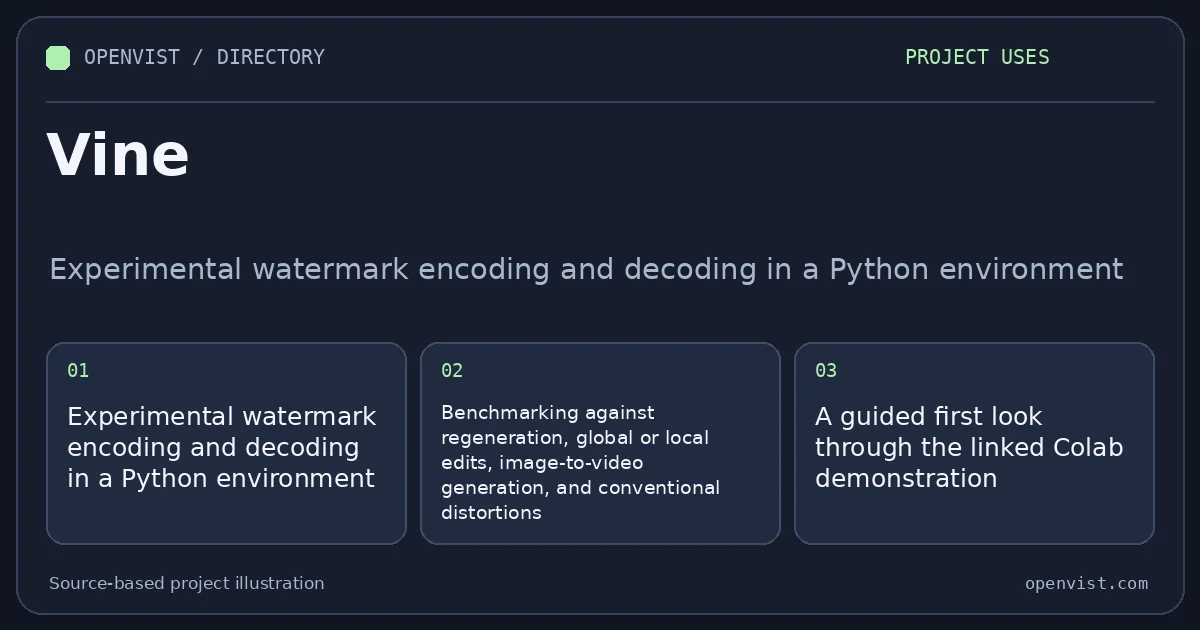
Use VINE when you need a research workflow for testing image-watermark behavior before and after editing, or want to examine the project's watermarking implementation and benchmark.
Who it is for
- Researchers studying robust image watermarking and generative image editing.
- Developers seeking a research codebase for encoding, editing, and decoding watermarked images.
- Teams comparing watermark methods against a range of image transformations.
Documented uses
- Embed a message in a single image or a collection of images.
- Apply image-editing transformations to watermarked images and attempt to decode the embedded message.
- Evaluate watermark resilience using W-Bench and calculate image quality metrics.
Requirements & limits
The repository provides setup instructions for a Python 3.10 Conda environment, links to pretrained checkpoints on Hugging Face, and offers a Colab demo.
- VINE is a research implementation rather than a general-purpose hosted watermarking service.
- The README documents distinct encoder and decoder checkpoints, including VINE-B and VINE-R variants.
- MagicBrush and SVD editing have separate environment requirements; the README identifies the standard VINE environment for other listed tasks.
- Training has an extra package prerequisite beyond the basic setup.
Check current requirements in the official documentation. Source-based guidance does not mean OpenViST has run or independently tested this project.
Create the VINE Conda environment
Install the VINE package in a Python 3.10 Conda environment.
Before you start
- Conda
- Git
Steps
Clone the repository with the command below.
git clone https://github.com/Shilin-LU/VINE.gitEnter the repository using
cd VINE.Create and activate the environment with
conda create -n vine python=3.10andconda activate vine.Install VINE with the command below. For model training, activate
vine, change tovine/src/training_src/imagenet_c, and run the command below.pip install git+https://github.com/Shilin-LU/VINEpip install -e .
Expected outcome
The VINE package is installed in the `vine` environment; the additional training package is installed if the training-specific step is completed.
Guide limitations
- MagicBrush and SVD image editing require the specific environments described in their respective sections.
- This guide covers setup, not training or inference.
Sources & review
Source record details
- Source availability
- Active
- Sources checked
- 16 November 2026
- Original website title
- Shilin-LU/VINE · Official homepage title · retained in its source language