
Practical overview
When it fits
Use the daemon, CLI and MCP server when agents need shared access to session context; use the API and SDKs when an application needs explicit control over context records and their history.
Who it is for
- Teams coordinating work across multiple AI agents.
- Developers building applications that need to store, retrieve or revise agent conversation context.
Documented uses
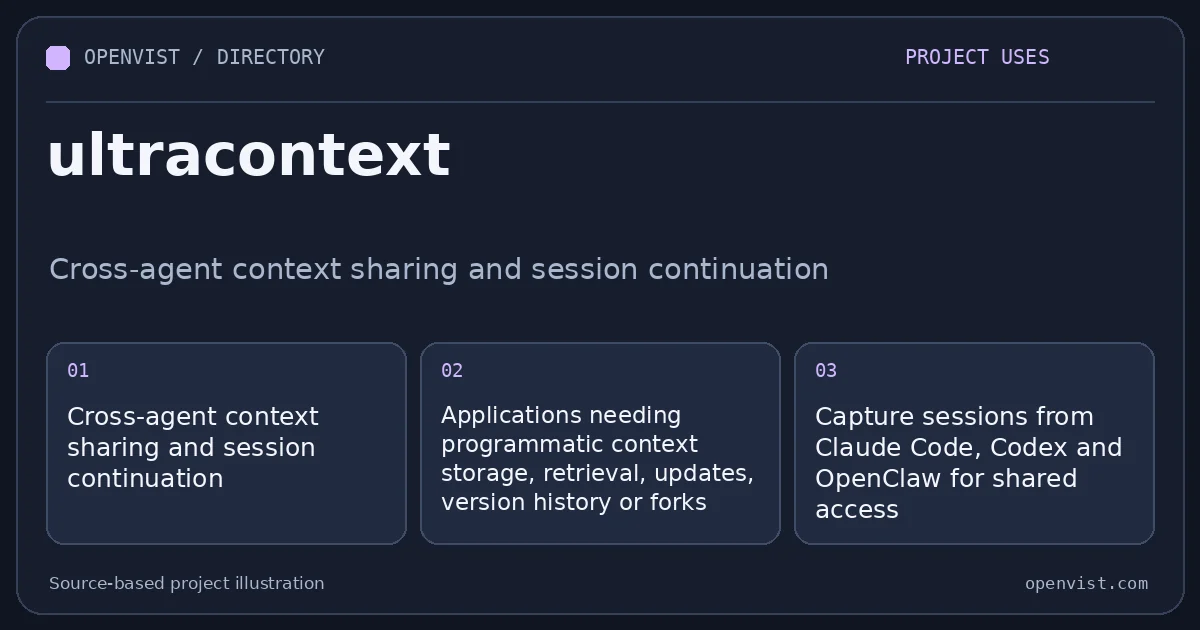
- Capture sessions from Claude Code, Codex and OpenClaw for shared access.
- Retrieve relevant prior agent context or continue a session through another agent.
- Store and manage context messages through an API or SDK.
- Inspect earlier context versions or branch a context into a fork.
Requirements & limits
The API documentation requires a Bearer token obtained from the dashboard. The project describes itself as open source.
- The agent-sharing path uses a daemon and MCP server; the API path uses SDKs or authenticated HTTP requests.
- The documented SDK examples are for Node.js and Python.
- Contexts hold schema-free messages, so applications define their own data shape.
- Updates and deletes create new versions; appends do not create versions according to the documentation.
Check current requirements in the official documentation. Source-based guidance does not mean OpenViST has run or independently tested this project.
Create and retrieve a context with the API
Use the documented API flow to create a context, add a message and retrieve its contents.
Before you start
- An UltraContext API key from the dashboard, sent as a Bearer token.
- Node.js or Python with the documented UltraContext SDK, or an HTTP client for the documented API.
Steps
Initialize the SDK with the API key, or authenticate API requests with a Bearer token.
Create a context.
Append a message to that context.
Retrieve the context and read the returned data.
Expected outcome
A context containing the appended message, retrievable as JSON data.
Guide limitations
- The guide documents basic create, append and retrieve operations; it does not cover deploying an agent or connecting an LLM framework.
- API authentication requires an API key.
Sources & review
Source record details
- Source availability
- Active
- Sources checked
- 8 November 2026
- Original website title
- ultracontext | control what agents see · Official homepage title · retained in its source language