
Practical overview
When it fits
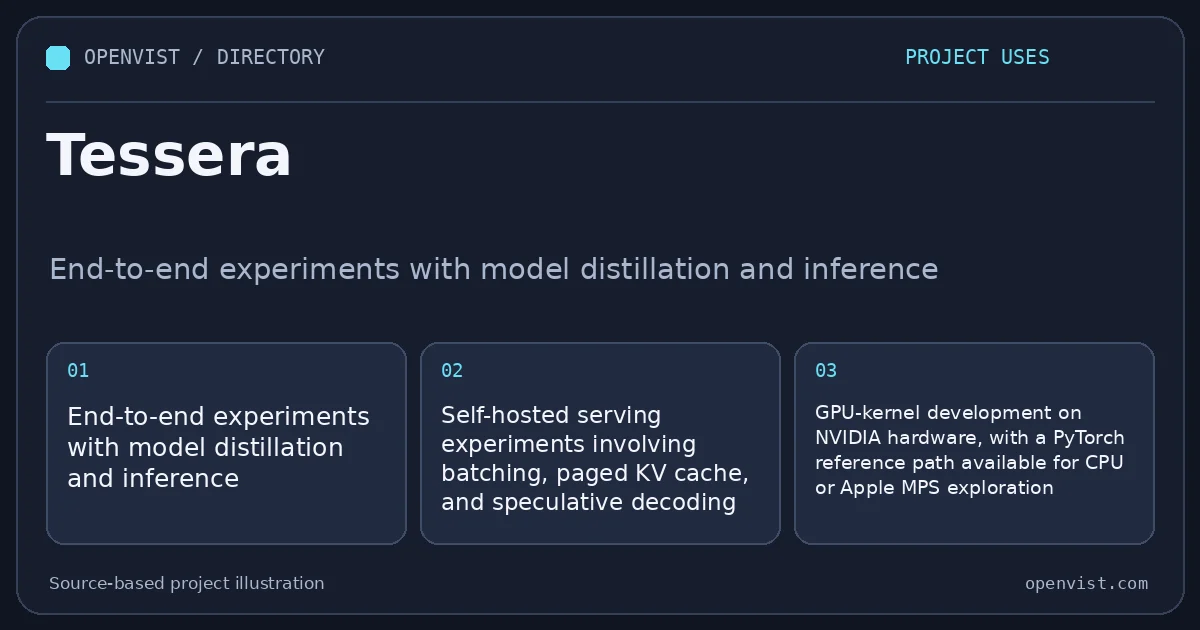
Use Tessera when you want a codebase spanning teacher-to-student distillation and student-model serving, or when you need a practical project for exploring the components that connect those stages.
Who it is for
- Developers building or adapting a self-hosted LLM training and inference stack.
- ML systems researchers exploring distillation, sharding, GPU kernels, batching, or speculative decoding.
- Engineers who want to compare a PyTorch forward pass with the included JAX/XLA reference.
Documented uses
- Train a smaller student model from a larger teacher using the supplied distillation losses and sharded training components.
- Serve the student using paged KV caching, continuous batching, and speculative decoding.
- Experiment with Triton or CUDA implementations of attention and other model operations.
- Apply int8 weight-only, AWQ, or FP8 post-training quantization paths.
- Inspect activations and model behavior with the included interpretability helpers.
Requirements & limits
The repository is public and displays an Apache 2.0 license badge. The documented setup is local and self-hosted.
- Python 3.10+ and Rust 1.75+ are the README’s stated version requirements.
- CPU and Apple MPS use a PyTorch reference path; custom Triton/CUDA kernels are written for NVIDIA GPUs.
- The Rust gateway connects to the Python engine through PyO3, while Python examples are provided for serving and distillation.
- The project includes tests, examples, and benchmarks; reported M2 Pro benchmark figures use the reference path, not fused GPU kernels.
Check current requirements in the official documentation. Source-based guidance does not mean OpenViST has run or independently tested this project.
Install Tessera and inspect its presets
Set up the Python project and use its documented information command to list presets and parameter counts.
Before you start
- Python 3.10 or newer
- Git
- PyTorch, installed using the CPU wheel command or a CUDA build
Steps
Clone the Tessera repository and change into its directory.
Create and activate a Python virtual environment.
Install PyTorch, then install the project with its development dependencies using the command below.
pip install -e ".[dev]"Run
tessera infoto list presets and parameter counts.
Expected outcome
A local development installation and a listing of available presets and parameter counts.
Guide limitations
- This guide covers installation and inspection, not training or serving.
- The custom Triton/CUDA kernels target NVIDIA GPUs; CPU and Apple MPS use the PyTorch reference path.
Start the documented Rust generation gateway
Build and run Tessera’s Rust gateway and send a generation request to its documented local route.
Before you start
- Rust 1.75 or newer
- Tessera repository cloned locally
Steps
Change into the
tessera-rsdirectory.Run the command below.
cargo testRun the command below.
cargo run --releaseSend a JSON POST request to
localhost:8080/generatewith a prompt andmax_new_tokensparameter, as shown in the README.
Expected outcome
The documented gateway process runs locally and accepts the example generation request.
Guide limitations
- The README does not specify a production deployment configuration.
- The gateway calls the Python engine through PyO3; this is not evidence of a general application integration protocol.
Sources & review
Source record details
- Source availability
- Active
- Sources checked
- 10 November 2026
- Original website title
- zengxiao-he/tessera · Official homepage title · retained in its source language