
Practical overview
When it fits
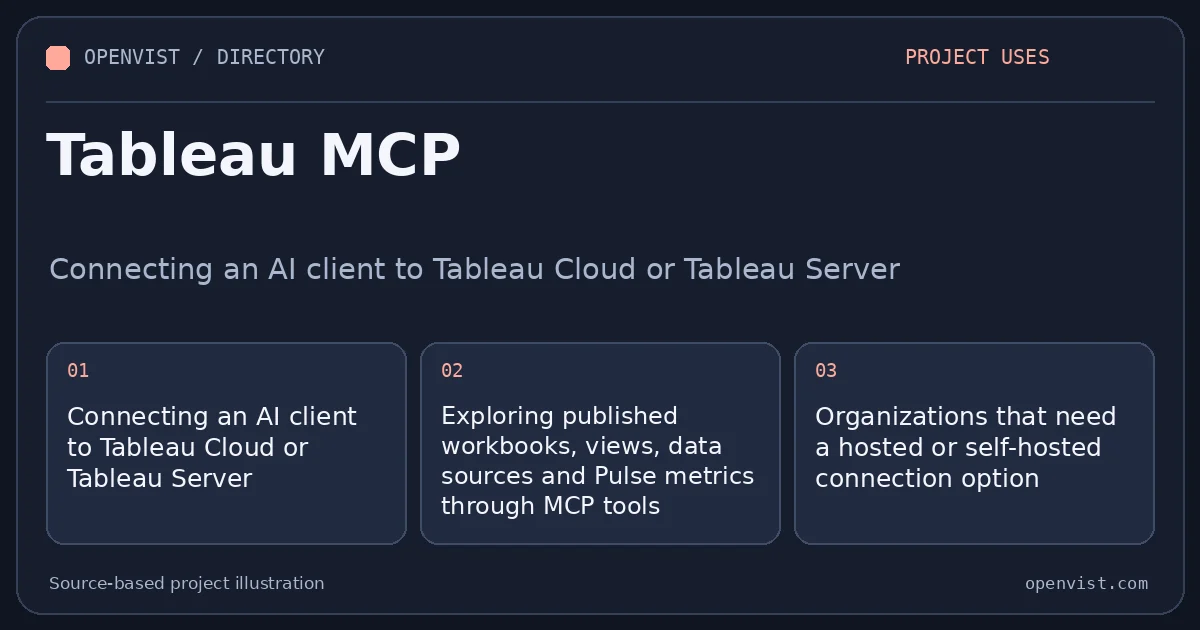
Use Tableau MCP when an MCP-compatible AI client needs access to Tableau content or operations, and the Tableau site, user permissions and relevant SKU support the requested tools.
Who it is for
- Tableau users who want to query or inspect Tableau data through an MCP-compatible AI tool.
- Tableau administrators and developers setting up a hosted or organization-operated MCP endpoint.
Documented uses
- Ask ad hoc questions grounded in curated Tableau data models.
- List published data sources, workbooks, projects and views, and retrieve workbook or view information.
- Query published data sources and retrieve view data or images.
- Discover Pulse metric definitions and generate metric insights where supported.
- Inspect or administer Tableau environments using the relevant tools and permissions.
Requirements & limits
The documentation describes a managed service on Tableau Cloud and local or self-hosted options. Local setup requires Node.js 18 or later, an MCP client, Tableau connection details and a personal access token.
- Tableau edition or SKU can affect which tools are available.
- The Tableau user must have API access permission.
- Rich data-source metadata retrieval relies on the Metadata API and VizQL Data Service; Metadata API calls require Data Management entitlements.
- Hosted Tableau MCP does not work with Cloud IP filtering until the site's allow list is updated and clients use a pod-level endpoint.
- Administrative and destructive workflows are permission-gated; destructive prompt workflows require human confirmation.
Check current requirements in the official documentation. Source-based guidance does not mean OpenViST has run or independently tested this project.
Run Tableau MCP locally with npx
Configure an MCP client to launch Tableau MCP locally and connect it to a Tableau site.
Before you start
- Node.js 18 or later
- An MCP-compatible AI client
- Tableau server URL and site name
- A personal access token name and value
Steps
Add a Tableau MCP server entry to the AI client's MCP configuration.
Set the command to npx and the arguments to -y and @tableau/mcp-server@latest.
Provide SERVER, SITE_NAME, PAT_NAME and PAT_VALUE in the entry's environment.
Use or refresh the configured MCP tools in the AI client.
Expected outcome
The AI client is configured to start Tableau MCP locally and use its Tableau tools.
Guide limitations
- The Tableau user needs API access permission.
- Available tools can depend on the Tableau edition or SKU.
Sources & review
Source record details
- Source availability
- Active
- Sources checked
- 11 November 2026