
Practical overview
When it fits
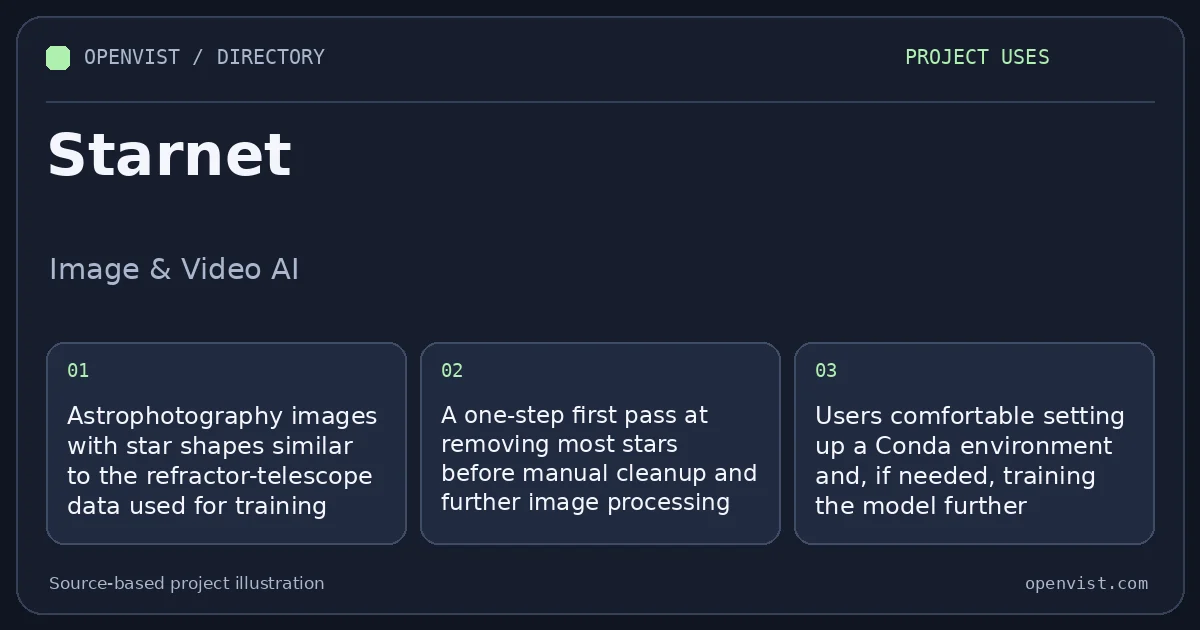
Use Starnet as a star-removal stage on astronomical images, especially when preparing rich star fields for background-nebulosity work. The suggested workflow starts with a stretched LRGB image saved as an 8-bit-per-channel TIFF and continues with artifact correction and optional noise reduction.
Who it is for
- Astrophotographers enhancing background nebulosity in rich star fields.
- Image makers who want a starless astronomy image as a basis for later editing.
- Users who want to continue training the model on their own starless images.
Documented uses
- Remove most stars from an astronomical image and produce a mask of changed regions.
- Prepare a starless image for nebulosity enhancement in a PixInsight or Photoshop workflow.
- Continue training the model with personal starless data when results on a particular imaging setup need improvement.
- Create test transformations of image patches or plot graphs from training logs.
Requirements & limits
- The repository documents TensorFlow 2.x and Conda environment choices for Windows GPU, CUDA on Linux or Windows, and CPU-only use on Mac, Linux or Windows.
- Transformation outputs a
_starless.tifimage and a_mask.tiffile identifying changed regions. - The project warns that very large stars may remain and that busy images can retain small stars; it suggests another pass for remaining small stars.
- Heavily processed inputs and unusual star shapes may reduce performance. Long diffraction spikes are a stated challenge.
- The supplied pretrained weights are described as about 700 MB in the README; separate weights for the newer model are also linked there.
Check current requirements in the official documentation. Source-based guidance does not mean OpenViST has run or independently tested this project.
Set up Starnet’s Conda environment
Create the documented environment before using the repository’s transformation or training commands.
Before you start
- Anaconda installed.
- The Starnet repository and its environment configuration files.
Steps
Open an Anaconda PowerShell prompt on Windows, as described in the installation notes.
Choose the environment configuration that matches the intended setup: Windows GPU, CUDA, or CPU-only.
Run the corresponding
conda env create -fcommand from the repository directory.Activate the environment with
conda activate starnet.
Expected outcome
The Starnet Conda environment is activated and ready for the documented commands.
Guide limitations
- The setup instructions list Windows GPU, CUDA on Linux or Windows, and CPU-only options for Mac, Linux and Windows; they do not establish compatibility guarantees for other configurations.
Sources & review
Source record details
- Source availability
- Active
- Sources checked
- 20 November 2026
- Original website title
- nekitmm/starnet · Official homepage title · retained in its source language