
Practical overview
When it fits
Use it when you need a research codebase for generating superpixels from images, exploring model training, or preparing segmentation outputs for downstream vision experiments.
Who it is for
- Computer-vision researchers studying superpixel segmentation.
- Developers building image preprocessing pipelines that use superpixels.
- Practitioners prototyping downstream vision tasks with superpixel regions as an intermediate representation.
Documented uses
- Generate superpixel visualizations from custom image folders using the included demo.
- Prepare BSDS500 data and train or fine-tune the network.
- Run inference on BSDS500, NYUv2 or custom image folders.
- Produce outputs for superpixel benchmark evaluation.
Requirements & limits
- The repository provides a pretrained-model demo, training and inference scripts, and an evaluation workflow.
- The documented development environment uses Python 2.7, PyTorch 0.4.1, CUDA 9 and Ubuntu 16.04.
- The demo produces a 16 × 16 grid by default; the README describes resizing images to change grid size.
- The repository includes a Cython component-connection method for enforcing connectivity in superpixels.
Check current requirements in the official documentation. Source-based guidance does not mean OpenViST has run or independently tested this project.
Generate superpixel visualizations from custom images
Use the included demo script and pretrained model to produce superpixel visualizations for a folder of images.
Before you start
- Python and PyTorch environment; the README cites Python 2.7, PyTorch 0.4.1, CUDA 9 and Ubuntu 16.04 as the development and test setup.
- The repository's pretrained model in /pretrained_ckpt.
- Input images in a supported common format, such as JPG.
Steps
Copy the images into the repository's /demo/inputs directory.
Run the command below.
python run_demo.py --data_dir=./demo/inputs --data_suffix=jpg --output=./demoFind the generated results in the new /demo/spixel_viz folder.
Expected outcome
The demo generates superpixel visualizations, using a 16 × 16 grid by default.
Guide limitations
- The README's environment is a legacy stack; it does not establish compatibility with current versions.
- Changing the default grid size requires resizing images to an appropriate resolution before inference.
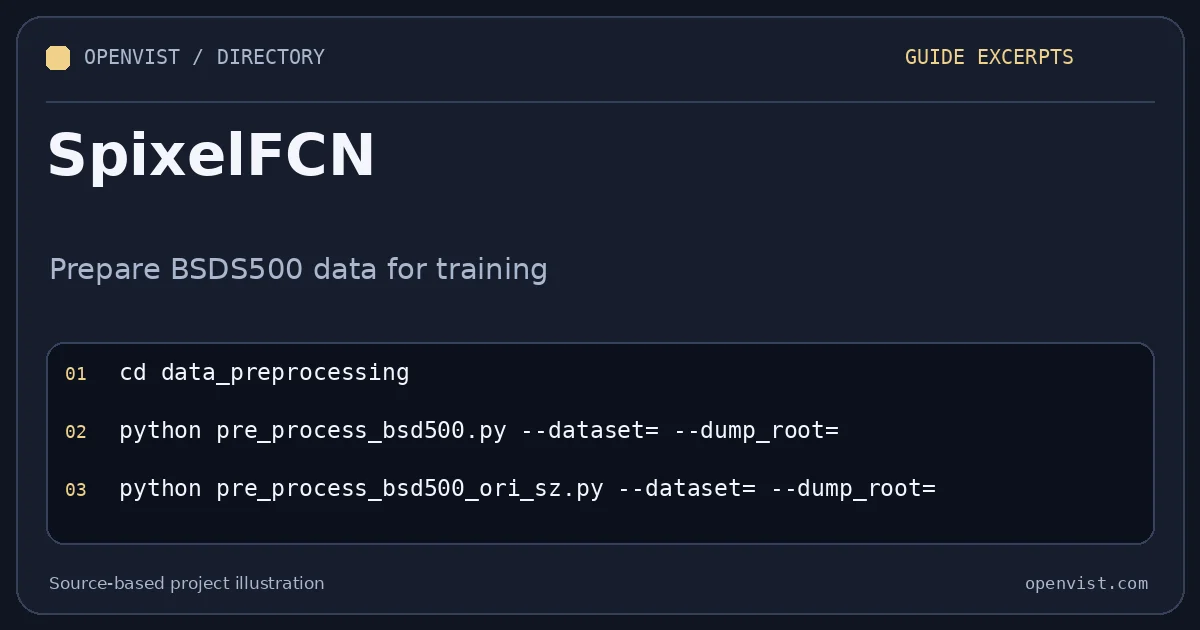
Prepare BSDS500 data for training
Create the training, validation and test folders and image-list files expected by the training workflow.
Before you start
- A downloaded and extracted BSDS500 dataset.
- Python environment for the repository's preprocessing scripts.
Steps
Extract BSDS500 to a directory designated as ``.
From the repository, run
cd data_preprocessing.Run the command below.
python pre_process_bsd500.py --dataset= --dump_root=Run the command below.
python pre_process_bsd500_ori_sz.py --dataset= --dump_root=
Expected outcome
The preprocessing scripts create train, val and test folders under ``, along with train.txt, val.txt and test.txt image-path lists.
Guide limitations
- This guide covers data preparation only; training is a separate next step requiring the prepared data and a save path.
Sources & review
Source record details
- Source availability
- Active
- Sources checked
- 15 November 2026
- Original website title
- fuy34/superpixel_fcn · Official homepage title · retained in its source language