
Practical overview
When it fits
Use it when you want an MCP-connected coding workflow to produce requirements and design artifacts before generating implementation code.
Who it is for
- Developers using MCP-compatible coding assistants or environments.
- Teams or individuals who want a prompt-guided progression from written requirements to design and code.
Documented uses
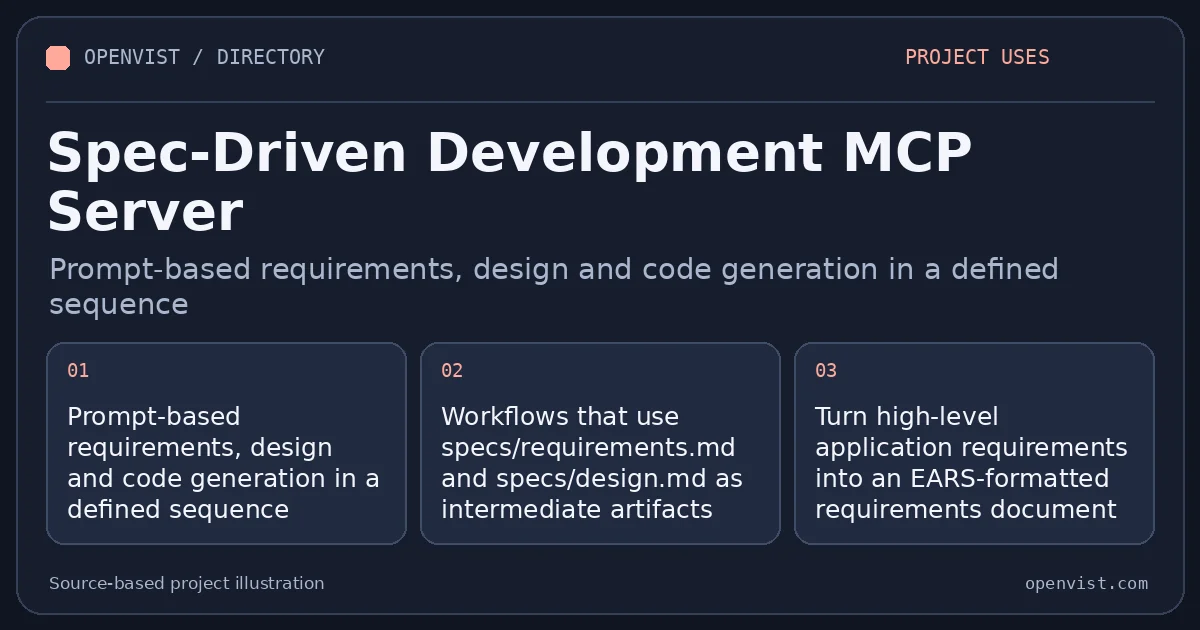
- Turn high-level application requirements into an EARS-formatted requirements document.
- Create a design document from the requirements file.
- Generate implementation code from the design document.
Requirements & limits
The repository is public and lists an MIT license. Setup requires Node.js 20 or later.
- The workflow depends on an MCP-compatible environment and Node.js 20 or later.
- The prompts use a staged file-based flow: requirements, then design, then code.
- Configuration examples are provided for VS Code, Cursor and Claude Code.
Check current requirements in the official documentation. Source-based guidance does not mean OpenViST has run or independently tested this project.
Configure the MCP server in an assistant environment
Add the server using the documented npx configuration for VS Code, Cursor or Claude Code.
Before you start
- Node.js 20 or later
- An MCP-compatible environment, such as VS Code, Cursor or Claude Code
Steps
Add a server entry named spec-driven to the environment's MCP configuration.
Set the command to npx and the arguments to -y and mcp-server-spec-driven-development@latest.
Use the server's available prompts in the connected environment.
Expected outcome
The MCP environment is configured to invoke the Spec-Driven Development server through npx.
Guide limitations
- This guide covers configuration only; it does not verify that the server runs in a particular environment.
- The documented setup does not specify further configuration or troubleshooting.
Follow the documented requirements-to-code prompt sequence
Use the three available prompts to create requirements, design and implementation artifacts in order.
Before you start
- The MCP server is configured in an MCP-compatible environment.
- High-level application requirements for the first prompt.
Steps
Use generate-requirements with high-level requirements to create specs/requirements.md in EARS format.
Use generate-design-from-requirements to generate specs/design.md from the requirements file.
Use generate-code-from-design to generate implementation code from the design file.
Expected outcome
The documented workflow progresses from requirements through design to code, with the named specification files and implementation output described in the repository.
Guide limitations
- The design prompt expects specs/requirements.md, and the code-generation prompt expects specs/design.md.
- The documentation does not specify additional prompt inputs or describe review and validation steps for generated code.
Sources & review
Source record details
- Source availability
- Active
- Sources checked
- 14 November 2026
- Original website title
- formulahendry/mcp-server-spec-driven-development · Official homepage title · retained in its source language