
Practical overview
When it fits
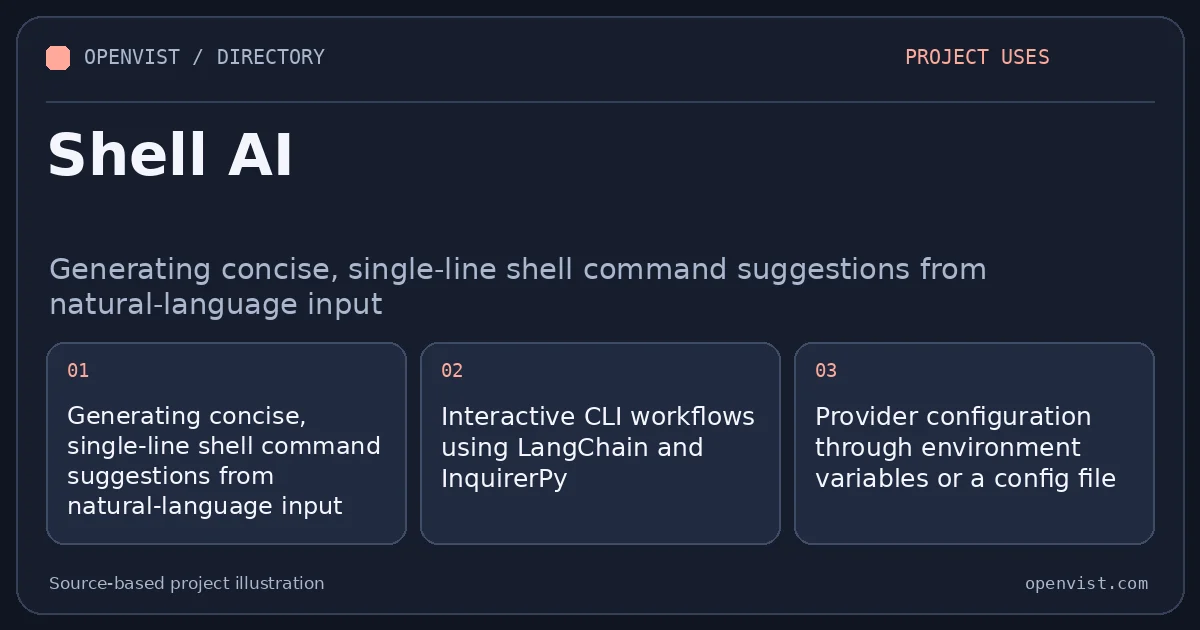
Use Shell AI when you can describe a command-line task more easily than recall its exact syntax, and want suggestions in your terminal before proceeding.
Who it is for
- Terminal users who want help translating an intended task into shell syntax.
- Developers and operators working with command-line tools such as Terraform.
- Users who want to configure a CLI with a documented model provider, including OpenAI, Ollama, Azure OpenAI or Groq.
Documented uses
- Describe a terminal task in natural language and receive command suggestions.
- Get alternative command forms for a request, such as Terraform plan commands for a dry-run task.
- Configure a preferred model provider and suggestion settings for CLI use.
Requirements & limits
The README documents installation through pip and identifies the project as MIT-licensed. Linux requires Python 3.10 or later; the README lists Linux, macOS and Windows support.
- Shell AI is a command-line tool, so use requires a terminal and a Python package installation.
- The README documents multiple provider choices, but setup and credentials vary by provider.
- A confirmation-skip setting exists; users should account for whether they want confirmation before commands run.
- The README says context mode sends outputs to the API, which may matter when deciding whether to enable it.
- The README identifies MIT as the license.
Check current requirements in the official documentation. Source-based guidance does not mean OpenViST has run or independently tested this project.
Install Shell AI and configure a model provider
Install the CLI and set provider configuration so it can generate command suggestions.
Before you start
- Python; Linux users need Python 3.10 or later.
- A configured provider and any credentials it requires; Ollama is documented as an option that can use an empty OpenAI API key.
Steps
Install the package with the command below.
pip install shell-aiConfigure provider settings through environment variables or the documented config file location for your operating system.
Invoke the utility with the
shaicommand.
Expected outcome
The `shai` command is installed and configured for submitting natural-language requests.
Guide limitations
- The README does not provide a complete, provider-neutral setup sequence or document the result of running a request for every provider.
- Provider credentials and configuration values depend on the selected provider.
Sources & review
Source record details
- Source availability
- Active
- Sources checked
- 4 November 2026
- Original website title
- ricklamers/shell-ai · Official homepage title · retained in its source language