
Practical overview
When it fits
Use it when you want a Python-based workflow for fine-tuning and applying BERT-family sentiment models, or a documented local server path for text inference.
Who it is for
- Developers building script-based sentiment-classification workflows.
- Researchers or practitioners comparing BERT-family sentiment models through evaluation and inference scripts.
- Developers who want to adapt a trained model for local text analysis.
Documented uses
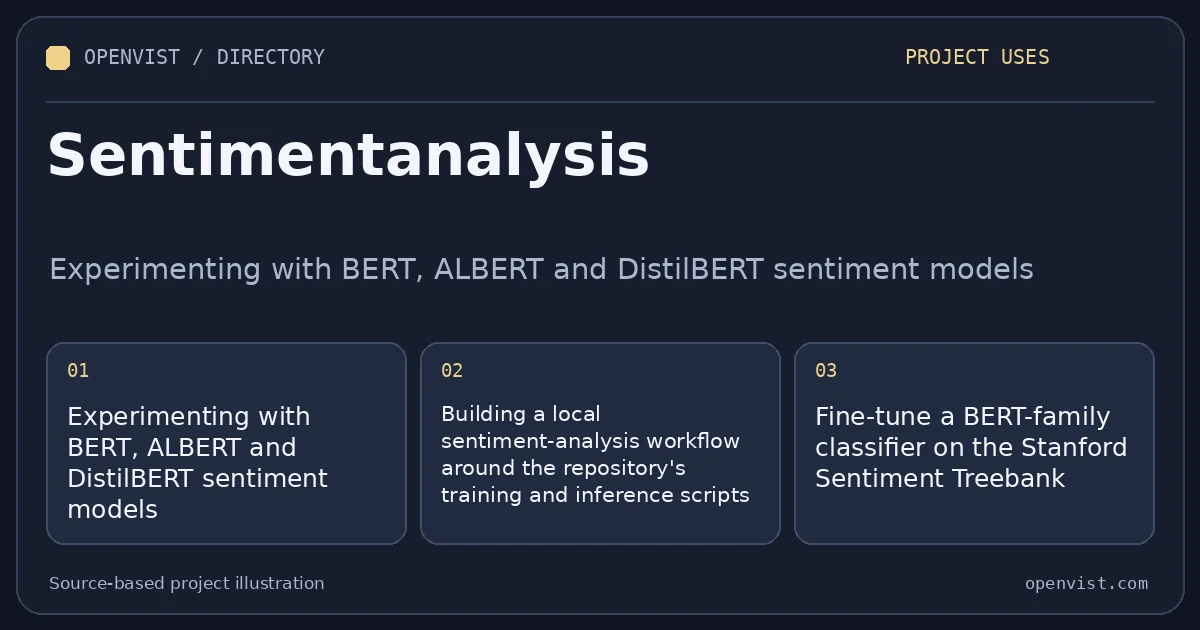
- Fine-tune a BERT-family classifier on the Stanford Sentiment Treebank.
- Evaluate a model and analyze text with the supplied scripts.
- Start a local server that accepts text for sentiment analysis.
Requirements & limits
The repository is public and licensed under MIT.
- The setup instructions specify Python 3.9.10 and installing dependencies from requirements.txt.
- The documented model-training and inference workflow uses Hugging Face Transformers and PyTorch.
- The HTTP server example targets localhost:5000; external deployment is not covered in the README.
Check current requirements in the official documentation. Source-based guidance does not mean OpenViST has run or independently tested this project.
Set up the Python project environment
Prepare the repository and install its Python dependencies.
Before you start
- Linux environment with apt-get
- Python 3.9.10
Steps
Clone the repository and change into its directory.
Update package lists and install Python 3.9.
Check the Python version, create a virtual environment and activate it.
Install dependencies with pip install -r requirements.txt.
Expected outcome
A Python virtual environment with the repository's listed dependencies installed.
Guide limitations
- These steps cover setup only; they do not establish that tests or application workflows have been run.
Fine-tune and serve a sentiment model locally
Train a model and use the documented scripts to evaluate, analyze text and start the local server.
Before you start
- The repository set up with its requirements installed
- A supported model name, such as bert-base-uncased, albert-base-v2 or distilbert-base-uncased
Steps
Run train.py with a model name, output directory and epoch count.
Run evaluate.py with the output directory as model_name_or_path.
Run analyze.py with the same model_name_or_path to analyze inputs.
Start server.py with that model_name_or_path; the README shows sending text to localhost:5000 with curl.
Expected outcome
A fine-tuned model directory used by the evaluation and analysis scripts, with a local server invocation documented for inference.
Guide limitations
- The README's server example is local and does not document external deployment.
Sources & review
Source record details
- Source availability
- Active
- Sources checked
- 16 November 2026
- Original website title
- barissayil/SentimentAnalysis · Official homepage title · retained in its source language