
Practical overview
When it fits
Use it when you want a terminal-based, local Qwen3-TTS workflow on an Apple Silicon Mac and can install Python dependencies and model files.
Who it is for
- Apple Silicon Mac users who want to generate speech from text locally.
- Creators choosing between preset voices, a voice described in text, or a voice based on a reference clip.
Documented uses
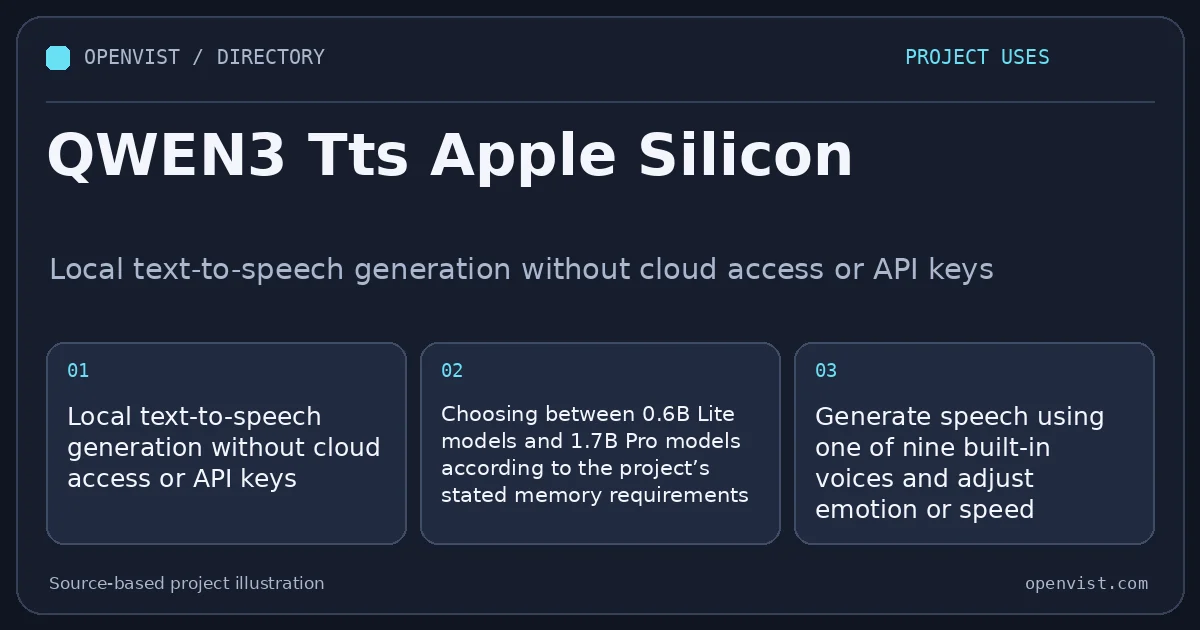
- Generate speech using one of nine built-in voices and adjust emotion or speed.
- Create a voice by entering a description such as “calm British narrator.”
- Clone a voice from a short reference audio clip.
Requirements & limits
The README describes running locally without internet access or API keys. It lists macOS with an M1, M2, M3 or M4 chip, Python 3.10+, and approximately 3 GB RAM for Lite models or 6 GB for Pro models.
- It is built for Apple Silicon Macs and uses MLX; the documented setup does not cover other platforms.
- Each task uses a different model type: CustomVoice for preset speakers, VoiceDesign for text-described voices, and Base for voice cloning.
- Lite models are listed at 0.6B and Pro models at 1.7B, with approximate RAM needs of 3 GB and 6 GB respectively.
- The README recommends clean 5–10-second reference audio for voice cloning.
Check current requirements in the official documentation. Source-based guidance does not mean OpenViST has run or independently tested this project.
Set up Qwen3-TTS on an Apple Silicon Mac
Install the project, place a selected model in its expected folder and launch the terminal manager.
Before you start
- macOS on an Apple Silicon M1, M2, M3 or M4 Mac
- Python 3.10 or later
- About 3 GB RAM for Lite models or 6 GB for Pro models
- Homebrew, for installing FFmpeg
- A downloaded MLX model folder
Steps
Clone the repository, enter its directory, create and activate a virtual environment, install requirements, and install FFmpeg with Homebrew.
Download a model for the desired mode: CustomVoice, VoiceDesign or Base; choose either the 0.6B Lite or 1.7B Pro option.
Place the downloaded model folder in the project’s models/ directory.
Activate the virtual environment and run python main.py.
Expected outcome
The Qwen3-TTS Manager opens in the terminal with choices for Custom Voice, Voice Design and Voice Cloning, according to the installed models.
Guide limitations
- The instructions describe a macOS and Apple Silicon setup.
- The project documents no API and describes local, offline operation.
- The selected model must be present in models/ with its expected folder name.
Sources & review
Source record details
- Source availability
- Active
- Sources checked
- 8 November 2026
- Original website title
- kapi2800/qwen3-tts-apple-silicon · Official homepage title · retained in its source language