
Practical overview
When it fits
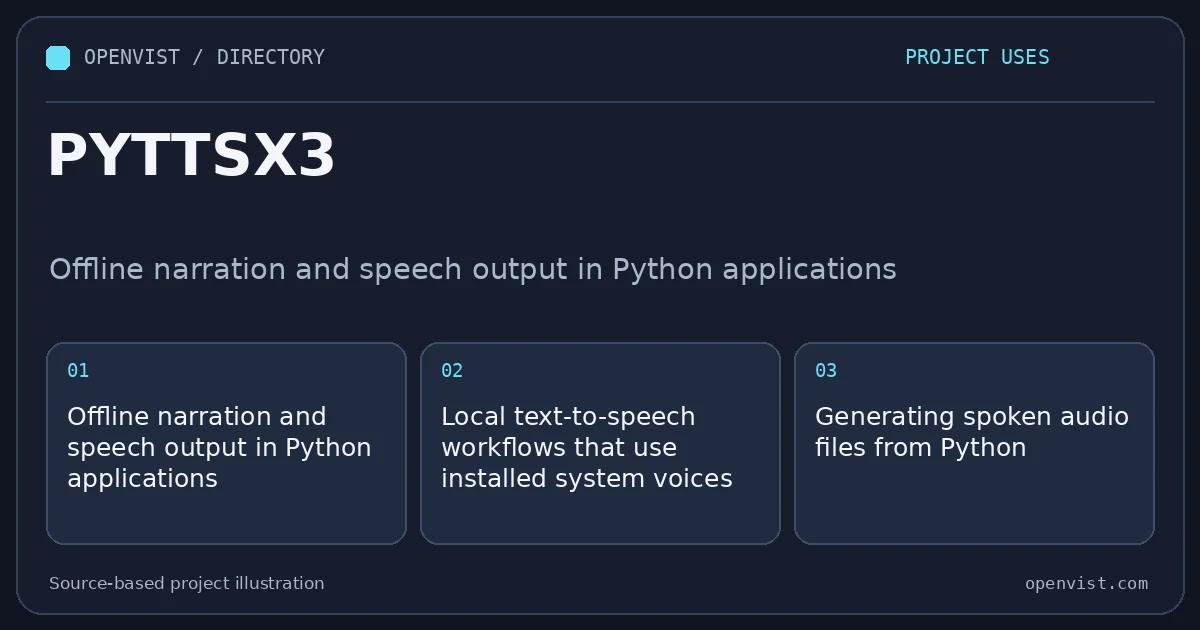
Use PYTTSX3 when a Python application needs offline speech synthesis and can work with speech engines installed on its host operating system.
Who it is for
- Python developers adding speech output to local applications.
- Developers generating spoken audio from text in a Python workflow.
- Builders of local readers or accessibility features that need adjustable speech.
Documented uses
- Turn text into spoken output without relying on online synthesis.
- Choose an installed system voice and adjust speech rate or volume.
- Save synthesized speech to an audio file.
Requirements & limits
- The library relies on operating-system speech engines, so available engines vary across Windows, Linux and macOS.
- Linux may require espeak-ng and libespeak1 for voice output.
- The README identifies AVSpeech support as experimental and NSSpeechSynthesizer as deprecated.
- The repository lists the MPL-2.0 license.
Check current requirements in the official documentation. Source-based guidance does not mean OpenViST has run or independently tested this project.
Install PYTTSX3 and queue text for playback
Install the Python library and use its documented engine API to request spoken playback.
Before you start
- Python 3
- An operating-system speech engine; on Linux, the README recommends espeak-ng and libespeak1 if voice output is not working.
Steps
Install the package with the command below.
pip install pyttsx3Import
pyttsx3and create an engine withpyttsx3.init().Pass text to
engine.say()and callengine.runAndWait().
Expected outcome
The library is set up to request offline speech playback from an available system engine.
Guide limitations
- Available engines depend on the operating system.
- The README flags AVSpeech support as experimental and NSSpeechSynthesizer as deprecated.
Save synthesized text to an audio file
Set up a Python call that sends text to PYTTSX3 for file output.
Before you start
- Python 3
- PYTTSX3 installed
- An available speech engine; on Linux, espeak-ng is noted as a requirement for this file-output example.
Steps
Import
pyttsx3and create an engine withpyttsx3.init().Call
engine.save_to_file()with the text and a destination filename.Call
engine.runAndWait().
Expected outcome
The library is configured to synthesize the supplied text to the requested audio-file path.
Guide limitations
- The README’s example uses a
.mp3filename but does not document output-format options. - Linux file output requires espeak-ng according to the README.
Sources & review
Source record details
- Source availability
- Active
- Sources checked
- 3 November 2026
- Original website title
- nateshmbhat/pyttsx3 · Official homepage title · retained in its source language