
Practical overview
When it fits
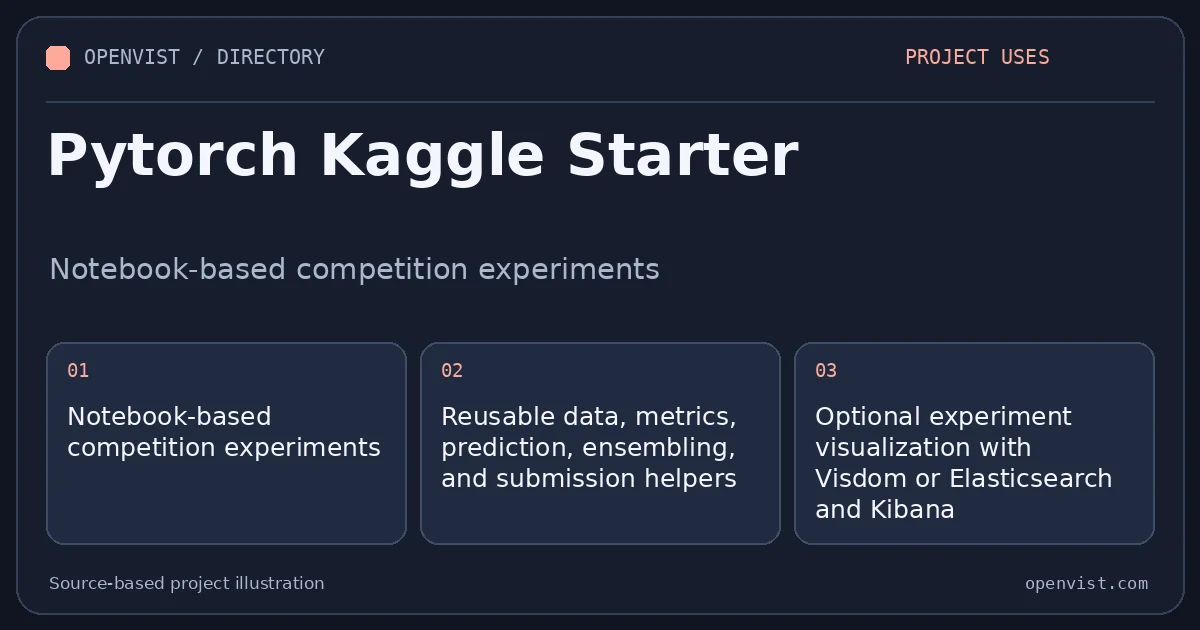
Use it when building a PyTorch workflow for a Kaggle competition and you want starter notebooks plus helpers that span data loading, training, experiment tracking, prediction, and submission preparation.
Who it is for
- Kaggle participants building PyTorch competition models
- Developers who want notebook examples and reusable helpers for experiment and submission workflows
- Teams comparing model runs or sharing predictions through the documented visualization and storage integrations
Documented uses
- Load competition data and organize inputs for model workflows
- Train models and adjust learning rates
- Track accuracy, F2, and loss across experiments
- Generate predictions, ensemble models, and format submission files
- Visualize experiment metrics with Visdom or Kibana and share outputs through S3
Requirements & limits
The repository is public and MIT-licensed. The README lists Anaconda with Python 3, PyTorch, requirements.txt packages, OpenCV, and a GPU server with CUDA as requirements.
- The documented setup expects GPU and CUDA infrastructure.
- Kibana dashboards require an Elasticsearch cluster; Visdom is another documented visualization option.
- AWS SES is identified for completion or failure email notifications, while S3 is described for sharing experiments and predictions.
- Test-time augmentation appears in the README as a TODO rather than a demonstrated included feature.
Check current requirements in the official documentation. Source-based guidance does not mean OpenViST has run or independently tested this project.
Prepare competition images for the notebook workflow
Set up the documented image-input directory structure for a competition dataset.
Before you start
- Anaconda with Python 3
- PyTorch and packages listed in requirements.txt
- OpenCV installed with the conda command specified in the README
- A GPU server with CUDA
- Competition training and test images
Steps
Move training and test images into project_root/datasets/inputs.
Use the trn_jpg and tst_jpg subdirectories described in the README.
Run the first cell of the relevant notebook to create the directory structure configured in config.py.
If the competition does not provide metadata, prepare metadata.csv separately.
Expected outcome
The images are arranged in the project’s expected input location and the notebook creates its configured directory structure.
Guide limitations
- The README does not provide a universal process for creating competition-specific metadata.csv files.
- This setup guidance does not describe training or submission execution.
Download data and submit a generated CSV with Kaggle CLI
Use the README’s example commands to download competition data and submit a CSV file.
Before you start
- Kaggle CLI tool
- A competition identifier
- A generated submission CSV
- Kaggle username and password arguments, as shown in the examples
Steps
Run the documented
kg downloadcommand with the competition identifier and credentials.Provide the generated CSV filename to the documented
kg submitcommand.Set the submission message and competition identifier in that command.
Expected outcome
The documented CLI workflow requests a competition download and submits the named CSV.
Guide limitations
- The README examples use username and password command-line arguments.
Sources & review
Source record details
- Source availability
- Active
- Sources checked
- 20 November 2026
- Original website title
- bfortuner/pytorch-kaggle-starter · Official homepage title · retained in its source language