
Practical overview
When it fits
Use it when you want a configurable BYOL implementation to study or adapt locally, rather than a hosted training service.
Who it is for
- Researchers and developers experimenting with self-supervised image representation learning
- PyTorch users who want to fine-tune a BYOL encoder or evaluate learned image features
Documented uses
- Train an image encoder on unlabeled image data.
- Fine-tune from a configured checkpoint for downstream image classification.
- Evaluate learned features with linear separability, including the documented STL10 example.
Requirements & limits
The implementation is available as a public GitHub repository with clone-and-run instructions.
- The repository documents Conda environment setup and a
main.pyentry point. - Training settings are edited in
config.yaml, including backbone, input shape, optimizer and training limits. - The included evaluation example uses STL10 and reports linear-classifier results; it does not establish performance on other datasets.
Check current requirements in the official documentation. Source-based guidance does not mean OpenViST has run or independently tested this project.
Set up the BYOL environment and configure a training run
Create the documented Conda environment and prepare the repository’s configuration before running its training entry point.
Before you start
- A local clone of the public repository
- Conda
Steps
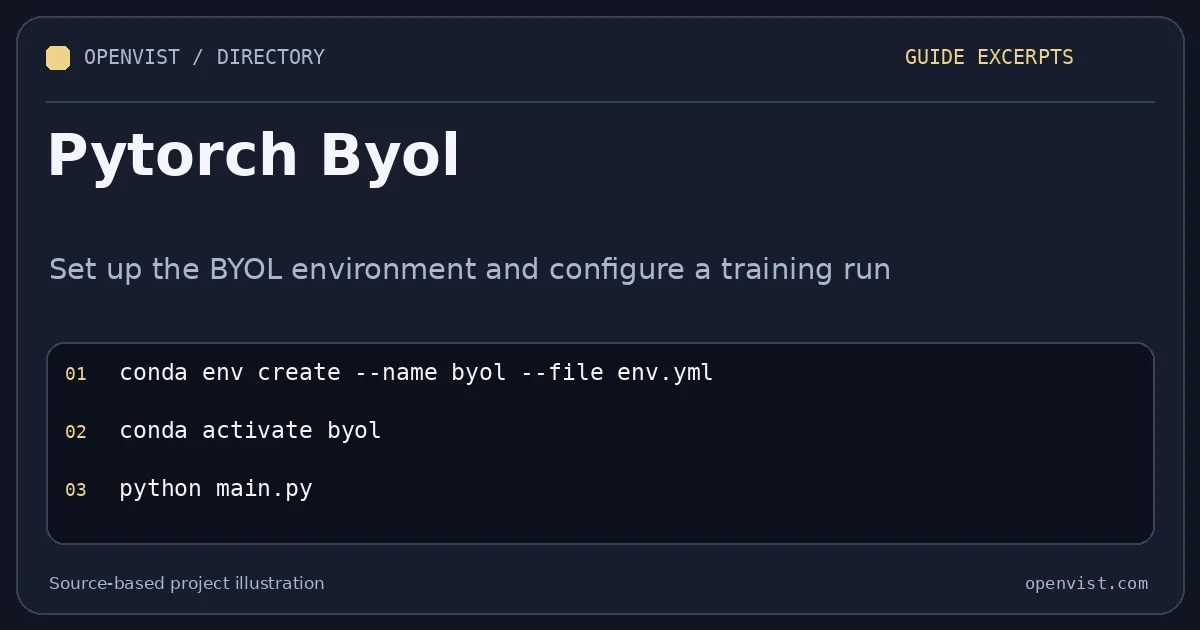
Create the environment with
conda env create --name byol --file env.yml.Activate it with
conda activate byol.Choose the run settings in
config.yaml, includingresnet18orresnet50and whether to specify a fine-tuning checkpoint or useNoneto train from scratch.The README’s documented run command is the command below.
python main.py
Expected outcome
The repository environment is created and the documented training command and configuration are identified.
Guide limitations
- The README does not specify hardware requirements or a general dataset-preparation procedure.
- The example evaluation uses STL10; results on other datasets are not described.
Sources & review
Source record details
- Source availability
- Active
- Sources checked
- 11 November 2026
- Original website title
- sthalles/PyTorch-BYOL · Official homepage title · retained in its source language