
Practical overview
When it fits
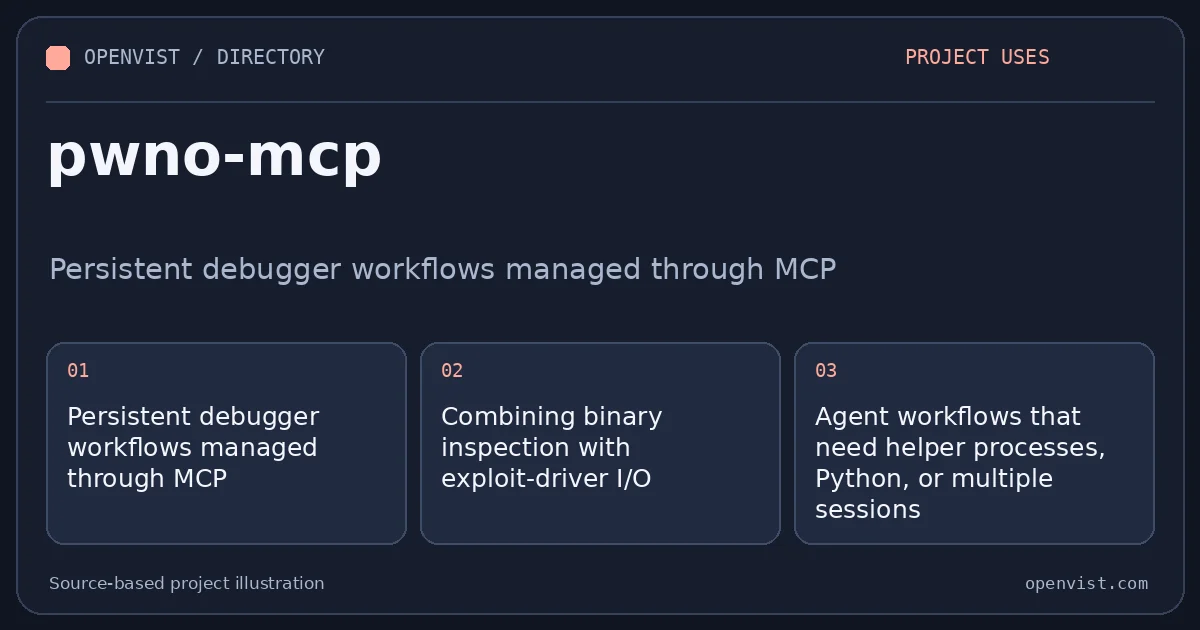
Use pwno-mcp when an MCP-connected agent needs stateful GDB and pwndbg debugging, exploit-driver interaction, or workspace helpers for binary research.
Who it is for
- AI-agent and MCP users doing binary research or pwn workflows
- People working on CTFs, research, or exploit development
- Developers who need an MCP-connected debugger with session state preserved across calls
Documented uses
- Load a binary, control execution, and inspect debugger state or memory.
- Attach to a running process and continue working through a persistent session.
- Send input to an exploit driver, read its output, and collect events.
- Automate helper processes and Python tasks alongside debugging.
- Run parallel sessions while keeping their state distinct.
Requirements & limits
The documentation describes launching the server locally with Docker and connecting an MCP client over HTTP or stdio. The default HTTP MCP endpoint is http://127.0.0.1:5500/mcp.
- The server and MCP client are separate parts of the workflow; client setup is documented for Claude Desktop, Claude Code, Cursor, OpenCode, and Codex CLI.
- The service preserves debugger state across calls and supports parallel sessions; explicit session_id values are recommended for multi-session workflows.
- Tool file paths should normally resolve inside /workspace, which can be mapped to a host workspace through a mount.
Check current requirements in the official documentation. Source-based guidance does not mean OpenViST has run or independently tested this project.
Launch pwno-mcp with Docker and connect an MCP client
Start pwno-mcp locally and connect a client using HTTP or stdio transport.
Before you start
- Docker, as specified by the Quick Start documentation.
- An MCP client with a pwno-mcp client setup guide.
Steps
Launch the server using the Docker flow in the Quick Start guide.
Choose a client setup guide and add pwno-mcp using HTTP or stdio transport.
For the typical HTTP setup, use the default endpoint http://127.0.0.1:5500/mcp.
Expected outcome
A locally running pwno-mcp server is available to the configured MCP client.
Guide limitations
- This covers launch and client connection, not debugging or exploit execution.
- Tool file paths should normally resolve inside /workspace; mounting a host workspace changes the container-visible path.
Sources & review
Source record details
- Source availability
- Active
- Sources checked
- 14 November 2026
- Original website title
- Introduction - pwno-mcp · Official homepage title · retained in its source language