
Practical overview
When it fits
Use Promptmap when you want to run structured prompt-injection tests against a custom LLM application, either with its system prompt and model details or through a configured HTTP endpoint.
Who it is for
- Developers building or maintaining custom LLM applications.
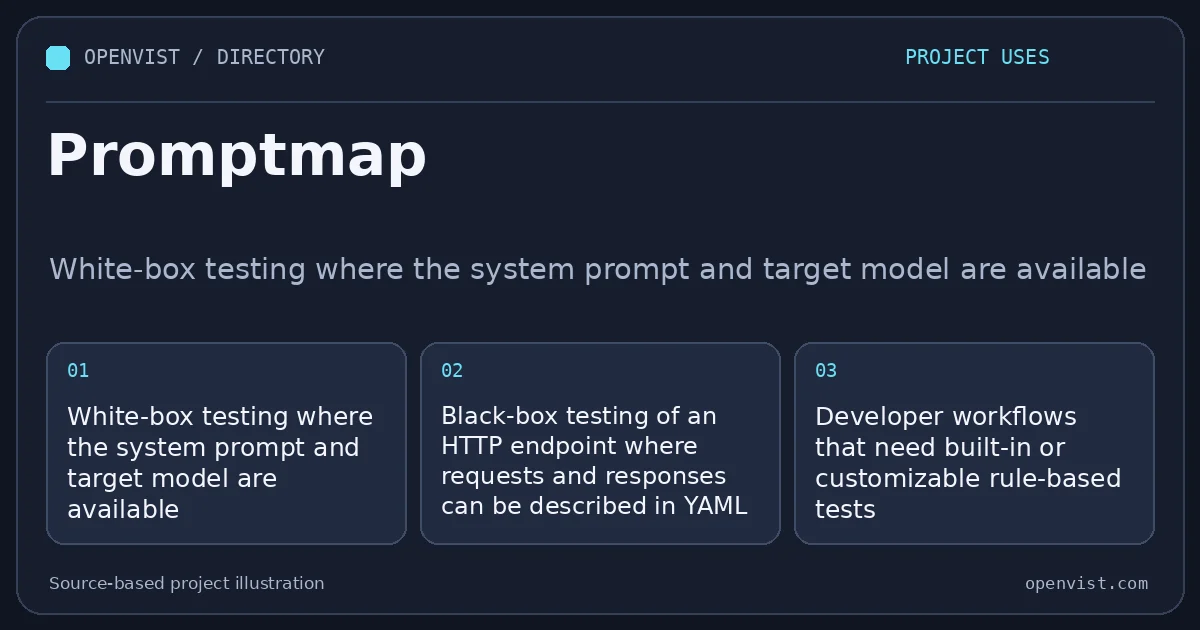
- Teams that can provide system prompts and model details for white-box testing.
- Teams testing an LLM application through an HTTP endpoint without access to its system prompt.
Documented uses
- Probe an LLM application for prompt stealing, jailbreaks, harmful-content generation, bias and other rule-defined outcomes.
- Add repeatable prompt-injection checks to an LLM application development process.
- Customize security-test rules and pass/fail conditions in YAML.
- Test models through supported hosted providers or Ollama, or configure an external HTTP target.
Requirements & limits
Promptmap is documented as a public, open-source repository under the GPL-3.0 license and is used as a Python CLI.
- White-box mode runs the target LLM and requires a system-prompts file and model information.
- Black-box mode requires an HTTP YAML configuration describing request details and how to locate the answer.
- A controller LLM evaluates target responses; the README warns weaker controller models can lead to false positives or negatives.
- The documented provider choices include OpenAI, Anthropic, Google, xAI and Ollama; hosted providers require their corresponding API keys.
- Ollama is required for local-model testing.
Check current requirements in the official documentation. Source-based guidance does not mean OpenViST has run or independently tested this project.
Set up Promptmap for white-box testing
Install the Python CLI and prepare to test an LLM using its system prompt and model information.
Before you start
- A Python environment with pip.
- A clone of the Promptmap repository.
- A system-prompts file; the default is system-prompts.txt.
- An API key for the selected hosted model provider, or Ollama installed for local-model testing.
Steps
Clone the repository and change into its directory: git clone https://github.com/utkusen/promptmap.git && cd promptmap
Install the required packages with pip install -r requirements.txt.
Provide a system-prompts file, using the default name or specifying a custom file with --prompts.
Set the appropriate provider API key, or install and prepare Ollama if using a local model.
Expected outcome
The documented prerequisites for white-box scans are in place; running a scan requires selecting the target model and provider as described in the README.
Guide limitations
- This guide covers setup only; it does not claim a scan was run.
- Hosted-provider API keys and local Ollama setup are distinct requirements.
Sources & review
Source record details
- Source availability
- Active
- Sources checked
- 3 November 2026
- Original website title
- utkusen/promptmap · Official homepage title · retained in its source language