
Practical overview
When it fits
Use Portaspeech when you want to work with a repository-based TTS model and can manage its Python dependencies, checkpoints, and local inference or training workflow.
Who it is for
- Developers exploring or adapting a PyTorch text-to-speech implementation.
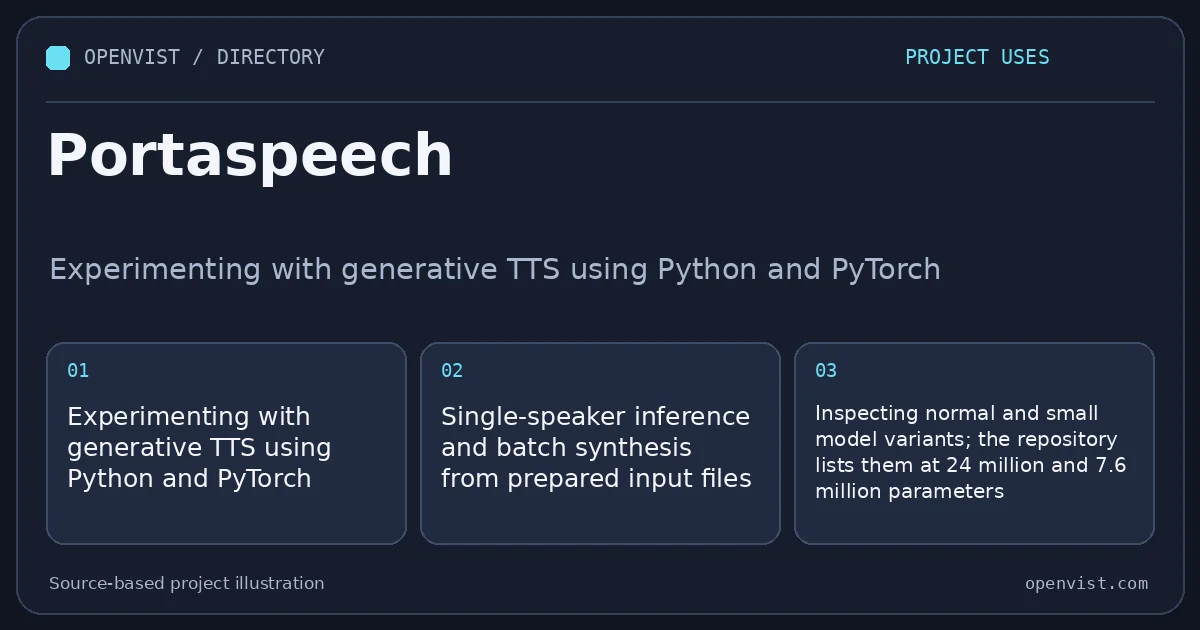
- Researchers and practitioners who want to synthesize single-speaker utterances or process prepared text in batches.
- Users preparing the documented LJSpeech dataset for model training.
Documented uses
- Generate an utterance from supplied text using a pretrained checkpoint.
- Synthesize a batch of utterances from a prepared validation text file.
- Adjust synthesized speaking rate with a duration-ratio option.
- Prepare LJSpeech data and run the documented model training workflow.
Requirements & limits
The public GitHub repository lists an MIT license. Inference requires a separately downloaded pretrained model.
- Inference requires a checkpoint placed in the expected dataset-specific directory.
- Batch inference takes a prepared validation text file rather than arbitrary input described as a hosted service.
- Training documentation names LJSpeech, a single-speaker English dataset, and assumes single-node multi-GPU training.
- Duration control is available, but the README notes it comes from FastSpeech2 and is not a central focus of PortaSpeech.
- HiFi-GAN and MelGAN are listed as supported vocoders.
Check current requirements in the official documentation. Source-based guidance does not mean OpenViST has run or independently tested this project.
Synthesize speech from text with a pretrained checkpoint
Run the documented single-speaker inference workflow to generate an utterance from text.
Before you start
- Python dependencies installed with pip3 install -r requirements.txt
- A downloaded pretrained model placed in output/ckpt/DATASET/
- Dataset name and restore step for the chosen checkpoint
Steps
Install dependencies from the repository’s requirements file.
Download a pretrained model and place it in output/ckpt/DATASET/.
Run synthesize.py with the desired text, restore step, --mode single, and dataset name.
Expected outcome
Generated utterances are written to output/result/.
Guide limitations
- The README documents this command for single-speaker TTS.
- The pretrained model must be obtained separately.
- A Dockerfile is provided, but this recipe follows the documented pip installation route.
Prepare LJSpeech data for model training
Run the documented alignment and preprocessing stages for the supported LJSpeech training dataset.
Before you start
- The LJSpeech dataset
- Repository dependencies installed
- Pre-extracted alignments, or Montreal Forced Aligner for generating alignments
Steps
Run prepare_align.py with the LJSpeech dataset name.
Place the provided alignment files in preprocessed_data/LJSpeech/TextGrid/, or generate alignments using Montreal Forced Aligner.
Run preprocess.py with the LJSpeech dataset name.
Expected outcome
The documented alignment and preprocessing stages are completed before the separate training command.
Guide limitations
- LJSpeech is documented as a single-speaker English dataset.
- This recipe stops at preprocessing; training requires a separate command and assumes single-node, multi-GPU training.
Sources & review
Source record details
- Source availability
- Active
- Sources checked
- 17 November 2026
- Original website title
- keonlee9420/PortaSpeech · Official homepage title · retained in its source language