
Practical overview
When it fits
Use Ossature when requirements can be expressed as specification files and you want a reviewable plan, incremental builds and task-level verification around LLM-generated code.
Who it is for
- Developers who want to generate code from written software requirements and architecture.
- Teams or individuals who want to review a build plan before code generation and verify generated work in smaller tasks.
Documented uses
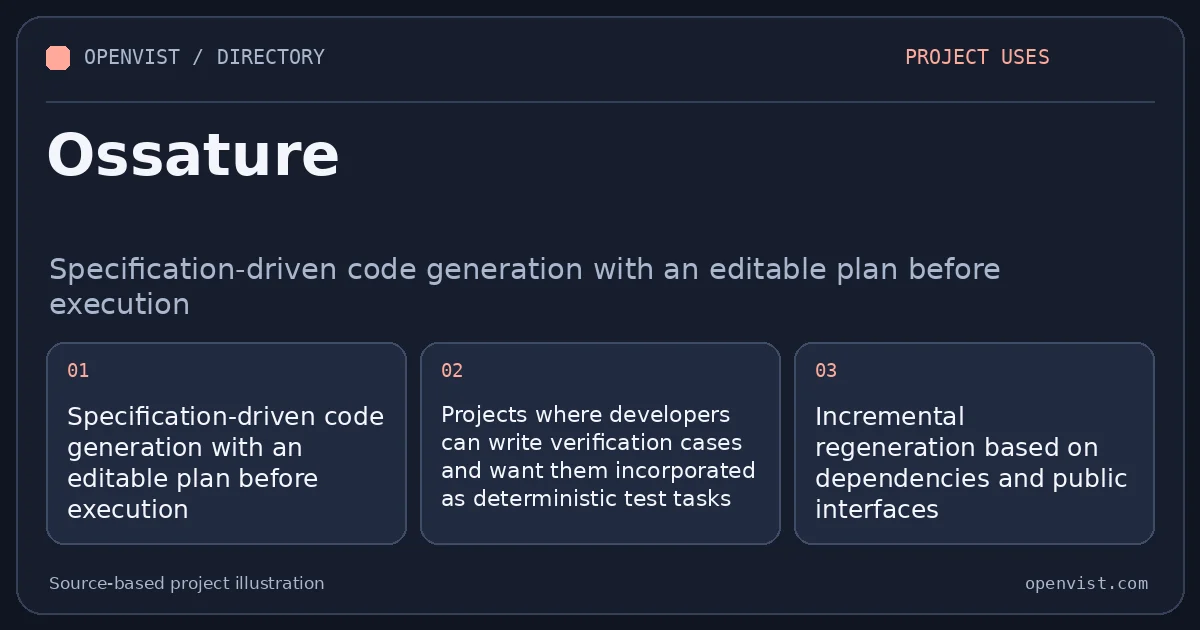
- Translate specifications and optional architecture into an editable, stepwise code-generation plan.
- Generate code task by task and verify each task, with a repair loop when verification fails.
- Use developer-written test cases as deterministic tasks when a specification has a verification file.
- Regenerate affected work after specification changes while preserving downstream work when public interfaces remain unchanged.
Requirements & limits
The installation documentation requires Python 3.14 or higher and an LLM provider API key, or a running local Ollama server. Ossature is described as an unstable 0.x project.
- Inputs are organized as .smd specification files, with optional .amd architecture and .vmd verification files.
- Validation checks specification structure without an LLM; audit uses an LLM to review inputs and prepare context and a TOML plan; build executes that plan.
- Verification files contain test cases the developer writes; deterministic test tasks are included when such a file is present.
- The project warns that APIs, formats, CLI flags and internal behavior may change significantly between 0.x releases.
Check current requirements in the official documentation. Source-based guidance does not mean OpenViST has run or independently tested this project.
Install Ossature and configure an LLM provider
Install the tool and prepare its documented LLM connection before creating a project.
Before you start
- Python 3.14 or higher.
- An API key for a supported LLM provider, or a running local Ollama server.
Steps
Install with pip using the command below, or run it through uvx using
uvx ossature.pip install ossatureFor a provider API, set the environment variable for that provider, such as
ANTHROPIC_API_KEYorOPENAI_API_KEY.For Ollama, start the server with
ollama serveinstead of setting an API key.Check the installation with
ossature --version.
Expected outcome
The documented installation check reports the Ossature version; the tool is ready for the next documented stage, creating a project.
Guide limitations
- The documentation labels the 0.x series unstable and warns that interfaces and behavior may change.
- The installation check does not itself create or build a project.
Sources & review
Source record details
- Source availability
- Active
- Sources checked
- 20 November 2026
- Original website title
- Ossature - A build system for specs and architecture · Official homepage title · retained in its source language