
Understand the project
Practical overview
When it fits
Use it when you want Alfred-centered access to OpenAI chat and supported file, image, or speech tasks on macOS.
Who it is for
- Mac users with Alfred 5 Powerpack who want OpenAI actions in Alfred.
- Users who want to send selected text, examine supported files, or work with speech and images through OpenAI.
Documented uses
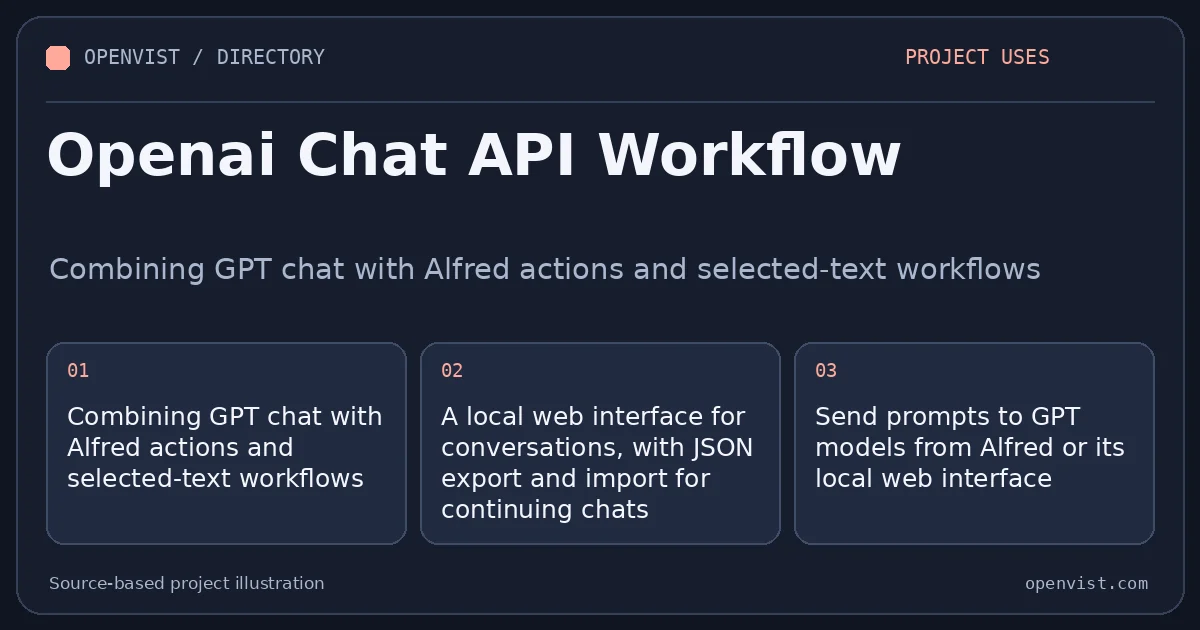
- Send prompts to GPT models from Alfred or its local web interface.
- Understand images, PDFs, Office documents, code, and other files.
- Generate or edit images and transcribe speech.
- Convert text to speech and review, export, or import chat conversations.
Before you choose
Requirements & limits
Requires Alfred 5 Powerpack and an OpenAI API key. The repository lists an MIT license.
- The primary workflow requires Alfred 5 Powerpack and macOS accessibility permission for Alfred.
- OpenAI API requests require an API key; the documentation describes direct requests to OpenAI by default.
- SoX is needed only for the terminal voice recorder; web-interface voice input uses the browser’s built-in Web Audio API.
- The project identifies Ruby as its primary language and the repository is MIT-licensed.
Check current requirements in the official documentation. Source-based guidance does not mean OpenViST has run or independently tested this project.
Source-based practical guide
Install and configure the Alfred workflow
Prepare the workflow to make OpenAI API requests from Alfred.
Before you start
- macOS with Alfred 5 Powerpack
- An OpenAI API key
Steps
Download and run the workflow file from the project repository.
Set the OpenAI API key in the workflow settings.
Enable Alfred under macOS Accessibility settings.
Expected outcome
The workflow is installed and configured with an OpenAI API key for its supported actions.
Guide limitations
- The terminal voice recorder launched with the openai-speech keyword requires SoX; voice input in the web interface does not require an external tool.
Evidence and transparency
Sources & review
Source record details
- Source availability
- Active
- Sources checked
- 20 November 2026
- Original website title
- yohasebe/openai-chat-api-workflow · Official homepage title · retained in its source language