
Practical overview
When it fits
Use Oh Sheet when you have a song link, audio recording or MIDI file and want a piano arrangement with notation and playable MIDI outputs.
Who it is for
- Pianists who want to turn songs or recordings into a piano score.
- Developers interested in self-hosting or adapting an audio-to-piano transcription application.
Documented uses
- Convert a YouTube link or uploaded audio into detected notes and a two-hand piano arrangement.
- Turn an existing MIDI file into a piano score without running audio transcription.
- Export an arrangement as PDF, MusicXML or playable MIDI.
Requirements & limits
The public repository is MIT-licensed. Its documented local setup requires Python 3.10+, Flutter SDK and ffmpeg.
- Audio transcription uses Spotify Basic Pitch; Demucs stem separation is optional.
- MIDI input skips transcription, and the sheet-only variant skips humanization.
- The default local engraving backend needs LilyPond for PDF output; MusicXML remains available without it.
- The alternative remote HTTP engraving service returns MusicXML only and is described as hosted and proprietary.
Check current requirements in the official documentation. Source-based guidance does not mean OpenViST has run or independently tested this project.
Set up Oh Sheet locally
Install the documented application dependencies and start its backend and Flutter web frontend.
Before you start
- Python 3.10 or newer
- Flutter SDK
- ffmpeg
Steps
Clone the Oh Sheet repository and change into its directory.
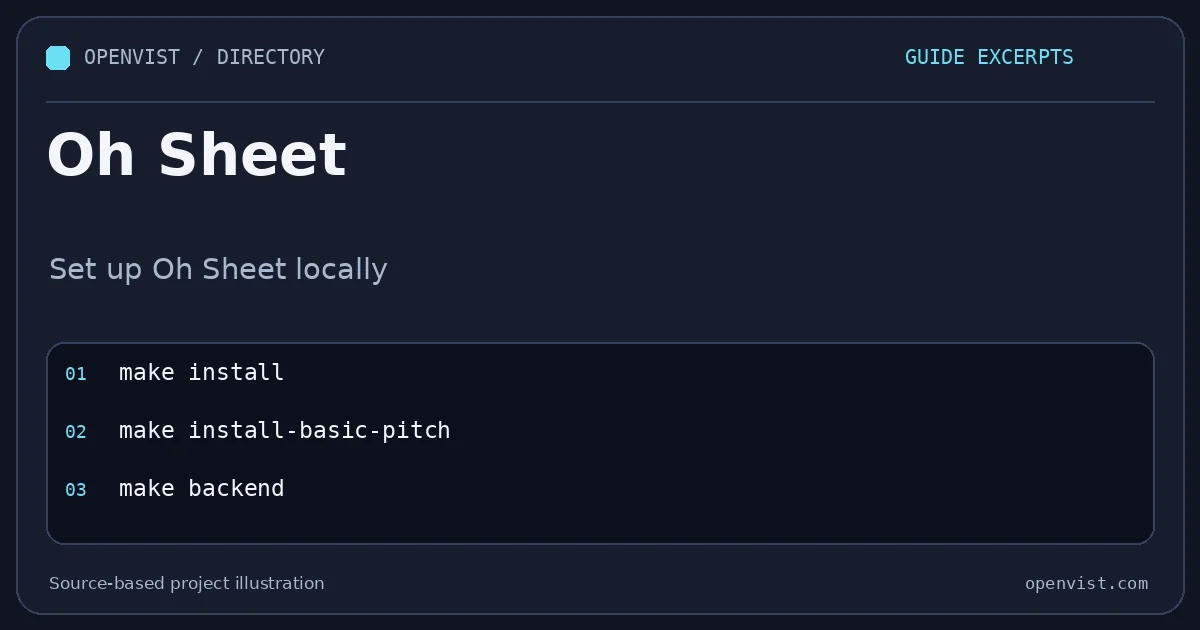
Run the command below to install backend and frontend dependencies.
make installOptionally run the command below to install the transcription dependencies.
make install-basic-pitchRun the command below and the command below to start the API and Flutter web app.
make backendmake frontend
Expected outcome
The documented local setup starts the API on port 8000 and the Flutter web frontend in Chrome.
Guide limitations
- LilyPond is required for PDF output from the default local engraving backend; MusicXML can be produced without it.
- The optional remote engraver returns MusicXML only and uses a hosted, proprietary Oh Sheet component.
Sources & review
Source record details
- Source availability
- Active
- Sources checked
- 16 November 2026
- Original website title
- Oh-Sheet-Team/oh-sheet · Official homepage title · retained in its source language