
Understand the project
Practical overview
When it fits
Use it when you want to experiment locally with training and sampling from deep-learning music models rather than use a hosted composition app.
Who it is for
- Developers experimenting with deep-learning music generation
- Researchers comparing model approaches and generated samples
- Python users who want a self-hosted command-line workflow
Documented uses
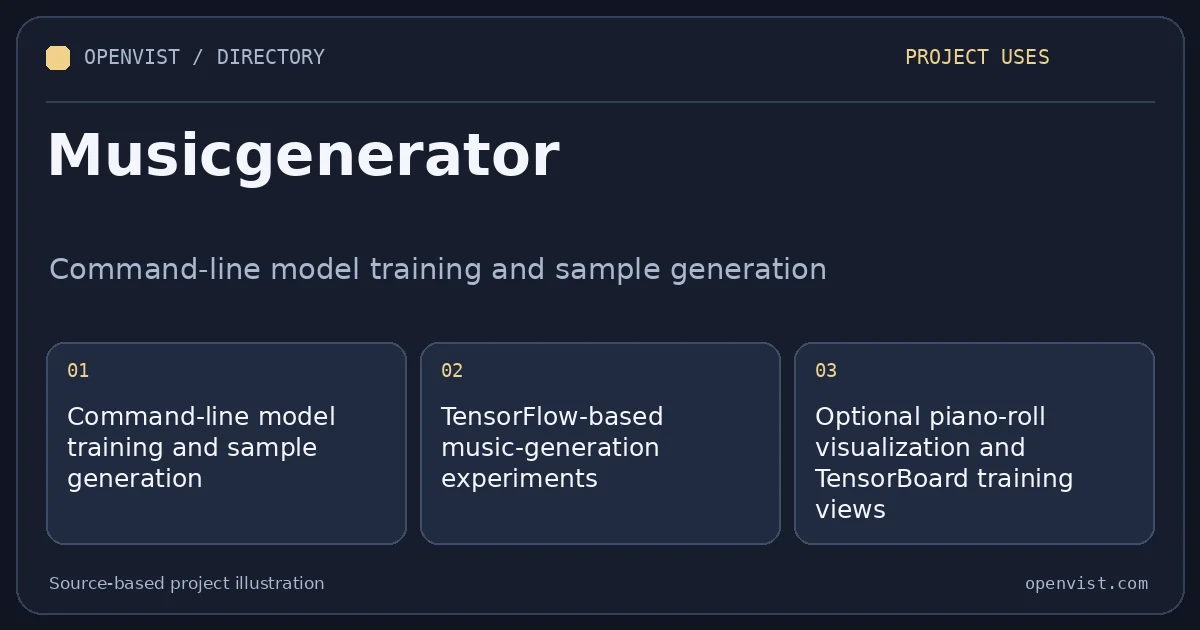
- Train a music-generation model.
- Generate samples from a trained model.
- Inspect model experiments and view training graph and cost information with TensorBoard.
Before you choose
Requirements & limits
The repository is public and identifies its license as Apache-2.0.
- The README lists Python 3, TensorFlow, NumPy, Mido and Tqdm as dependencies.
- The README specifies TensorFlow 0.10.0rc0 as tested and says earlier versions will not work.
- CUDA is needed only for GPU use.
- OpenCV is optional and is described as mainly supporting piano-roll visualization.
Check current requirements in the official documentation. Source-based guidance does not mean OpenViST has run or independently tested this project.
Source-based practical guide
Train a model and generate a sample
Use the documented command-line workflow to train a model and generate a music sample.
Before you start
- Python 3
- TensorFlow; the README specifies version 0.10.0rc0 as tested and says earlier versions will not work
- NumPy, Mido and Tqdm
- CUDA only if using a GPU
Steps
Install the listed dependencies in the Python environment.
Run main.py to train the model.
After training, run main.py --test --sample_length 500 to generate results.
Expected outcome
The project runs its training workflow and then generates results in test mode.
Guide limitations
- The README does not specify output formats beyond its MIDI dependency.
- OpenCV is optional and is mainly used for piano-roll visualization.
Evidence and transparency
Sources & review
Source record details
- Source availability
- Active
- Sources checked
- 17 November 2026
- Original website title
- Conchylicultor/MusicGenerator · Official homepage title · retained in its source language