
Understand the project
Practical overview
When it fits
Use Mobileclaw when you want structured multi-agent play on an Android phone, especially to observe how configured models handle debate, bluffing, voting or elimination.
Who it is for
- Android users who want to compare AI models through debates, social-deduction games or elimination rounds.
- Developers exploring Android phone-control agents, app automation or interactive MiniAPP experiences.
Documented uses
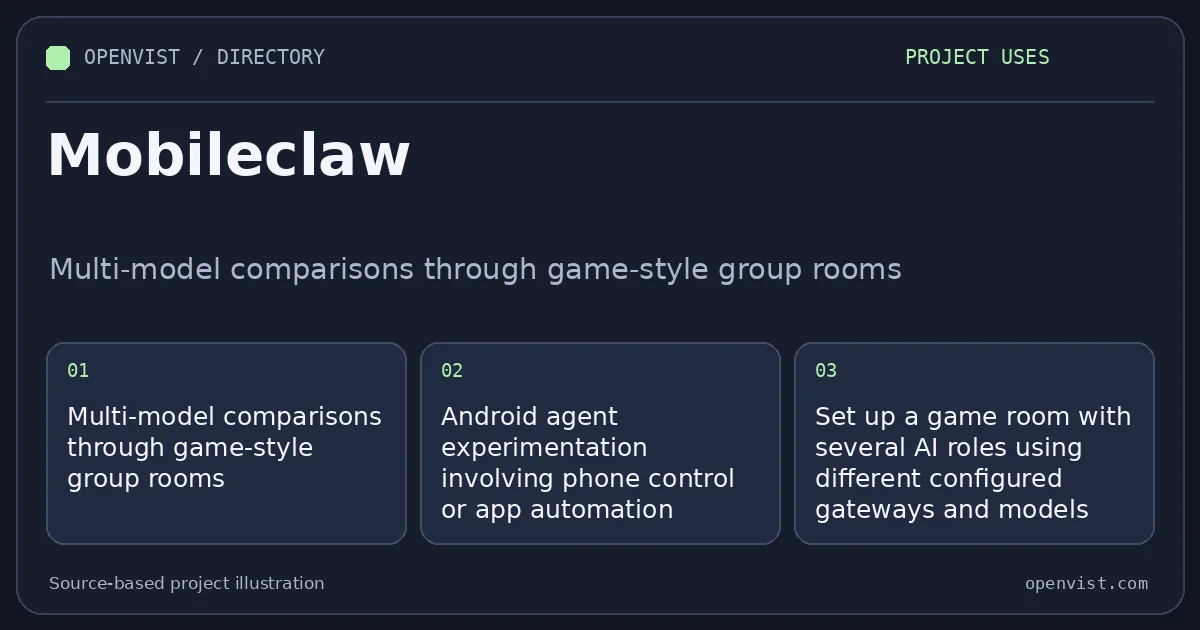
- Set up a game room with several AI roles using different configured gateways and models.
- Coordinate speaking turns, votes, hidden actions and round progression in a group game.
- Explore phone-control and app-automation capabilities in an Android agent runtime.
Before you choose
Requirements & limits
The repository documents Android 11 or later and provides instructions for building a debug APK. It states that Mobileclaw is MIT licensed.
- Each AI role can use a user-configured gateway and model.
- The system host manages speaking, votes, hidden actions and round progression.
- The repository describes a wider runtime that includes memory, model routing, MiniAPPs, native AI pages, skill tools and VPN helpers.
Check current requirements in the official documentation. Source-based guidance does not mean OpenViST has run or independently tested this project.
Source-based practical guide
Build a debug APK from the repository
Follow the repository's documented steps to assemble a debug APK.
Before you start
- Android 11 or later is identified for the app.
- A local environment capable of running the repository's Gradle build script.
Steps
Clone https://github.com/eggbrid2/mobileClaw.git.
Change into the mobileClaw directory.
Run ./scripts/assemble_debug.sh.
Expected outcome
The README identifies the debug APK output path as app/build/outputs/apk/debug/app-debug.apk.
Guide limitations
- The documented steps cover assembling a debug APK, not installing or running it.
- No compatibility result is implied.
Evidence and transparency
Sources & review
Source record details
- Source availability
- Active
- Sources checked
- 23 October 2026
- Original website title
- eggbrid2/mobileClaw · Official homepage title · retained in its source language