
Practical overview
When it fits
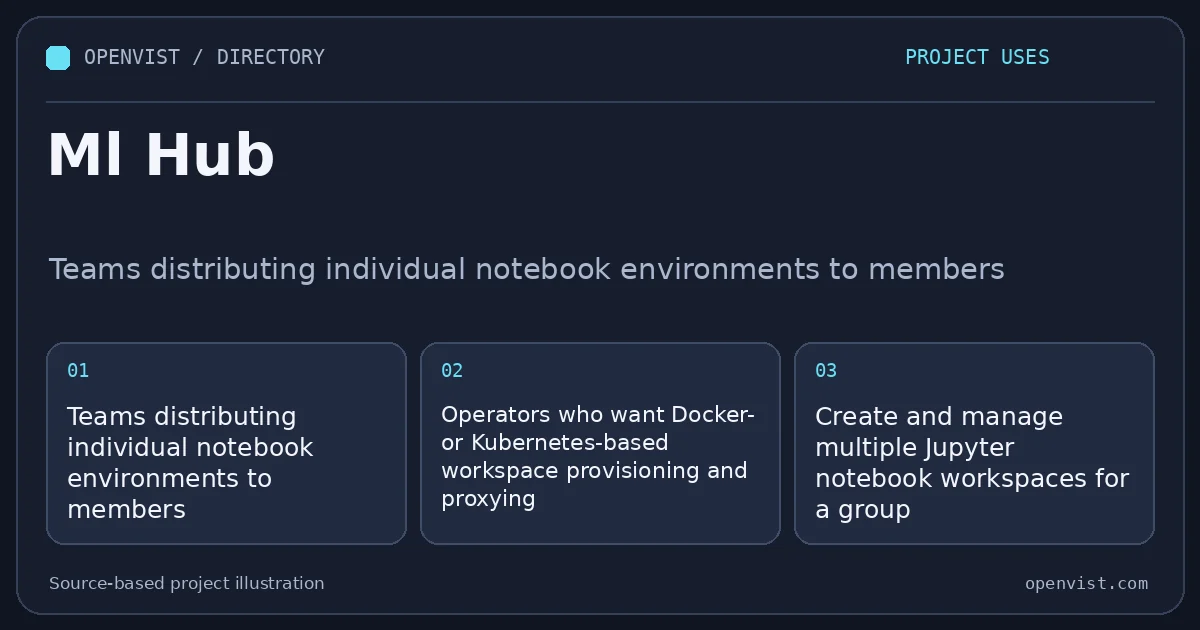
Use Ml Hub when a team needs a centrally managed or self-service collection of Jupyter workspaces running on Docker or Kubernetes.
Who it is for
- Machine-learning and data-science teams that need separately managed Jupyter notebook workspaces.
- Administrators distributing workspaces to users or enabling self-service workspace access.
Documented uses
- Create and manage multiple Jupyter notebook workspaces for a group.
- Set configuration such as CPU limits for started workspaces.
- Route users to their workspaces and provide secured routes to additional tools.
- Tunnel SSH connections to workspace containers.
Requirements & limits
The repository is public and declares an Apache-2.0 license. Docker is required for Docker-local mode; Kubernetes is required for Kubernetes modes, and Helm is listed for deployment using the chart.
- It is based on JupyterHub and provides custom Docker and Kubernetes spawners that support their respective configuration options.
- The Docker-local startup mounts the Docker socket; persistent hub data can be retained by mounting storage at
/data. - The documentation supports administrator-distributed workspaces, self-service, or a combination.
- The documented default NativeAuthenticator setup requires registering the
adminuser before login.
Check current requirements in the official documentation. Source-based guidance does not mean OpenViST has run or independently tested this project.
Start ML Hub in Docker
Start the hub using the documented Docker-local command and retain its hub data in a mounted volume.
Before you start
- Docker
- A Docker host whose socket can be mounted into the container
Steps
Run the documented
mltooling/ml-hub:latestcontainer, publishing port 8080 and mounting/var/run/docker.sockat the same path inside the container.Mount a Docker volume at
/datato persist hub data, including created users and started workspaces.
Expected outcome
The documented command starts an ML Hub instance with persistent hub data when `/data` is mounted.
Guide limitations
- This guide covers Docker-local startup only; it does not configure workspace policies, authentication or external access.
- The documentation notes that the default NativeAuthenticator requires registering the
adminuser with a chosen password before login.
Sources & review
Source record details
- Source availability
- Active
- Sources checked
- 20 November 2026
- Original website title
- ml-tooling/ml-hub · Official homepage title · retained in its source language