
Practical overview
When it fits
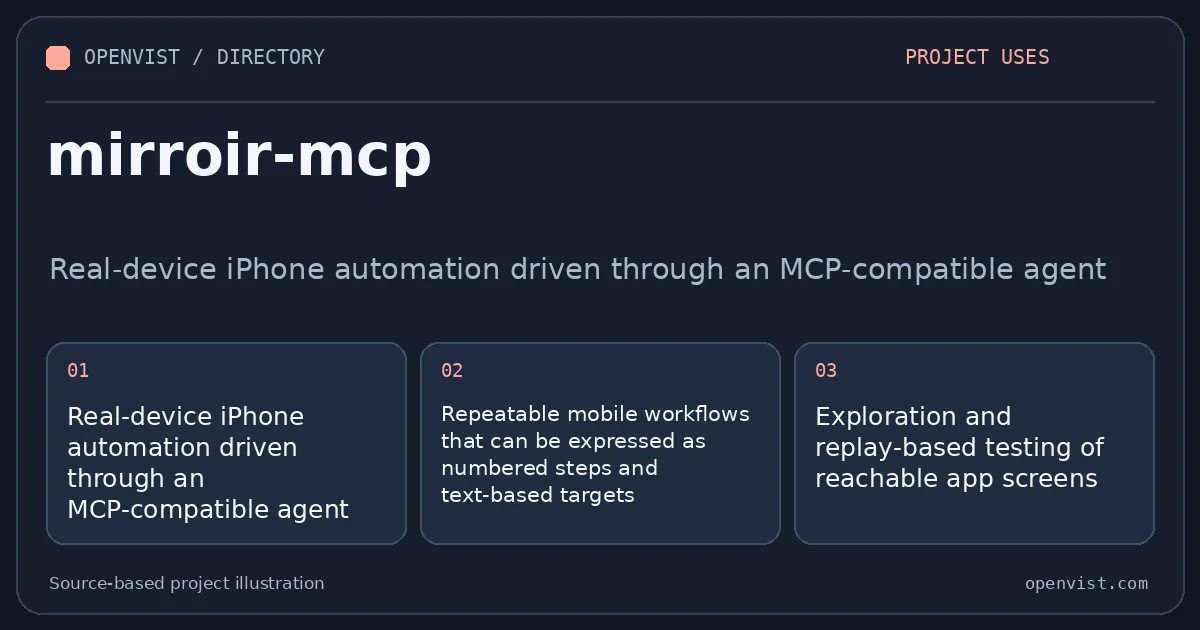
Use mirroir-mcp when an MCP-compatible agent needs to operate a real iPhone, or when a developer wants to turn a mobile-app workflow into a repeatable skill and test its replay.
Who it is for
- AI-agent developers who want an agent to perform tasks in iPhone apps using a real device.
- Mobile developers who need to explore app screens and create repeatable interaction tests.
- Teams that want to capture a recurring phone workflow as a skill and replay it without an LLM.
Documented uses
- Observe an iPhone screen using screenshots, OCR or vision-based descriptions.
- Navigate and interact with app screens using touch gestures, text entry and system controls.
- Run several interaction steps in sequence and stop at the first failure.
- Explore reachable app screens to generate a navigation graph and skill bundle.
- Record and compile workflow steps for repeatable replay and CLI testing.
Requirements & limits
The documented iPhone workflow requires a Mac running macOS 15 or later and iPhone Mirroring. Audio transcription requires macOS 26. Installation options include Homebrew, npx, a shell installer and documented agent plugins.
- The default connection uses standard input and output and opens no network port; remote-client use is documented through an HTTP mode bound to localhost, bearer-token authentication and SSH forwarding.
- Compiled skills can be replayed without invoking an LLM, while the documentation also describes agent-led execution and diagnosis.
- Skill exploration only builds a graph of screens it reaches, and the documentation does not specify support for every app or scenario.
- The listen tool is separate from general screen interaction and has a macOS 26 requirement.
Check current requirements in the official documentation. Source-based guidance does not mean OpenViST has run or independently tested this project.
Set up mirroir-mcp with an MCP agent
Install mirroir-mcp and follow the documented onboarding process to connect it to an iPhone.
Before you start
- A Mac running macOS 15 or later
- iPhone Mirroring
- A supported coding agent or an available installation method
Steps
Choose a documented installation route: Homebrew, npx, the shell installer, or a supported agent plugin.
Follow the mirroir-mcp onboarding instructions step by step.
Ask the agent to read back what the iPhone screen shows.
Expected outcome
The agent is set up to drive the iPhone through the supplied MCP tools.
Guide limitations
- The setup instruction does not document every agent’s configuration details.
- Phone interaction requires iPhone Mirroring.
Explore an app and prepare a replayable test
Use the documented exploration and recording stages to create a compiled skill that can be tested from the CLI.
Before you start
- mirroir-mcp installed and connected to a target app
- An app name to explore
Steps
Call generate_skill with action set to explore and the target app name; the documented alternative is depth-first exploration.
Edit a generated skill or author one as numbered steps.
Have the agent read and execute the skill with get_skill and MCP tools, recording steps and saving compiled coordinates.
Run the compiled skill with the mirroir test command.
Expected outcome
A skill bundle and compiled replay can be used to test an app workflow; the documented test checks each step and reports failure when a target is gone.
Guide limitations
- Exploration builds a graph only for screens it reaches.
- The documentation does not detail every app or scenario supported.
- Agent-assisted diagnosis is a separate option after a failed step.
Sources & review
Source record details
- Source availability
- Active
- Sources checked
- 15 November 2026
- Original website title
- mirroir-mcp: real iPhone automation for AI agents over MCP · Official homepage title · retained in its source language