
Practical overview
When it fits
Use it when an external application needs hand-tracking data from MediaPipe and you want a repository example of the graph, calculator, protobuf and build-file changes for UDP output.
Who it is for
- Creative-coding developers connecting MediaPipe hand tracking to openFrameworks
- Developers who want to send MediaPipe tracking output to an external application over UDP
Documented uses
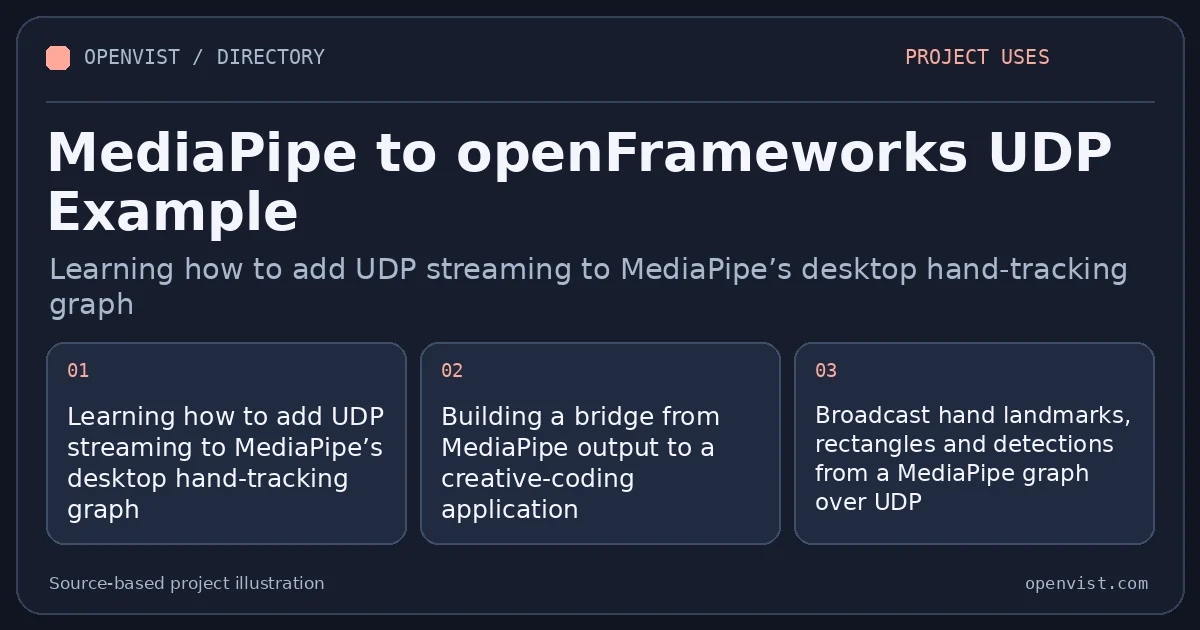
- Broadcast hand landmarks, rectangles and detections from a MediaPipe graph over UDP.
- Add a custom calculator and wrapper protobuf to MediaPipe’s desktop hand-tracking example.
- Use MediaPipe hand-tracking output as input for an external interactive application.
Requirements & limits
- The example sends data on UDP port 8080.
- The tutorial requires MediaPipe, Protocol Buffers configured for openFrameworks, and use of MediaPipe’s Bazel build structure.
- The README documents a CPU build and reports a test environment of macOS Mojave 10.14.6 with openFrameworks 0.10.1.
Check current requirements in the official documentation. Source-based guidance does not mean OpenViST has run or independently tested this project.
Add UDP output to MediaPipe desktop hand tracking
Modify the desktop hand-tracking graph to broadcast tracking data over UDP while passing it onward in the graph.
Before you start
- An installed MediaPipe checkout
- Protocol Buffers set up for openFrameworks
- The MediaPipe hand-tracking example and its Bazel build structure
Steps
Add the custom pass-through calculator to the desktop hand-tracking graph and route landmarks, hand rectangles and detections through it.
Copy the custom calculator into MediaPipe’s calculators directory and add its dependencies to the calculator BUILD file.
Add the calculator to the hand-tracking graph’s BUILD dependencies.
Copy the wrapper protobuf into MediaPipe’s formats directory and declare the proto library and dependencies in its BUILD file.
Build and run the CPU hand-tracking example using the Bazel commands in the README.
Expected outcome
The modified example broadcasts hand-tracking data over UDP on port 8080 and continues passing the tracking data through the graph.
Guide limitations
- The README’s reported test environment is macOS Mojave 10.14.6 with openFrameworks 0.10.1; this does not establish compatibility with other environments.
- The tutorial focuses on the MediaPipe sender and does not document a complete external UDP receiver.
Sources & review
Source record details
- Source availability
- Active
- Sources checked
- 20 November 2026
- Original website title
- madelinegannon/example-mediapipe-udp · Official homepage title · retained in its source language