
Understand the project
Practical overview
When it fits
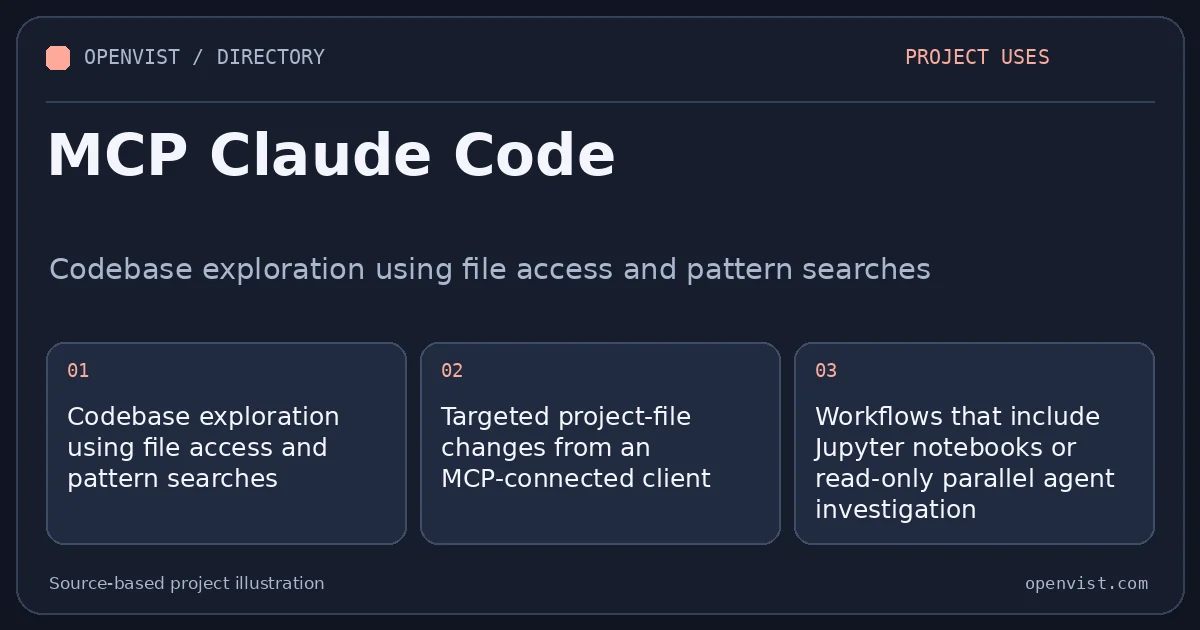
Use it when a compatible MCP client should inspect a project, find relevant code, or make requested changes to files through a connected server.
Who it is for
- Developers who want an MCP-connected assistant to search and understand a codebase.
- Teams or individuals seeking assistant-mediated edits to project files or Jupyter notebooks.
Documented uses
- Read files and navigate project directories.
- Search for text patterns or code with surrounding structural context.
- Make targeted file edits and replacements.
- Read or edit Jupyter notebook cells.
- Run shell commands or scripts through an MCP tool.
Before you choose
Requirements & limits
The repository is public and specifies the MIT License. The README names Claude Desktop as a compatible client.
- The project is an MCP server, so use requires a compatible MCP client; Claude Desktop is specifically named.
- The README lists file operations, pattern searching, command execution and notebook tools.
- The README describes permission prompts for file modifications and command execution, alongside access restricted to specified directories.
- The repository identifies Python as its primary language and points to separate installation and configuration instructions.
Check current requirements in the official documentation. Source-based guidance does not mean OpenViST has run or independently tested this project.
Source-based practical guide
Find installation and configuration instructions
Navigate from the project README to its installation and configuration documentation.
Before you start
- Access to the project README.
Steps
Open the project README.
Follow the link to
doc/INSTALL.mdfor installation and configuration instructions.
Expected outcome
You reach the project’s installation and configuration documentation.
Guide limitations
- The README does not include the installation or configuration procedure itself.
Evidence and transparency
Sources & review
Source record details
- Source availability
- Active
- Sources checked
- 20 November 2026
- Original website title
- SDGLBL/mcp-claude-code · Official homepage title · retained in its source language