
Practical overview
When it fits
Use MANIQA when a workflow needs no-reference perceptual image-quality scores, particularly for reviewing images without known clean originals.
Who it is for
- Computer-vision developers evaluating image quality when reference images are unavailable.
- Researchers and practitioners using the provided checkpoints or training code for image-quality assessment.
Documented uses
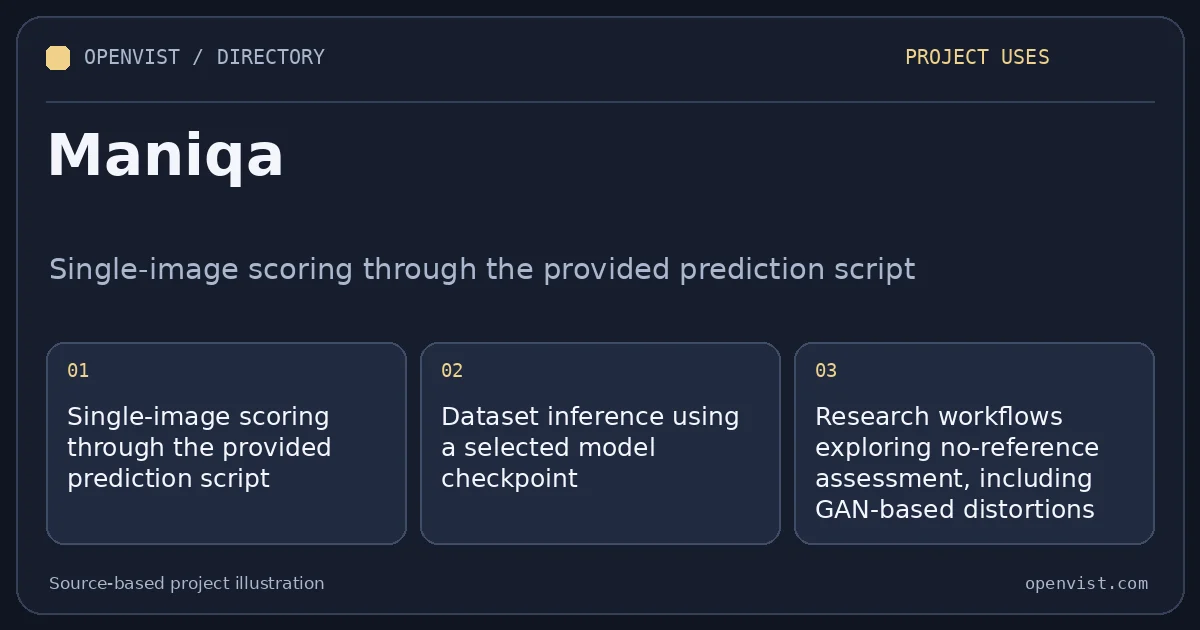
- Estimate a quality score for an individual image using a selected checkpoint.
- Generate model predictions for a dataset such as the documented PIPAL22 validation or test set.
- Configure training with dataset, training-path and validation-path settings.
Requirements & limits
The project is a public GitHub repository released under the Apache-2.0 license. The README provides code and checkpoint links.
- The repository provides separate scripts for single-image prediction, dataset inference and training.
- Checkpoint results are reported against named datasets, including PIPAL22, KADID-10K and KONIQ-10K; select a checkpoint in the context of the intended data.
- The README's listed environment is Python 3.7.9, PyTorch 1.8.0, Ubuntu 18.04.6 and CUDA 11.2, with an RTX 3090 24 GB example.
Check current requirements in the official documentation. Source-based guidance does not mean OpenViST has run or independently tested this project.
Predict a score for one image
Use the repository's single-image prediction script with an image path and a MANIQA checkpoint.
Before you start
- Python and PyTorch; the README lists Python 3.7.9 and PyTorch 1.8.0.
- Install the repository's Python requirements with pip install -r requirements.txt.
- An image file and a MANIQA checkpoint.
Steps
Set the image_path value to the image to assess.
Set ckpt_path to the checkpoint to use.
Run python predict_one_image.py.
Expected outcome
The script predicts an image-quality score for the specified image.
Guide limitations
- The README does not specify supported image formats or explain how to interpret score ranges.
- The listed environment also includes Ubuntu 18.04.6 and CUDA 11.2; these details do not guarantee compatibility with other setups.
Prepare dataset inference
Configure the documented PIPAL22 validation or test inference script to produce an output file.
Before you start
- Python and PyTorch; the README lists Python 3.7.9 and PyTorch 1.8.0.
- Install the repository's Python requirements with pip install -r requirements.txt.
- A dataset path and a trained model checkpoint.
Steps
Set test_dis_path to the dataset path.
Set model_path to the trained model path.
Run python inference.py.
Expected outcome
The script generates an inference output file for the configured dataset.
Guide limitations
- The documented inference example concerns PIPAL22 validation and testing.
- For reproducing NTIRE 2022 validation or test results, the README says to register for the competition and submit submission.zip following its instructions.
Sources & review
Source record details
- Source availability
- Active
- Sources checked
- 14 November 2026
- Original website title
- IIGROUP/MANIQA · Official homepage title · retained in its source language