
Practical overview
When it fits
Use it when you want to translate manga on Android and read the translated text over the original artwork, especially for library or batch workflows. Choose the floating overlay for manga displayed in another app.
Who it is for
- Android manga readers who want translated text displayed on the original comic pages.
- Readers organizing manga images, folders, CBZ, ZIP or PDF files into a library for batch translation.
- Readers who want a screen-level translation overlay for manga shown in another app.
Documented uses
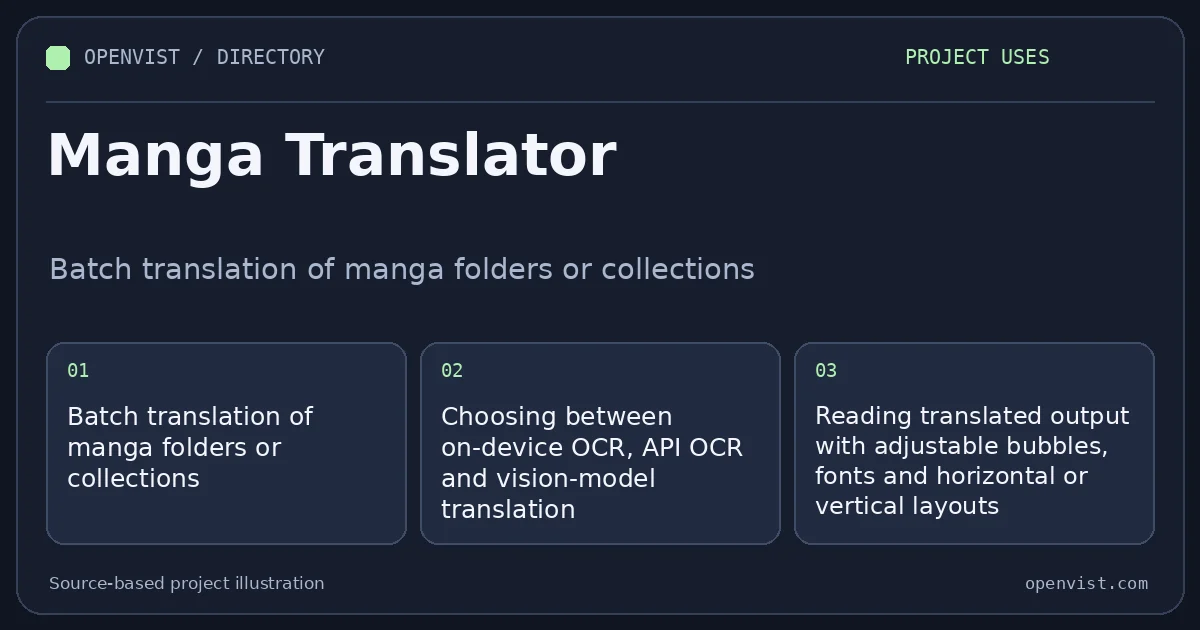
- Import and organize manga pages, chapters and collections.
- Translate pages or batches using OCR followed by AI text translation, or use an image-capable vision model.
- Read horizontal pages or vertical-scroll comics and adjust bubble placement, text direction and typography.
- Translate manga displayed in another app through a floating screen overlay.
- Maintain glossary and story-summary context across pages with full-text quick translation.
Requirements & limits
The app requires Android 7.0 or later and a user-provided AI API for translation. The repository links to APK downloads.
- Local detection and OCR can run on-device, but translation still requires a configured AI service.
- API OCR and AI OCR supplementation require a separate image-capable OCR service; vision translation requires an image-capable main model.
- Translation targets follow the interface language, which supports Simplified Chinese, Traditional Chinese, English, Brazilian Portuguese and Russian.
- Russian recognition requires API OCR.
- Opaque floating-overlay mode intercepts touch input; transparent pass-through mode is available, with Android 12 and later limiting window transparency to 80%.
Check current requirements in the official documentation. Source-based guidance does not mean OpenViST has run or independently tested this project.
Set up manga translation with an AI service
Configure the app and prepare an imported manga folder or collection for translation.
Before you start
- Android 7.0 or later.
- A user-provided AI API, with its interface format, address, key and model name.
- For API OCR or AI OCR supplementation, a separate OCR service that accepts images; for vision translation, an image-capable main model.
Steps
Install the APK and enter the AI service format, address, key and model in settings; use the model-list option if helpful.
Choose local OCR, API OCR, or vision translation according to the configured services and model capabilities.
Import manga images, a folder, or a CBZ, ZIP or PDF file into the library; confirm page order and set source language and reading mode.
Start translation for a folder or collection and follow its task progress; open the translated pages in the reader when finished.
Expected outcome
The app saves translated results page by page for reading and layout adjustments.
Guide limitations
- Translation requires a configured AI service even when detection and OCR run locally.
- API OCR and AI OCR supplementation require a separate image-capable OCR service; vision translation requires an image-capable main model.
- Saved translations do not automatically change when language, model or style settings change; request a retranslation to update them.
Start a floating screen translation
Prepare the floating translator to capture and translate the screen.
Before you start
- Android 7.0 or later.
- A configured AI service.
- Floating-window and screen-capture permissions.
Steps
Grant floating-window and screen-capture permissions.
Choose the source language and horizontal or vertical layout when starting the floating translator.
Start the floating control and use it to translate or clear the overlay.
Expected outcome
The app captures the current screen and overlays translated text.
Guide limitations
- Opaque mode intercepts screen touches and requires a configured clear gesture; transparent pass-through mode allows interaction with the underlying app.
- Russian recognition requires API OCR.
Sources & review
Source record details
- Source availability
- Active
- Sources checked
- 12 November 2026
- Original website title
- jedzqer/manga-translator-android · Official homepage title · retained in its source language