
Practical overview
When it fits
Use it when setting up a machine-learning environment on a supported Apple silicon Mac or when you want the repository’s sample workloads for hardware comparisons.
Who it is for
- Mac users starting machine learning or data science on Apple silicon.
- Developers who want sample workloads for comparing machine-learning performance across hardware.
Documented uses
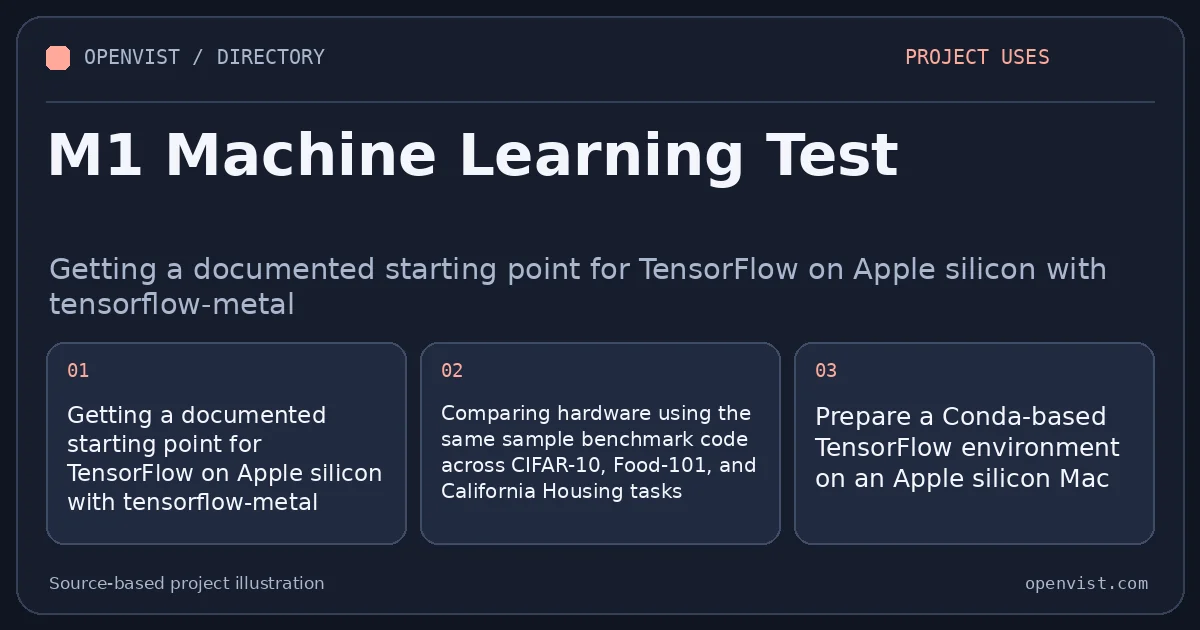
- Prepare a Conda-based TensorFlow environment on an Apple silicon Mac.
- Run example TensorFlow and scikit-learn workloads as hardware benchmarks.
- Inspect benchmark outputs and TensorFlow’s reported devices.
Requirements & limits
The repository is public and specifies an MIT license.
- The README names M1, M1 Pro, M1 Max, M1 Ultra, and M2 Macs for its setup instructions.
- The benchmark set includes both TensorFlow neural-network examples and a scikit-learn random-forest experiment.
- The documented Apple GPU setup uses tensorflow-metal and includes a device-visibility check.
Check current requirements in the official documentation. Source-based guidance does not mean OpenViST has run or independently tested this project.
Set up a TensorFlow environment on Apple silicon
Prepare a Conda environment with TensorFlow, Metal support, Jupyter, and common data-science packages.
Before you start
- An M1, M1 Pro, M1 Max, M1 Ultra, or M2 Mac
- Homebrew and Miniforge3 for macOS arm64
- The README recommends Python 3.8 for this setup
Steps
Install Homebrew and Miniforge3, then activate Miniforge in the terminal.
Create and activate a Conda environment using Python 3.8.
Install tensorflow-deps from the Apple Conda channel, then install tensorflow-macos and tensorflow-metal with pip.
Install Jupyter, pandas, NumPy, Matplotlib, and scikit-learn; optionally install tensorflow-datasets.
Start Jupyter and use the documented Python snippet to inspect the TensorFlow version and available devices.
Expected outcome
A locally prepared TensorFlow and data-science environment, with a documented check for TensorFlow’s visible devices.
Guide limitations
- The instructions target the Apple silicon models named in the README and are not a compatibility guarantee.
- Installing tensorflow-datasets is optional and identified as useful for the included benchmarks.
Run the repository’s benchmark notebooks
Use the sample notebooks to compare machine-learning workloads across hardware.
Before you start
- An environment with the notebook dependencies installed
- A local clone of the repository
Steps
Create the environment and install dependencies using the repository’s setup instructions.
Clone the repository.
Run the notebooks for TinyVGG on CIFAR-10, EfficientNetB0 on Food-101, and RandomForestClassifier on California Housing.
Review the results recorded at the end of the notebooks and in the results directory.
Expected outcome
Benchmark outputs for the repository’s listed neural-network and scikit-learn workloads.
Guide limitations
- The README describes sample benchmarks; results depend on the hardware and environment used.
- The repository’s setup and benchmark instructions are not an independent verification of successful execution.
Sources & review
Source record details
- Source availability
- Active
- Sources checked
- 11 November 2026
- Original website title
- mrdbourke/m1-machine-learning-test · Official homepage title · retained in its source language