
Practical overview
When it fits
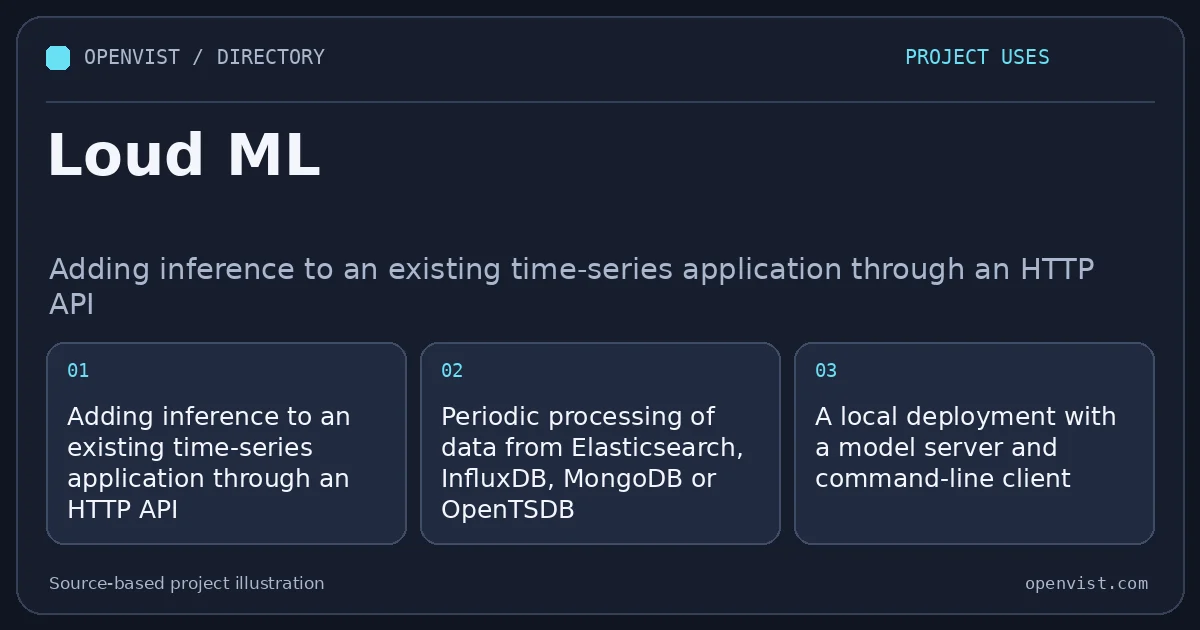
Use Loud ML when you already work with time-series metrics or events in one of its supported data stores and want a self-hosted inference service for forecasts or outlier detection.
Who it is for
- Teams that operate time-series metrics or event data in Elasticsearch, InfluxDB, MongoDB or OpenTSDB.
- Developers integrating forecasting or outlier detection into a time-series application.
- Operators building alerting workflows based on detected outliers.
Documented uses
- Forecast metrics from data in a supported store.
- Detect outliers in metrics or events for alerting workflows.
- Feed stored data to an inference engine at regular intervals for near-real-time processing.
- Integrate machine-learning results with another application through the HTTP API.
Requirements & limits
- The documented data-store integrations are Elasticsearch, InfluxDB, MongoDB and OpenTSDB.
- The engine uses TensorFlow and accepts JSON configuration.
- The CLI requires the separate
loudml-pythonpackage and a running local model server. - The repository identifies the project as open source and lists Python as its primary language.
Check current requirements in the official documentation. Source-based guidance does not mean OpenViST has run or independently tested this project.
Install and start the local Loud ML model server
Install Loud ML in a Python virtual environment and start the model server with a configuration file.
Before you start
- A Python environment using virtualenv or venv.
- A configuration file path for loudmld.
Steps
Activate a virtual environment.
Run the command below from the project source.
make installStart the server with
loudmld -c.
Expected outcome
The Loud ML model server is started using the specified configuration file.
Guide limitations
- This recipe covers installation and server startup; it does not configure a data source or demonstrate forecasting or outlier detection.
- For Debian or RPM package installations on a systemd distribution, the README also documents starting the service with
systemctl start loudmld.
Install the CLI and connect it to a local server
Install the Python CLI package and launch the client against a running local Loud ML model server.
Before you start
- A local Loud ML model server that has already been started.
- A Python environment in which to install the client package.
Steps
Install the client package with the command below.
pip install loudml-pythonRun
loudmlfrom the command line; it automatically connects to the local model server.
Expected outcome
The Loud ML command-line interface starts and connects to the local server.
Guide limitations
- The README does not provide CLI commands for configuring data sources or requesting inference.
Sources & review
Source record details
- Source availability
- Active
- Sources checked
- 20 November 2026
- Original website title
- regel/loudml · Official homepage title · retained in its source language