
Practical overview
When it fits
Use it when you want a local workflow connecting image-dataset curation with LoRA training and checkpoint comparison, and can meet the hardware and external-tool requirements for the stages you need.
Who it is for
- Image-model creators preparing character, style or concept LoRA datasets.
- People who want to sort, caption and clean image folders before training.
- Users comparing trained checkpoints with matched-seed renders, votes and face-similarity ranking.
Documented uses
- Build a dataset from a reference image or an existing image folder.
- Generate missing dataset shots, organize images, write captions and clean watermarks.
- Train a LoRA through ai-toolkit for supported image models.
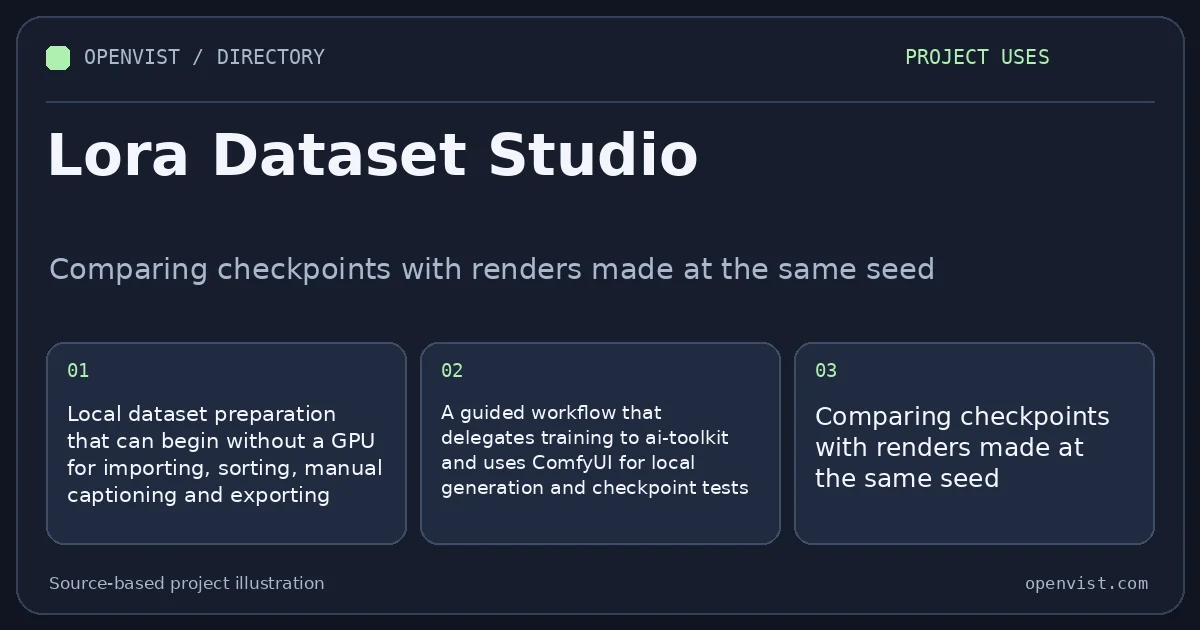
- Compare checkpoints side by side using matched-seed renders and ranking tools.
Requirements & limits
The project describes the local app as free and requiring no account. The license permits noncommercial use; commercial use requires separate permission. Public features are available without membership, while reserved features require an active LDS Member membership.
- GPU needs are task- and model-specific: automatic captioning is listed at about 8 GB, local generation at about 16 GB, and training ranges from 16 GB to higher model-specific floors.
- Local training needs ai-toolkit; local generation needs ComfyUI.
- Python 3.11–3.12 is specified for local ML extras; Python 3.13+ runs the core but not those extras.
- The project documents both local and rented-GPU routes, including RunPod and a Cloud training plugin for vast.ai.
Check current requirements in the official documentation. Source-based guidance does not mean OpenViST has run or independently tested this project.
Install the Windows release
Prepare the Windows app and open its browser interface.
Before you start
- A Windows PC.
- The LoRA Dataset Studio Windows ZIP from the latest GitHub release.
Steps
Download and extract the Windows ZIP into a new folder.
Double-click start.bat; it prepares Python and opens LoRA Dataset Studio in a browser.
Complete the in-app Setup before creating a dataset or installing plugins.
Expected outcome
The app is prepared and open in a browser for setup and dataset work.
Guide limitations
- This covers installation, not local image generation or training.
- The Windows launcher installs Python 3.12 if needed; the project specifies Python 3.11–3.12 for local ML extras.
Sources & review
Source record details
- Source availability
- Active
- Sources checked
- 20 November 2026
- Original website title
- perfectgf/lora-dataset-studio · Official homepage title · retained in its source language