
Practical overview
When it fits
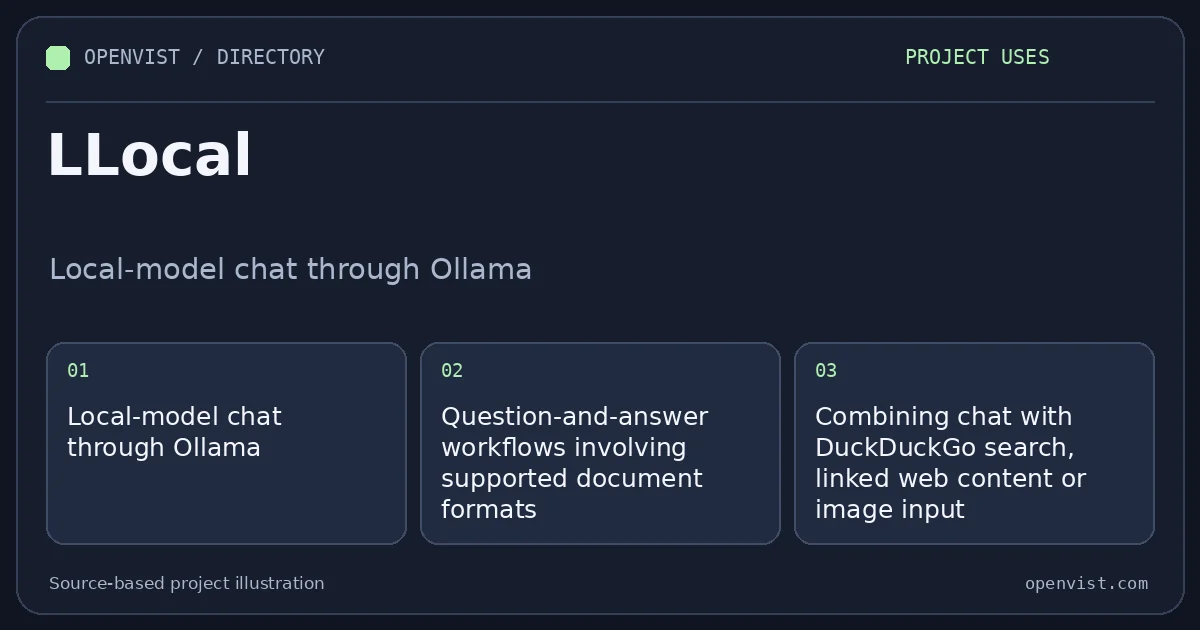
Use LLocal when you want an Ollama-based interface for local-model chat and its documented document, web-search, linked-page or image workflows.
Who it is for
- People who want to chat with locally hosted language models through a desktop interface.
- Users who want model-assisted questions about documents, web pages or images.
Documented uses
- Ask questions about PDF, PPTX, DOCX, CSV and TXT files.
- Search with DuckDuckGo and read linked web content in a chat workflow.
- Ask questions about uploaded images using vision models.
- Install Ollama and download a model through the documented LLocal setup flow.
Requirements & limits
- Ollama is the documented model runtime, and the setup guide covers installing it through LLocal’s prompted guidance.
- Model choice depends on machine resources; the guide gives VRAM-based recommendations rather than compatibility guarantees.
- The guide documents setup and model pulling, while the listed chat capabilities describe the app’s supported workflows.
Check current requirements in the official documentation. Source-based guidance does not mean OpenViST has run or independently tested this project.
Set up LLocal with Ollama and pull a model
Install LLocal and Ollama, then select a model to download through LLocal’s settings.
Before you start
- LLocal desktop application
- Ollama
- A computer whose available VRAM can support the chosen model
Steps
Download and install LLocal.
If Ollama is not installed, follow LLocal’s prompted guidance to download its installer and install it.
Open the command centre in the sidebar, go to settings, and use the Pull a model section to download a model.
Choose a model suited to the available VRAM; the guide suggests phi3 or gemma:2b for readers who want a straightforward starting point.
Expected outcome
LLocal and Ollama are set up, with a model downloaded for use in the app.
Guide limitations
- The guide’s VRAM and model-size suggestions are recommendations, not compatibility guarantees.
- The source describes setup and model selection, not a verified run-through of a chat task.
Sources & review
Source record details
- Source availability
- Active
- Sources checked
- 20 November 2026