
Practical overview
When it fits
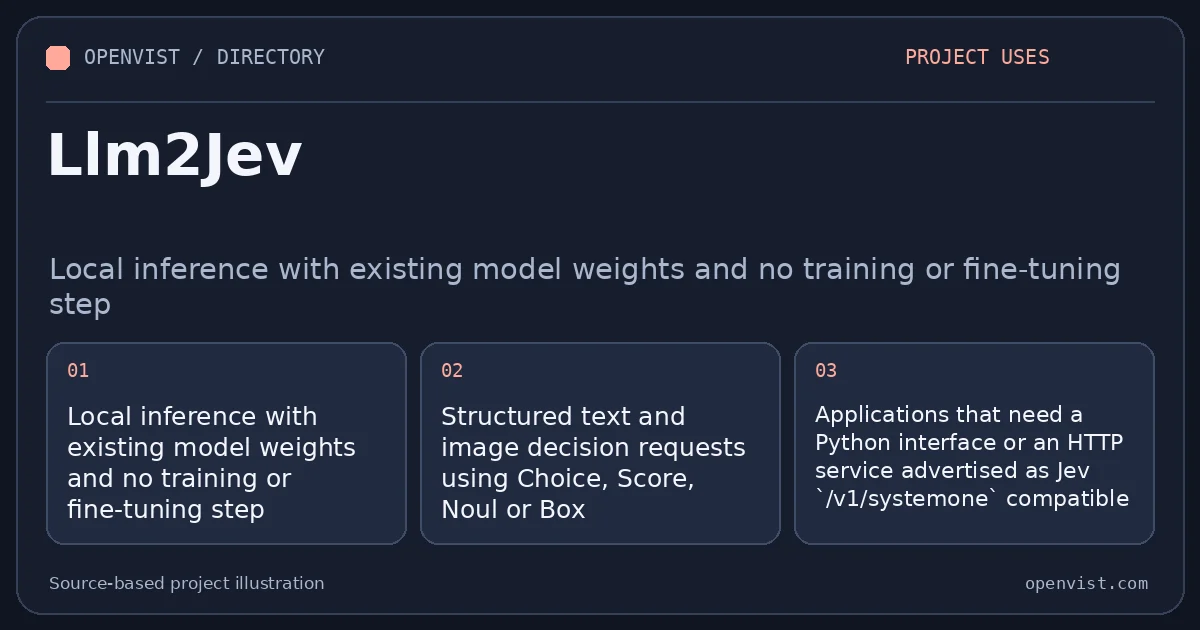
Use Llm2Jev when you have a supported local model and need structured probabilities, scores, action choices or image coordinates in a Python or HTTP workflow rather than only free-form generated text.
Who it is for
- Developers building applications that need structured decisions from local language or multimodal models.
- Teams evaluating classification, scoring or action-selection workflows using supported model-serving backends.
- Python developers seeking an HTTP interface advertised as compatible with Jev's `/v1/systemone` API.
Documented uses
- Classify text or image-informed inputs into defined options and receive probabilities.
- Score inputs against a rubric or obtain yes-or-no probabilities without generating a token-by-token answer.
- Locate targets in images with normalized bounding boxes.
- Serve decision requests over HTTP or use the Python API for offline inference.
- Reuse shared input prefixes when scoring multiple candidates with supported SGLang or MLX pathways.
Requirements & limits
The public repository identifies the project as open source under Apache-2.0. The documented quick start requires a local environment and model directory.
- Backend selection matters: the repository lists SGLang, Transformers and MLX, while some combined chat-and-decision capabilities are backend-dependent.
- The documented Linux quick start specifies a supported NVIDIA GPU; MLX is listed for Apple Silicon.
- Choice, Score and Noul use prefill-based scoring; Box produces normalized image coordinates.
- Jev
/v1/systemonecompatibility is advertised, but the supplied repository evidence does not include a detailed compatibility specification. - Shared-prefix reuse is described for SGLang Radix Cache and MLX explicit prefix prefill.
Check current requirements in the official documentation. Source-based guidance does not mean OpenViST has run or independently tested this project.
Start an SGLang decision service
Set up the documented SGLang HTTP service for local model decisions and chat.
Before you start
- Linux with a supported NVIDIA GPU
- Python 3.12 or later
- A model directory supported by SGLang
- Git and uv
Steps
Clone the Llm2Jev repository and change into its directory.
Install the SGLang extra with the command below, then activate the created virtual environment.
uv sync --extra sglangStart
llm2jev-servewith the SGLang backend, your model directory and a served-model name; the documented example binds to 127.0.0.1 on port 30000.Use the Python client with the service's
/v1base URL and the served-model name to submit aChoicedecision request.
Expected outcome
A locally hosted HTTP service and a Python client call that returns probabilities for a structured choice.
Guide limitations
- The documented command is for Linux and a supported NVIDIA GPU; model compatibility depends on SGLang.
- The example does not cover image requests; consult the project's multimodal guide for that pathway.
- Authentication depends on whether it is enabled on the service.
Sources & review
Source record details
- Source availability
- Active
- Sources checked
- 13 November 2026
- Original website title
- Yinsongxu/LLM2Jev · Official homepage title · retained in its source language