
Practical overview
When it fits
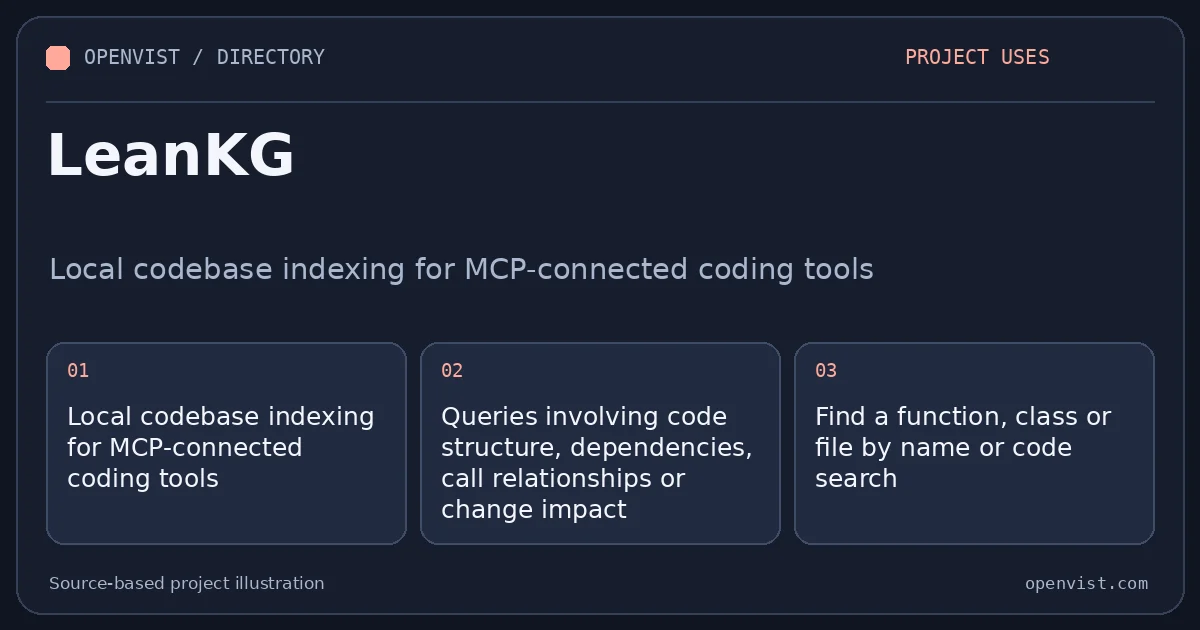
Use LeanKG when a supported MCP coding client needs targeted structural context from a local project, particularly for code navigation and dependency or impact questions.
Who it is for
- Developers who want AI coding assistants to query structured context from a local codebase.
- Teams or individuals investigating code relationships, test coverage or the likely reach of a change.
Documented uses
- Find a function, class or file by name or code search.
- Inspect call chains and direct dependencies or dependents.
- Estimate which files may be affected by a change.
- Retrieve focused context for a file and find tests associated with code.
- Visualize a codebase dependency graph in the optional web interface.
Requirements & limits
The documented workflow runs locally and offers CLI and self-hosted use. Installation instructions include a shell installer, Cargo and building from source.
- LeanKG is an indexing and MCP layer; an MCP-compatible AI coding tool is needed for the assistant-query workflow.
- The documentation lists different extracted code structures across its supported languages.
- Indexing can be scoped by path, language and exclusions, and can run incrementally.
- The documentation reports that token savings vary by task and that complex impact or debugging queries may time out.
Check current requirements in the official documentation. Source-based guidance does not mean OpenViST has run or independently tested this project.
Index a codebase and connect an MCP client
Create a LeanKG index and configure a documented AI coding tool to query it through MCP.
Before you start
- A project directory containing source files.
- LeanKG installed and available as the
leankgcommand. - An MCP-compatible client with a documented LeanKG configuration.
Steps
Run
leankg initin the project directory.Run
leankg index ./src, adjusting the path or using documented language filters and exclusions as needed.Configure the MCP client to launch
leankg mcp-stdio --watchusing its documented configuration format.Start the MCP server through the client; LeanKG can initialize and index the current directory if a LeanKG project is not already present.
Expected outcome
The project has a local code index that the configured MCP client can query, with watch-based updates available.
Guide limitations
- Supported structures differ by language.
- Index freshness and query results depend on the project and task; the documentation notes complex impact or debugging queries may time out.
Sources & review
Source record details
- Source availability
- Active
- Sources checked
- 16 November 2026
- Original website title
- LeanKG - Local-First Code Knowledge Graph | Surgical Context for AI Agents · Official homepage title · retained in its source language