
Practical overview
When it fits
Use it when you want to add experiment logging to a training workflow and keep the resulting records in a PostgreSQL database for web monitoring and queries.
Who it is for
- Machine-learning developers who want to record experiment details alongside their training code.
- Researchers who need a queryable store for experiment results and training-step data.
Documented uses
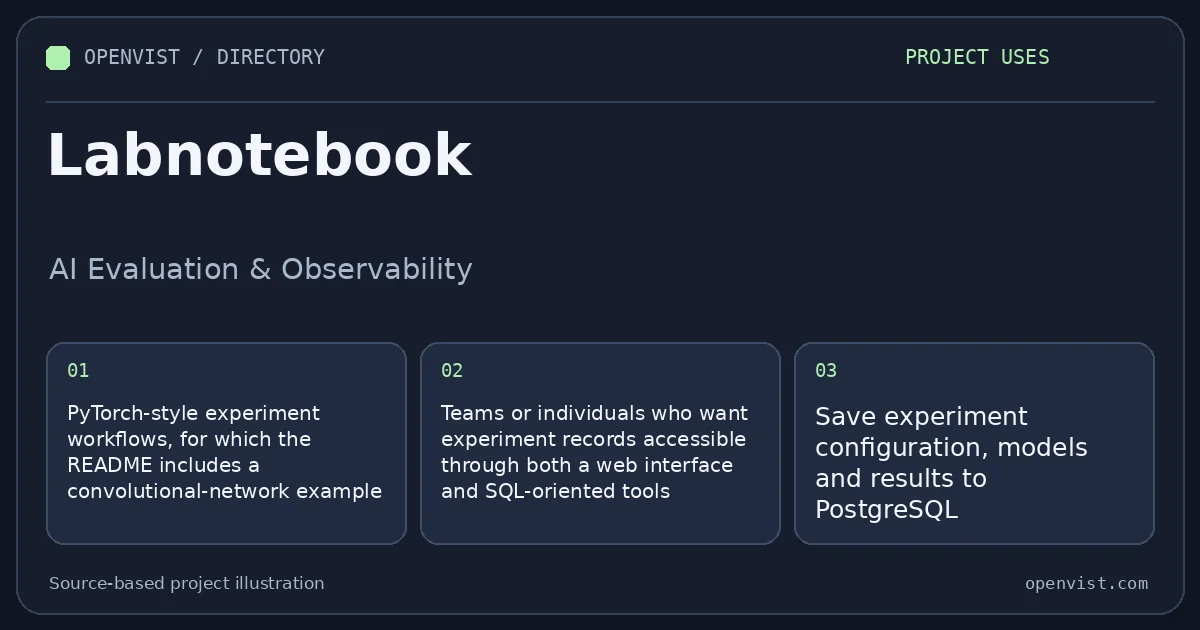
- Save experiment configuration, models and results to PostgreSQL.
- Log optional data for each training step.
- Monitor indicators from running experiments through a web application.
- Query stored experiment data through SQLAlchemy or SQL.
Requirements & limits
The repository is public and licensed under MIT. The documented installation is local and requires a PostgreSQL database.
- PostgreSQL 9.4 or later is a setup requirement.
- The README reports testing on Ubuntu with PyTorch-style experiments using Chromium; older browsers and frameworks are not reported as tested.
- The project describes itself as an early alpha.
Check current requirements in the official documentation. Source-based guidance does not mean OpenViST has run or independently tested this project.
Install Labnotebook and start its API and web app
Prepare the local package, connect it to PostgreSQL, and serve the documented web interface.
Before you start
- PostgreSQL 9.4 or later and a database URL.
- A local environment in which to clone and install the repository.
- Python 3 for the example web server.
Steps
Create a PostgreSQL database and note its URL.
Clone the repository and run the command below from its directory.
pip install .Start the backend with
start_backend.Serve the frontend directory with the command below, then open the serving address and port.
python -m http.server
Expected outcome
The package, backend and web frontend are set up using the README's local installation path.
Guide limitations
- The README describes an early alpha and reports testing on Ubuntu with PyTorch-style experiments in Chromium.
- Older browsers and frameworks are not reported as tested.
Sources & review
Source record details
- Source availability
- Active
- Sources checked
- 11 November 2026
- Original website title
- henripal/labnotebook · Official homepage title · retained in its source language