
Understand the project
Practical overview
When it fits
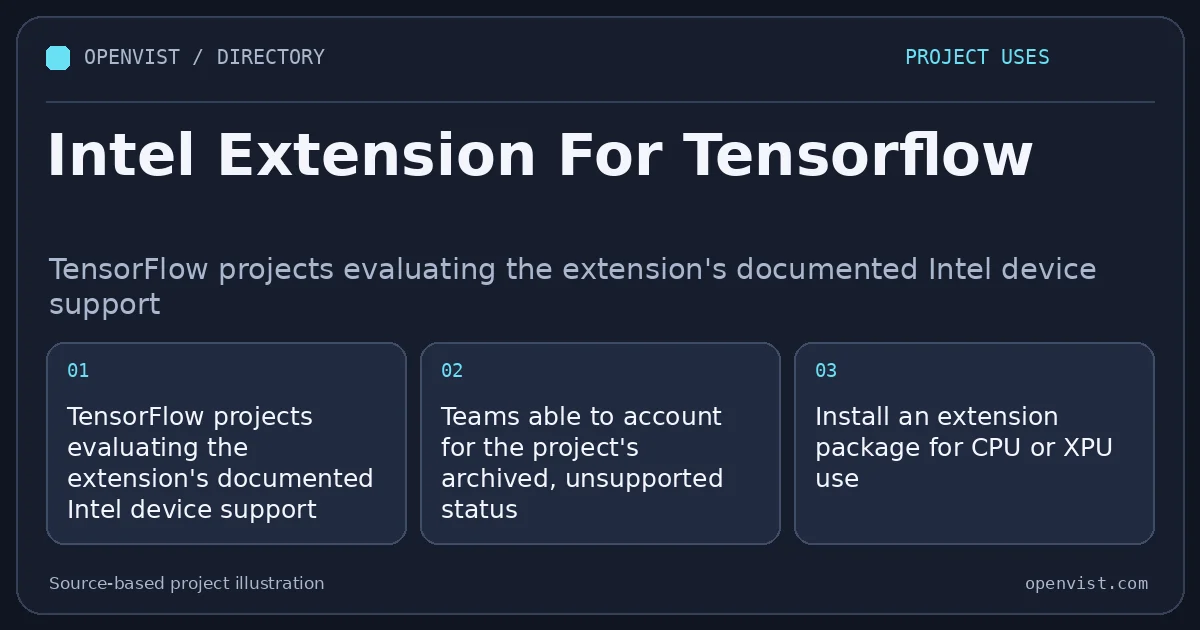
Consider it when an existing TensorFlow workload needs an Intel CPU or GPU execution path and its documented hardware and TensorFlow version requirements fit the environment.
Who it is for
- TensorFlow developers targeting Intel CPU hardware.
- TensorFlow developers targeting supported Intel GPU hardware.
Documented uses
- Install an extension package for CPU or XPU use.
- Direct TensorFlow workloads toward Intel devices for acceleration.
- Check the documented TensorFlow and extension version pairing before installation.
Before you choose
Requirements & limits
- The README lists TensorFlow 2.15.0 as a software requirement for CPU and XPU installation.
- The compatibility table lists extension releases for TensorFlow versions 2.10 through 2.16 and says TensorFlow 2.17 is unsupported.
- XPU installation requires an Intel GPU driver and Intel oneAPI Base Toolkit; CPU installation has no corresponding driver requirement in the listed table.
- Intel has archived the repository and says it will no longer maintain, support, update, or accept patches.
Check current requirements in the official documentation. Source-based guidance does not mean OpenViST has run or independently tested this project.
Source-based practical guide
Install the extension for Intel CPU
Install the CPU package and check that Python can import the extension and report its version.
Before you start
- TensorFlow 2.15.0 is listed as the software requirement for CPU installation.
- Python with pip.
Steps
Install the CPU package with the command below.
pip install --upgrade intel-extension-for-tensorflow[cpu]Run the command below.
python -c "import intel_extension_for_tensorflow as itex; print(itex.__version__)"
Expected outcome
The package installation command completes, and the check prints the imported extension's version if the import succeeds.
Guide limitations
- The repository is archived and Intel no longer maintains or supports it.
- The README lists specific TensorFlow version compatibility; check the table before selecting a version.
Evidence and transparency
Sources & review
Source record details
- Source availability
- Active
- Sources checked
- 16 November 2026
- Original website title
- intel/intel-extension-for-tensorflow · Official homepage title · retained in its source language