
Practical overview
When it fits
Use it when you need an application-facing proxy to route OpenAI-compatible requests among configured hosted or local LLM providers, or when your deployment calls for the documented MCP, A2A or Kubernetes capabilities.
Who it is for
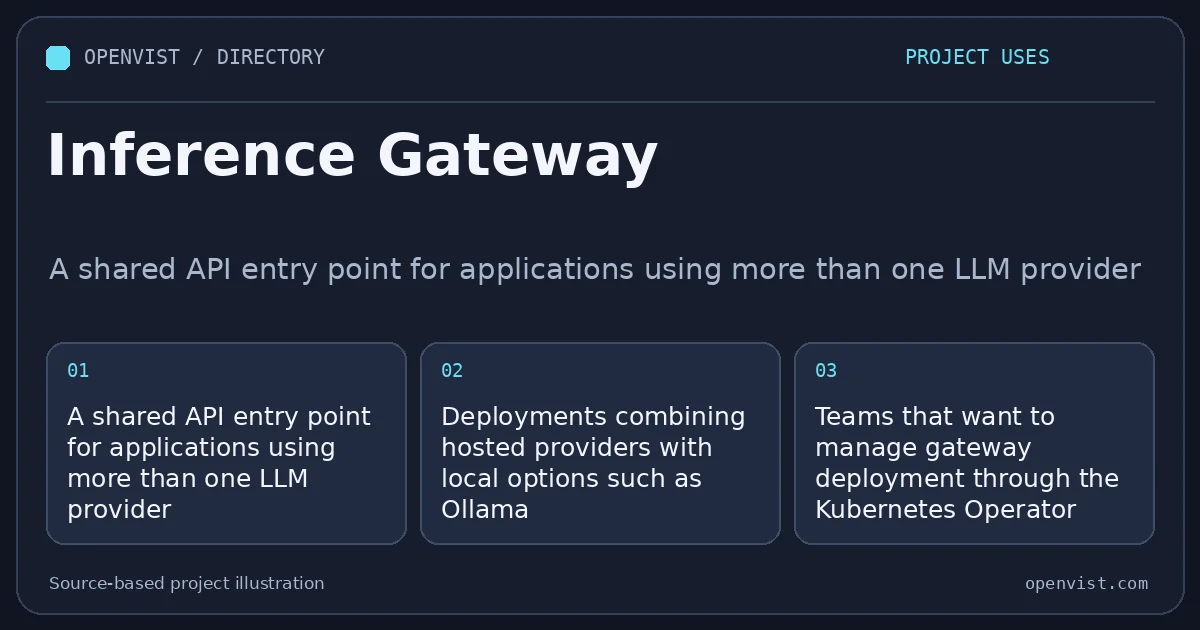
- Application developers who want one OpenAI-compatible request interface for multiple configured model providers.
- Teams running local or hosted LLM providers behind a shared routing layer.
- Kubernetes operators seeking a declarative way to manage gateway resources.
Documented uses
- Send chat-completions requests to different configured providers through one API surface.
- Switch the target provider by changing the provider/model identifier.
- Connect MCP tools or A2A agents through documented gateway integrations.
Requirements & limits
The service is documented as self-hosted infrastructure with Docker and Kubernetes setup paths. The Docker example requires an upstream provider API key for the selected provider.
- Each requested model ID uses the provider/model format, and the selected provider must have its API key configured when required.
- Docker provides a basic installation path; Kubernetes deployment is documented through the Kubernetes Operator.
- MCP, A2A, OIDC authentication and guardrails are additional documented capabilities or pipeline stages, rather than requirements for basic routing.
Check current requirements in the official documentation. Source-based guidance does not mean OpenViST has run or independently tested this project.
Start the gateway with Docker and send a chat request
Install the gateway container, configure an OpenAI provider key, and send the documented chat-completions request.
Before you start
- Docker
- An OpenAI API key
- A client able to send an HTTP POST request
Steps
Pull the ghcr.io/inference-gateway/inference-gateway:latest image.
Run the container with port 8080 published and set OPENAI_API_KEY to the provider key.
POST a JSON chat-completions request to http://localhost:8080/v1/chat/completions, using a model ID in the provider/model format, such as openai/gpt-5.6-luna.
Expected outcome
The gateway accepts an OpenAI-compatible chat-completions request and routes it to the configured provider.
Guide limitations
- The example requires a configured API key for the provider named in the model ID; the guide says an unconfigured provider returns 400 Bad Request.
- The documented example demonstrates a request, not a complete production deployment.
Set up the gateway on Kubernetes
Begin a Kubernetes deployment by applying a Gateway resource through the recommended Kubernetes Operator path.
Before you start
- A Kubernetes environment
- The Inference Gateway Kubernetes Operator quick start
Steps
Follow the Operator quick start to apply the first Gateway resource.
Use the basic Kubernetes example or examples index as the next documented deployment reference.
Expected outcome
The Operator manages the gateway and related resources declaratively as Custom Resources.
Guide limitations
- The getting-started page points to the Operator quick start and examples rather than including their full setup steps.
Sources & review
Source record details
- Source availability
- Active
- Sources checked
- 17 November 2026
- Original website title
- Inference Gateway Documentation | Open-source LLM proxy for OpenAI, Anthropic, Groq, Ollama and more · Official homepage title · retained in its source language