
Practical overview
When it fits
Use the repository when you need reference code for histogram-controlled GAN image generation or real-image recoloring, or when you want to examine its histogram-loss classes for a deep-learning optimization.
Who it is for
- Researchers and developers working on GAN-based image generation or recoloring.
- Practitioners who want to compute differentiable color-histogram loss for deep-learning optimization.
- Image-tool builders exploring histogram-guided color-transfer or recoloring workflows.
Documented uses
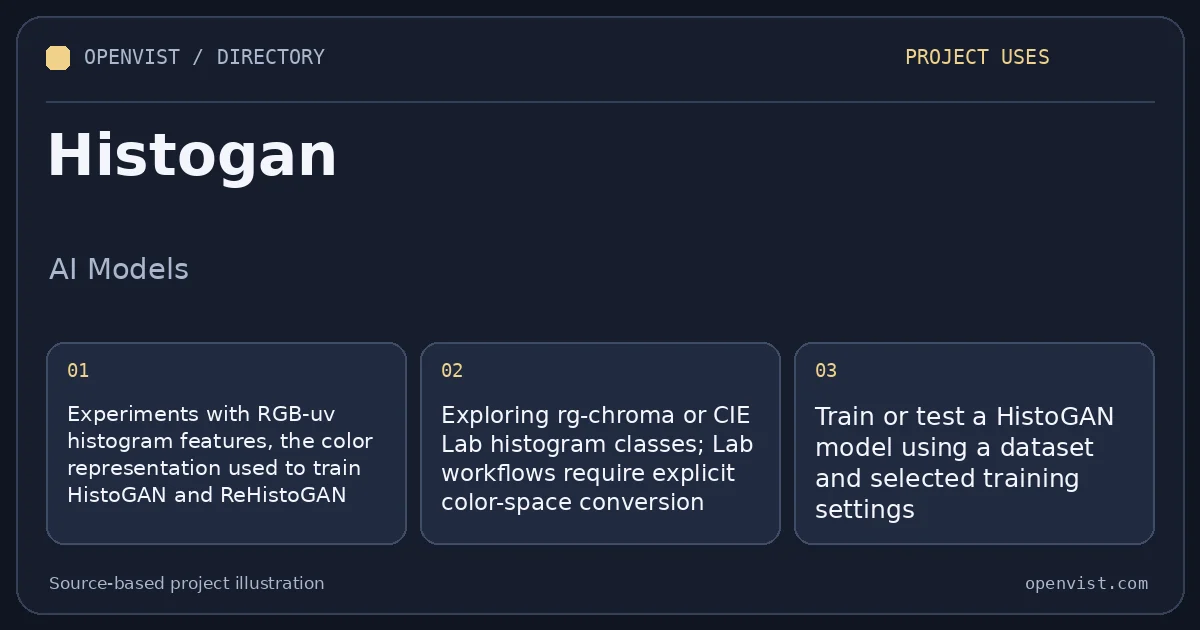
- Train or test a HistoGAN model using a dataset and selected training settings.
- Guide generated image colors with a target histogram feature.
- Recolor real images while encouraging the original image content to remain.
- Compute differentiable histogram loss using RGB-uv, rg-chroma or CIE Lab histogram classes.
Requirements & limits
The public repository is identified as open source under the MIT license.
- The implementation is documented as Jupyter Notebook code, with the principal training and testing entry point named histoGAN.py.
- The README lists Python 3.6 and specific Conda and pip dependencies.
- Optional dependencies include dlib for face preprocessing; the README identifies a Windows pip installation caveat.
- Training iteration count requires user judgment, and the README notes that generated images may degrade with continued training.
Check current requirements in the official documentation. Source-based guidance does not mean OpenViST has run or independently tested this project.
Set up the documented HistoGAN environment
Create the Python 3.6 environment and install the listed core and optional dependencies.
Before you start
- Conda and pip
- Python 3.6
Steps
Create and activate the histoGAN Conda environment with Python 3.6, NumPy 1.13.3 and SciPy.
Install PyTorch and torchvision, then tqdm, Pillow and OpenCV using the README's Conda commands.
Install CMake, dlib, linear-attention-transformer, vector-quantize-pytorch, torch-optimizer and retry with pip as listed.
Expected outcome
The README's named environment and dependencies are installed.
Guide limitations
- The README warns that dlib installation with pip may cause problems on Windows.
- dlib is only required for face preprocessing; without it, do not use ReHistoGAN's --face_extraction option.
Configure and start HistoGAN training
Launch training on a dataset directory with a chosen model name, iteration count and GPU index.
Before you start
- The documented HistoGAN environment and dependencies
- A dataset at the path supplied to --data
- A chosen number of training iterations
Steps
Choose a model name, dataset directory, iteration count and GPU index.
Run the README's training command: python histoGAN.py --name histoGAN_model --data ./datasets/faces/ --num_train_steps XX --gpu 0, replacing XX with the chosen iteration count.
Review generated sample images in the results directory specified by --results_dir during training.
Expected outcome
Training is configured to write example samples to the results directory; model files are expected in a model-named subdirectory under models, unless --models_dir changes that location.
Guide limitations
- The README states there is no ideal iteration count and suggests continuing until generated images begin to degrade.
Sources & review
Source record details
- Source availability
- Active
- Sources checked
- 20 November 2026
- Original website title
- mahmoudnafifi/HistoGAN · Official homepage title · retained in its source language